




01. Edit your balloon endorsement online
Type text, add images, blackout confidential details, add comments, highlights and more.

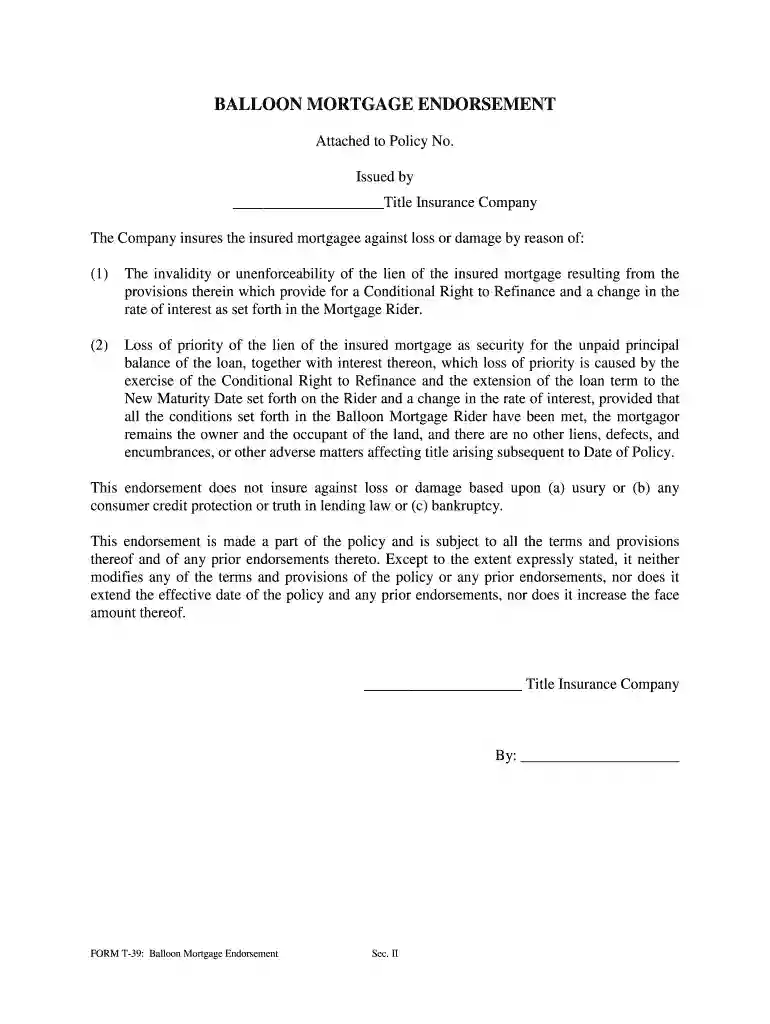
Type text, add images, blackout confidential details, add comments, highlights and more.

Draw your signature, type it, upload its image, or use your mobile device as a signature pad.

Send balloon mortgage endorsement via email, link, or fax. You can also download it, export it or print it out.

Start using our platform today for free to streamline your document editing and signing process!
At DocHub, your data security is our priority. We follow HIPAA, SOC2, GDPR, and other standards, so you can work on your documents with confidence.
You can access your personal tax records online or by mail, including transcripts of past tax returns, tax account information, wage and income statements.Read more
Above the TCN will be a bar coded number (Standard BAR CODE 39) representing the TCN in bar code format. This bar code will be used to scan the fingerprintRead more
FORM T-39: Balloon Mortgage Endorsement. Sec. II. BALLOON MORTGAGE ENDORSEMENT. Attached to Policy No. Issued by. Insurance Company.Read more


