




01. Edit your tax prince edward island online
Type text, add images, blackout confidential details, add comments, highlights and more.

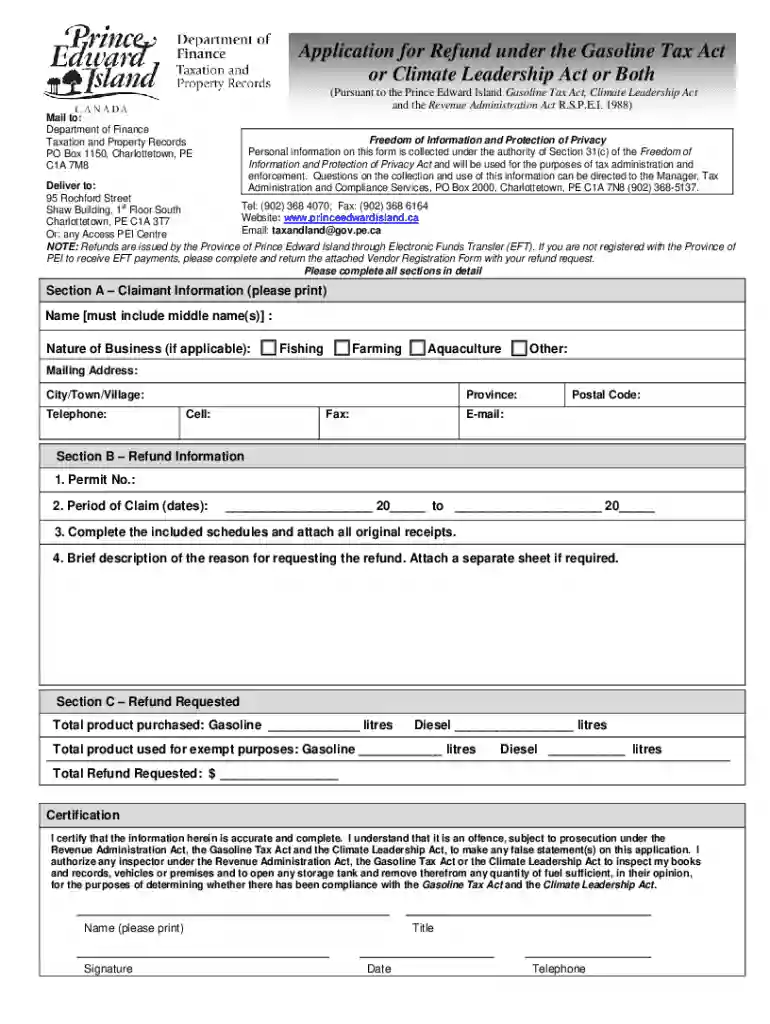
Type text, add images, blackout confidential details, add comments, highlights and more.

Draw your signature, type it, upload its image, or use your mobile device as a signature pad.

Send canada tax refund via email, link, or fax. You can also download it, export it or print it out.

Start using our platform today to streamline your Canada Refund under Tax application process for free!
We've got more versions of the tax prince edward island form. Select the right tax prince edward island version from the list and start editing it straight away!
| Versions | Form popularity | Fillable & printable |
|---|---|---|
| 2021 | 4.8 Satisfied (147 Votes) |
At DocHub, your data security is our priority. We follow HIPAA, SOC2, GDPR, and other standards, so you can work on your documents with confidence.
Apr 16, 2026 You may be able to get a tax refund if youve paid too much tax. How long it normally takes to receive a refund e-file: Up to 3 weeks Paper: Up
Sales tax paid by residents of Canada is not refundable unless the goods are removed from North Dakota within thirty days of purchase and will be used
Taxes paid to Canada received income during your New York State resident. This credit may be refunded to you, even if you owe no tax.


