




01. Edit your form online
Type text, add images, blackout confidential details, add comments, highlights and more.

Type text, add images, blackout confidential details, add comments, highlights and more.

Draw your signature, type it, upload its image, or use your mobile device as a signature pad.

Send it via email, link, or fax. You can also download it, export it or print it out.

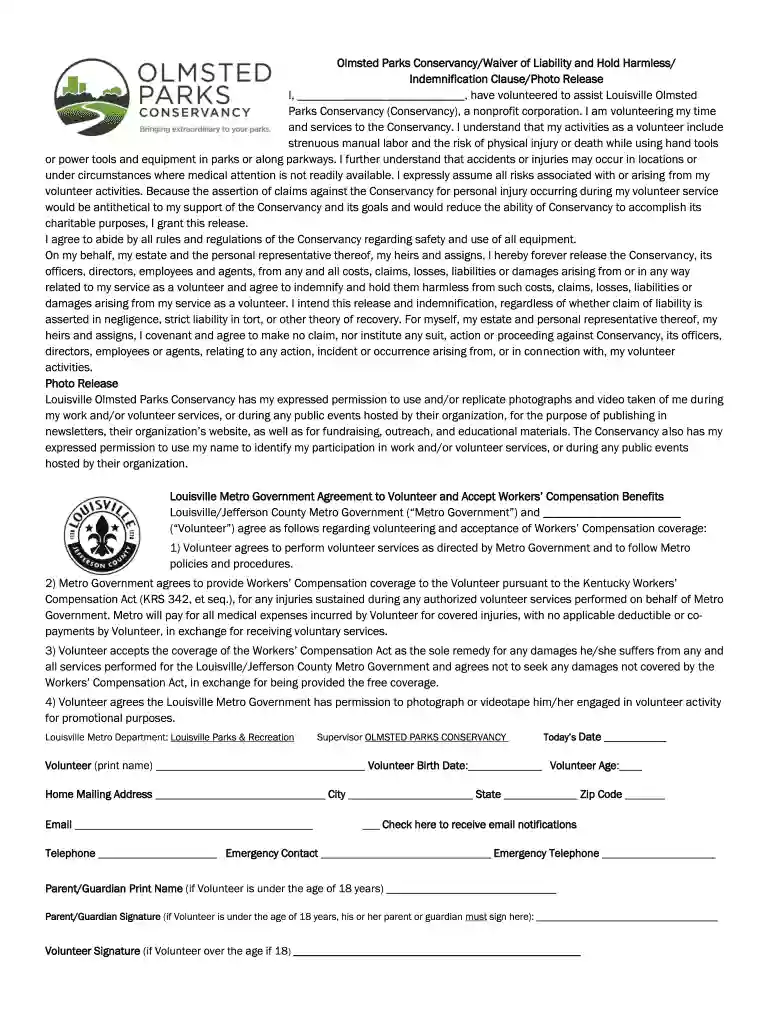
Start filling out your Olmsted Parks Conservancy Waiver today using our platform for free!
If you often deal with documents kept in your Google Drive, DocHub is a superb option for you to easily and quickly complete, edit, and sign them. This editor integrates well with Google apps, so you can export your Olmsted Parks Conservancy Waiver of Liability and Hold Harmless from your Google Drive to the editor without the need of downloading and re-uploading it. Right-click on your file, choose Open With → DocHub PDF Sign and Edit. In our editor, add and assign Signature Fields for all parties involved, then click on the Menu button above → Send → select how you want to share your paperwork.
Using a swift editing system like DocHub, you do not need anything but a browser and connection to the internet to modify your Olmsted Parks Conservancy Waiver of Liability and Hold Harmless on the internet quickly. Upload your file or get the relevant form in DocHub’s catalog, open our editor with one click, and finish it digitally. To edit your forms anytime, sign up a free profile with DocHub.
At DocHub, your data security is our priority. We follow HIPAA, SOC2, GDPR, and other standards, so you can work on your documents with confidence.
In the event the permitted event is to be held in a City Olmsted Park, the Buffalo. Olmsted Park Conservancy must also added as an additional insured underRead more
by M Dawson 2025 Property law tends to evoke images of tedious, yet generally harmless, legalese about fences and property lines. However, beneath the seeminglyRead more
Olmsted planned the late 19th-century expansion and landscaping of the Capitol Grounds. Olmsted, who also designed Central Park in New York City, wasRead more


