Income withholding form 2026

Get Form
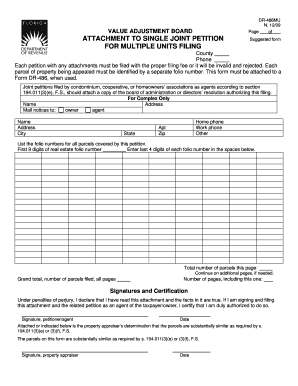
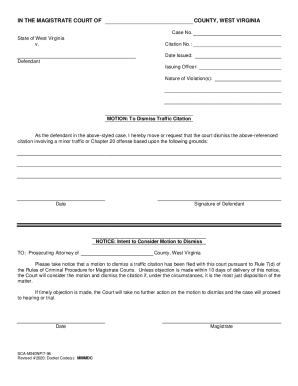
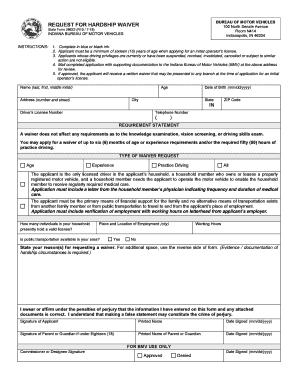
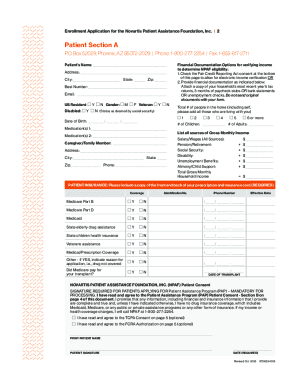
withholding support form Preview on Page 1

Here's how it works

01. Edit your withholding support form online
Type text, add images, blackout confidential details, add comments, highlights and more.
02. Sign it in a few clicks
Draw your signature, type it, upload its image, or use your mobile device as a signature pad.
03. Share your form with others
Send income withholding forms via email, link, or fax. You can also download it, export it or print it out.

How to use or fill out income withholding form with our platform

Form edit decoration
9.5
Ease of Setup
DocHub User Ratings on G2
9.0
Ease of Use
DocHub User Ratings on G2
  1. Click ‘Get Form’ to open the income withholding form in the editor.
  2. Begin by filling in the date at the top of the form. This is crucial for tracking purposes.
  3. Select whether this is an Original, Amended, or One-Time Order by checking the appropriate box.
  4. Provide details about the Child Support Enforcement Agency, including its name and address.
  5. Fill in the Employer/Income Withholder’s Name and Address accurately to ensure proper processing.
  6. Enter the Employee/Obligor’s Name and Social Security Number. This information is vital for identification.
  7. Complete the ORDER INFORMATION section by specifying amounts for current and past-due child support, medical support, and spousal support as applicable.
  8. In the AMOUNTS TO WITHHOLD section, indicate how much will be withheld per pay period based on your pay cycle.
  9. Finally, review all entries for accuracy before saving or sending your completed form through our platform.

Start using our editor today to streamline your income withholding form process for free!

be ready to get more

Complete this form in 5 minutes or less

Get form

Got questions?

We have answers to the most popular questions from our customers. If you can't find an answer to your question, please contact us.
Contact us
A withholding declaration authorises your payer to adjust the amount of tax withheld from your payments.
What pay is subject to withholding. Your regular pay, commissions and vacation pay. Reimbursements and other expense allowances paid under a non-accountable plan. Pensions, bonuses, commissions, gambling winnings and certain other income.
Complete Form W-4 so that your employer can withhold the correct federal income tax from your pay. Consider completing a new Form W-4 each year and when your personal or financial situation changes.
Three types of information an employee gives to their employer on Form W4, Employees Withholding Allowance Certificate: Filing status: Either the single rate or the lower married rate. Number of withholding allowances claimed: Each allowance claimed reduces the amount withheld.
Payment of withholding tax is done online via iTax by generating a payment slip and presenting it at any of the appointed KRA banks to pay the tax due. After successfully remitting the deducted amount to KRA, a Withholding Certificate shall be sent to the email registered on iTax by the taxpayer.

Security and compliance

At DocHub, your data security is our priority. We follow HIPAA, SOC2, GDPR, and other standards, so you can work on your documents with confidence.

Learn more
ccpa2
pci-dss
gdpr-compliance
hipaa
soc-compliance

People also ask

For employees, withholding is the amount of federal income tax withheld from your paycheck. The amount of income tax your employer withholds from your regular pay depends on two things: The amount you earn. The information you give your employer on Form W4.

you income withholding