Type text, add images, blackout confidential details, add comments, highlights and more.

02. Sign it in a few clicks
Draw your signature, type it, upload its image, or use your mobile device as a signature pad.

03. Share your form with others
Send matter changes via email, link, or fax. You can also download it, export it or print it out.

How to use or fill out the matter changes form
Ease of Setup
DocHub User Ratings on G2
Ease of Use
DocHub User Ratings on G2
Click ‘Get Form’ to open it in the editor.
Begin by entering your name at the top of the form. This identifies who is filling out the document.
For questions 1 through 12, read each question carefully and select or write your answers in the provided fields. Ensure clarity and completeness in your responses.
Use the Venn Diagram section to visually compare physical and chemical changes. Draw circles to represent each category and fill in examples accordingly.
Review all entries for accuracy before finalizing. Make any necessary edits using our platform's editing tools.
Start using our platform today to effortlessly complete your matter changes form for free!
Matter changes form examplesMatter changes form in physicsMatter changes form in chemistryChemical change examplesWhat are the 22 states of matterChemical changesPhysical changeChange in matter examples
Security and compliance
At DocHub, your data security is our priority. We follow HIPAA, SOC2, GDPR, and other standards, so you can work on your documents with confidence.
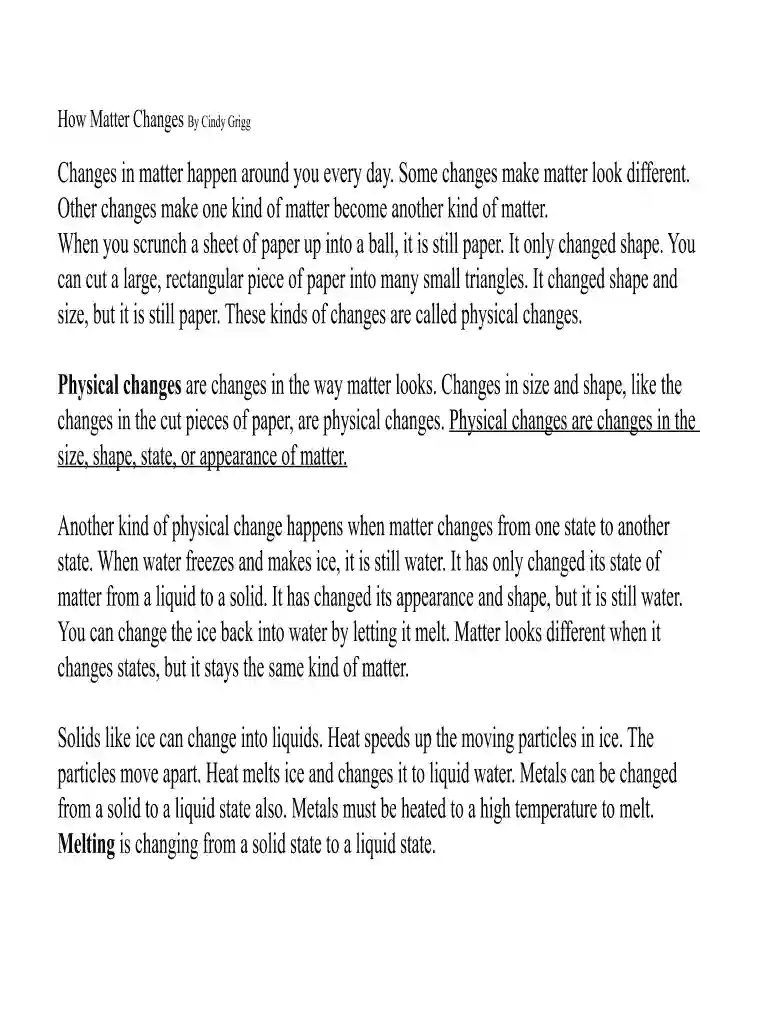
Changes in the phase of matter are physical changes, not chemical changes. A molecule of water vapor has the same chemical composition, H2O, as a molecule ofRead more
Cookie consent notice
This site uses cookies to enhance site navigation and personalize your experience.
By using this site you agree to our use of cookies as described in our Privacy Notice.
You can modify your selections by visiting our Cookie and Advertising Notice.