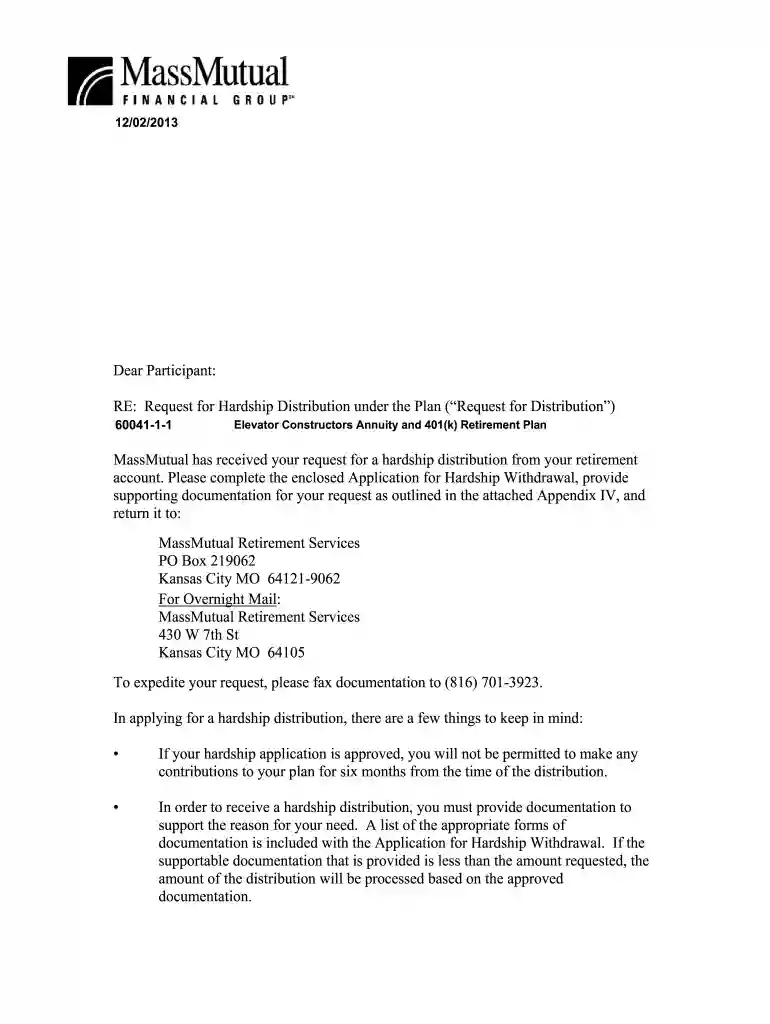
Mutual of america 401k withdrawal request form 2026

Get Form
securian 401k withdrawal Preview on Page 1

Here's how it works

01. Edit your securian 401k withdrawal online
Type text, add images, blackout confidential details, add comments, highlights and more.

02. Sign it in a few clicks
Draw your signature, type it, upload its image, or use your mobile device as a signature pad.

03. Share your form with others
Send securian retirement login via email, link, or fax. You can also download it, export it or print it out.

How to use or fill out mutual of america 401k withdrawal request form with DocHub

Form edit decoration
9.5
Ease of Setup
DocHub User Ratings on G2
9.0
Ease of Use
DocHub User Ratings on G2
  1. Click ‘Get Form’ to open the mutual of america 401k withdrawal request form in our platform.
  2. Begin by entering your personal information, including your name, address, and Social Security number in the designated fields.
  3. Indicate your marital status and provide a preferred contact method for any inquiries regarding your request.
  4. In the 'Hardship Request' section, specify the amount you wish to withdraw and select whether it is a gross or net amount.
  5. Certify the reason for your hardship by checking the appropriate box(es) that correspond to your situation, such as medical expenses or tuition fees.
  6. Complete the income tax withholding section by indicating whether you want federal and state taxes withheld from your distribution.
  7. Choose your payment method: direct deposit or check. If opting for direct deposit, ensure you provide valid bank account details.
  8. Finally, sign and date the form before submitting it via fax, mail, or email as instructed at the end of the document.

Start using our platform today to easily complete your mutual of america 401k withdrawal request form online for free!

be ready to get more

Complete this form in 5 minutes or less

Get form

Got questions?

We have answers to the most popular questions from our customers. If you can't find an answer to your question, please contact us.
Contact us
By age 59.5 (and in some cases, age 55), you will be eligible to begin withdrawing money from your 401(k) without having to pay a penalty tax. Youll simply need to contact your plan administrator or log into your account online and request a withdrawal.
Youll simply need to contact your plan administrator or log into your account online and request a withdrawal.
Some 401(k) plans allow what is called a hardship withdrawal, which allows someone to withdraw from your 401(k) plan if the following are true: There is an immediate and heavy financial need. The withdrawal is limited to the amount necessary to satisfy the financial need.
Online Withdrawal Request Log In to Your Online Account. Go to the Login Page. Navigate to Withdrawals. Go to Loans, Withdrawals and Rollovers. Enter Withdrawal Details. Specify the request amount, reason (if required), and payment method (e.g., direct deposit or check). Review and Submit.

Security and compliance

At DocHub, your data security is our priority. We follow HIPAA, SOC2, GDPR, and other standards, so you can work on your documents with confidence.

Learn more
ccpa2
pci-dss
gdpr-compliance
hipaa
soc-compliance
be ready to get more

Complete this form in 5 minutes or less

Get form