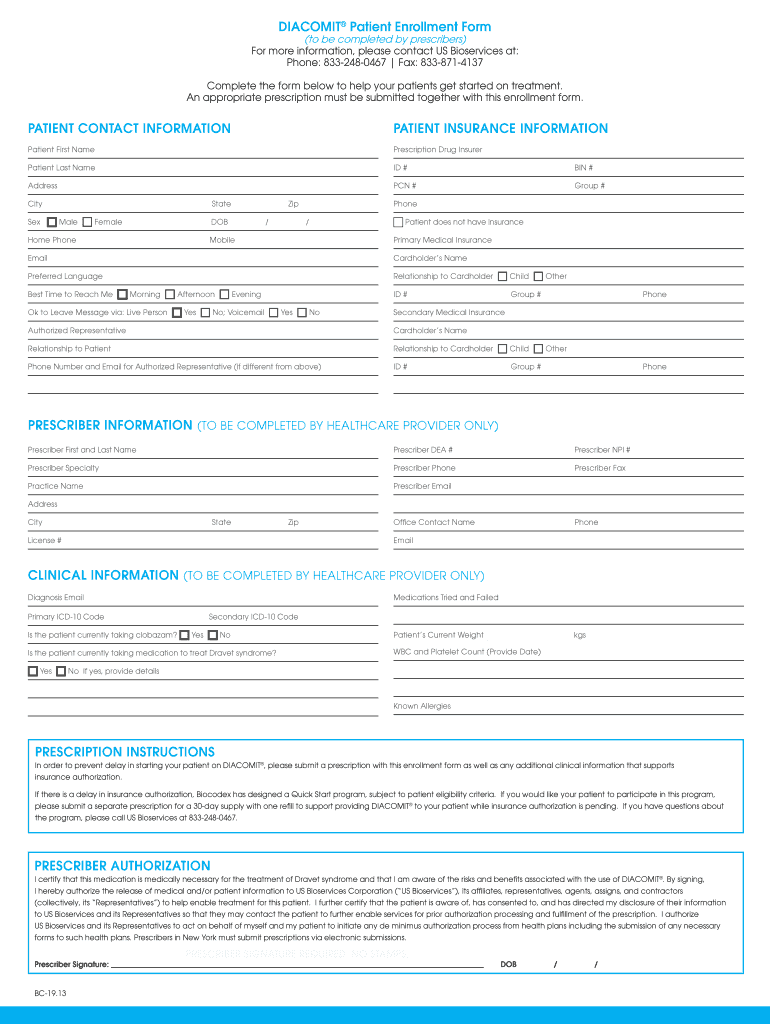
Diacomit PSC Prior Authorization Form - CignaforHCP 2026

Get Form
Diacomit PSC Prior Authorization Form - CignaforHCP Preview on Page 1

Here's how it works

01. Edit your form online
Type text, add images, blackout confidential details, add comments, highlights and more.
02. Sign it in a few clicks
Draw your signature, type it, upload its image, or use your mobile device as a signature pad.
03. Share your form with others
Send it via email, link, or fax. You can also download it, export it or print it out.

The best way to modify Diacomit PSC Prior Authorization Form - CignaforHCP online

Form edit decoration
9.5
Ease of Setup
DocHub User Ratings on G2
9.0
Ease of Use
DocHub User Ratings on G2

With DocHub, making adjustments to your paperwork takes just a few simple clicks. Make these fast steps to modify the PDF Diacomit PSC Prior Authorization Form - CignaforHCP online free of charge:

  1. Register and log in to your account. Sign in to the editor using your credentials or click Create free account to test the tool’s capabilities.
  2. Add the Diacomit PSC Prior Authorization Form - CignaforHCP for editing. Click on the New Document button above, then drag and drop the file to the upload area, import it from the cloud, or via a link.
  3. Alter your template. Make any adjustments required: add text and images to your Diacomit PSC Prior Authorization Form - CignaforHCP, highlight details that matter, erase parts of content and substitute them with new ones, and insert icons, checkmarks, and fields for filling out.
  4. Complete redacting the template. Save the updated document on your device, export it to the cloud, print it right from the editor, or share it with all the parties involved.

Our editor is super user-friendly and effective. Try it now!

be ready to get more

Complete this form in 5 minutes or less

Get form

Got questions?

We have answers to the most popular questions from our customers. If you can't find an answer to your question, please contact us.
Contact us
The healthcare provider is usually responsible for initiating prior authorization by submitting a request form to a patients insurance provider. As mentioned in the How does prior authorization work? section above, this will then often prompt a time-consuming back and forth between the provider and payer.
Many prior authorization requests are processed in 1 to 3 business days, especially for standard medications with properly completed paperwork. Some insurance companies may take up to 5 to 7 days as part of their normal process.
Almost half (47%) of those who were required to get a prior authorization in the past two years say it was somewhat difficult (34%) or very difficult (13%) to navigate the process of getting prior approval for a health care service, treatment, or needed medication.
To receive coverage for a medication requiring prior authorization, you can: Ask your healthcare provider to submit the request. Your healthcare provider can submit the request online, by fax or phone by accessing our providers prior authorization information. Submit your own prior authorization request.
Moving forward, please visit CoverMyMeds at .covermymeds.com/main/prior-authorization-forms/cigna/ or via SureScripts in your EHR to learn more and submit all new PA requests electronically. If you are unable to use electronic prior authorization, please call us at 1.800. 882.4462 (1.800. 88.

Security and compliance

At DocHub, your data security is our priority. We follow HIPAA, SOC2, GDPR, and other standards, so you can work on your documents with confidence.

Learn more
ccpa2
pci-dss
gdpr-compliance
hipaa
soc-compliance
be ready to get more

Complete this form in 5 minutes or less

Get form

People also ask

A denied prior auth request can occur when a providers office submits a wrong billing code, misspells a name or makes another clerical error. Requests can also be denied if the prior auth request lacks sufficient information about why the medication or treatment is needed.

Related links