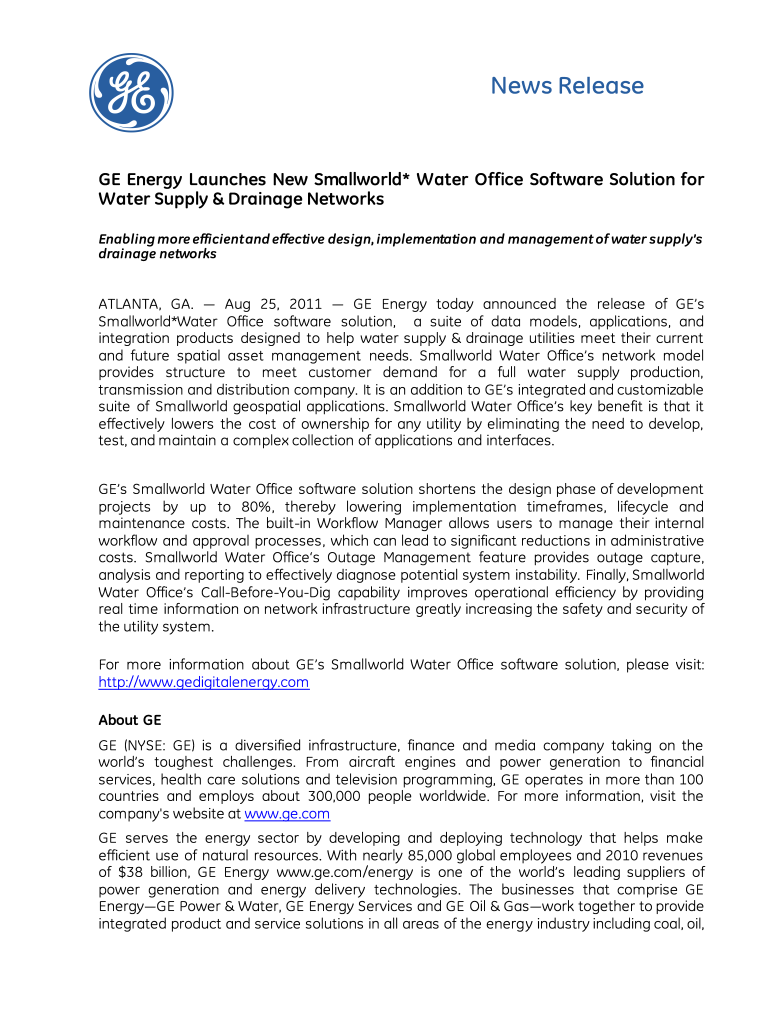
Ge letterhead 2026

Get Form
ge letterhead Preview on Page 1

Here's how it works

01. Edit your ge letterhead online
Type text, add images, blackout confidential details, add comments, highlights and more.
02. Sign it in a few clicks
Draw your signature, type it, upload its image, or use your mobile device as a signature pad.
03. Share your form with others
Send it via email, link, or fax. You can also download it, export it or print it out.

How to use or fill out GE letterhead with our platform

Form edit decoration
9.5
Ease of Setup
DocHub User Ratings on G2
9.0
Ease of Use
DocHub User Ratings on G2
  1. Click ‘Get Form’ to open the GE letterhead in the editor.
  2. Begin by entering the date at the top of the letterhead. This is typically located in the header section and should be formatted clearly for easy reference.
  3. Next, fill in the recipient's name and address in the designated fields. Ensure that you include all relevant details such as street address, city, state, and zip code.
  4. In the body of the letter, start with a formal greeting. Use 'Dear [Recipient's Name]' to maintain professionalism.
  5. Proceed to write your message clearly and concisely. Utilize bullet points or numbered lists if necessary for better readability.
  6. Finally, conclude with a closing statement such as 'Sincerely' followed by your name and title. Make sure to leave space for your signature if required.

Start using our platform today to effortlessly fill out your GE letterhead for free!

be ready to get more

Complete this form in 5 minutes or less

Get form

Got questions?

We have answers to the most popular questions from our customers. If you can't find an answer to your question, please contact us.
Contact us
Letterhead means that there is a more official looking document with the companys name and logo on top. Its pretty standard and every major company should have it.
Letterhead often includes a name, address, title, phone number, email address, logo, and brand colors (or, if its personal letterhead, maybe just your favorite colors). Sometimes, letterhead can include a motto or mission statement. Think of it like a business card on a sheet of paper.
A professional Letterhead printing design gives your business correspondence a polished and trustworthy appearance. A typical letterhead includes your companys name, logo, address, and essential contact details like phone number, email address, and website, making it easy for recipients to recognize and docHub you.
Examples of Business Letter Format Senders Address. This is typically the first information that appears on your letter. Date. After the senders address, write todays date on a new line. Recipients Name. Next, write the recipients name. Recipients Address. Salutation. Body of the Letter. Closing. Format.
Yes, the AI-generated letterheads created using Venngages tools are copyright-free. You can use them for both personal and commercial purposes without any restrictions on copyright. However, its always good practice to ensure that any externally sourced content you include is also cleared for use.

Security and compliance

At DocHub, your data security is our priority. We follow HIPAA, SOC2, GDPR, and other standards, so you can work on your documents with confidence.

Learn more
ccpa2
pci-dss
gdpr-compliance
hipaa
soc-compliance

People also ask

A professional letterhead acts as a visual representation of a businesss brand identity. It includes the company name, logo, company address, and contact information.
File:General Electric logo. svg.

Related links