




01. Edit your chain of custody form online
Type text, add images, blackout confidential details, add comments, highlights and more.

Type text, add images, blackout confidential details, add comments, highlights and more.

Draw your signature, type it, upload its image, or use your mobile device as a signature pad.

Send chain of custody document via email, link, or fax. You can also download it, export it or print it out.

Start using our platform today to streamline your chain of custody documentation for free!
At DocHub, your data security is our priority. We follow HIPAA, SOC2, GDPR, and other standards, so you can work on your documents with confidence.


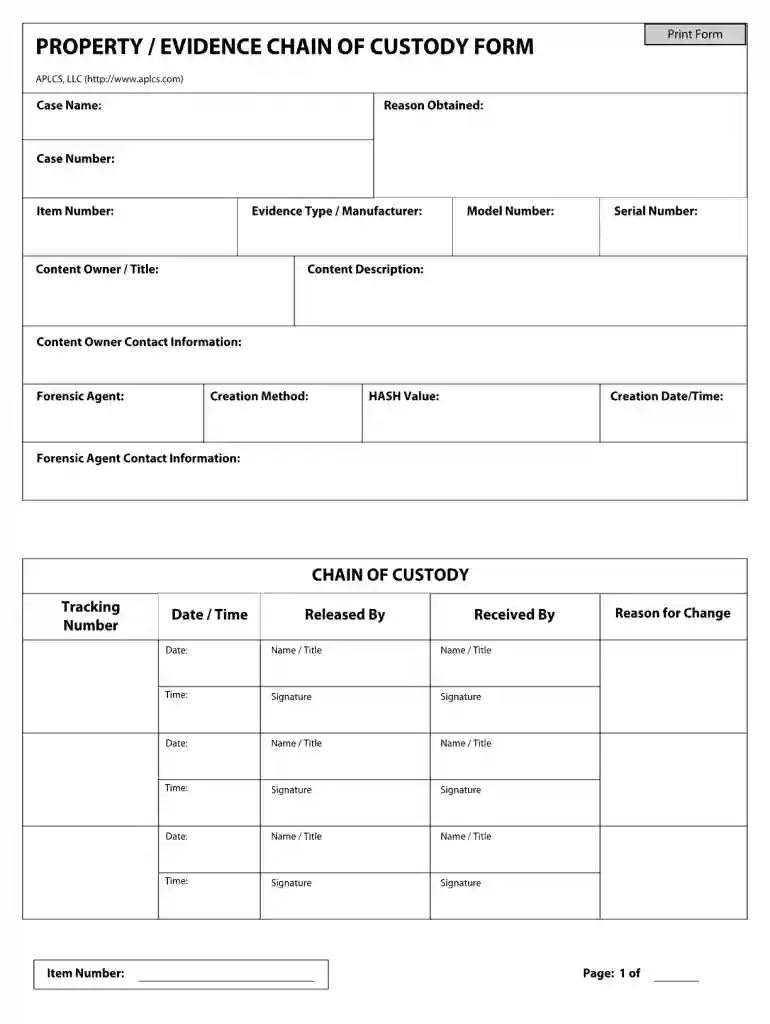
Chain of custody documents the dates and times of everyone who handles every piece of evidence, from the time it is collected through to legal proceedings.Read more
The facility(s) are hereby Chain of Custody certified to sell products as: FSC Mix, FSC Controlled Wood. The assessment has been conducted by ScientificRead more


