




01. Edit your field sheet online
Type text, add images, blackout confidential details, add comments, highlights and more.

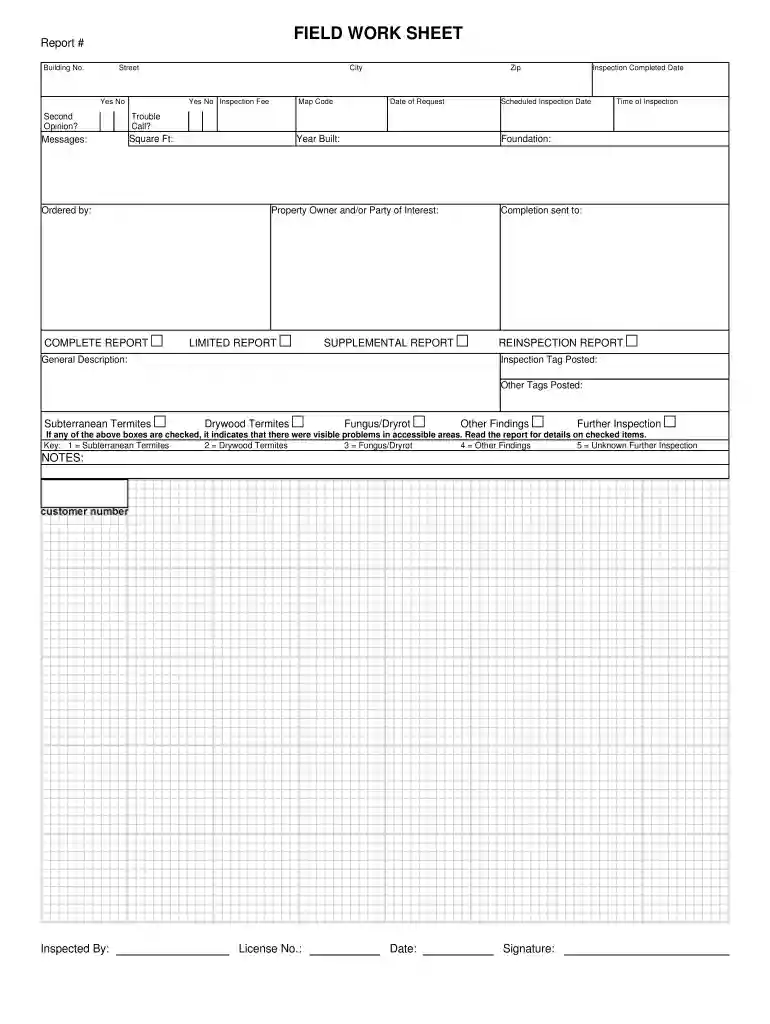
Type text, add images, blackout confidential details, add comments, highlights and more.

Draw your signature, type it, upload its image, or use your mobile device as a signature pad.

Send it via email, link, or fax. You can also download it, export it or print it out.

Start using our platform today to streamline your document editing and form completion for free!
Based on eSignature regulations, forms signed electronically have the same validity as traditionally approved ones. You can eSign almost any business and personal paperwork. Four types of paperwork still require handwritten signatures only - wills and testamentary trusts, court orders and other court papers, state statutes regulating divorce, adoption, or other family law, and notice of cancellation of utility services. If you adhere to the guidelines and use a trustworthy and compliant software solution, like DocHub, you can eSign your FIELD WORK SHEET - KEY Termite without printing it.
You can find and edit your FIELD WORK SHEET - KEY Termite online by using DocHub. Its straightforward but feature-rich design allows you to begin effective work immediately after you register your account. Create your account and add your file, and then our user interface will guide you via our stress-free form completion experience.
At DocHub, your data security is our priority. We follow HIPAA, SOC2, GDPR, and other standards, so you can work on your documents with confidence.
This article is about features mentioned by Mojang developers. For features that are being added, see Planned versions.Read more
Unlike those of subterranean termites, their galleries often go across the grain, leaving larger, more interconnected galleries. Drywood termite damage may beRead more
In greenhouses, fields, yards, and inside homes and schools, IPM uses a series of steps that result in making pest management decisions that control the pestsRead more


