




01. Edit your teacher reference form online
Type text, add images, blackout confidential details, add comments, highlights and more.

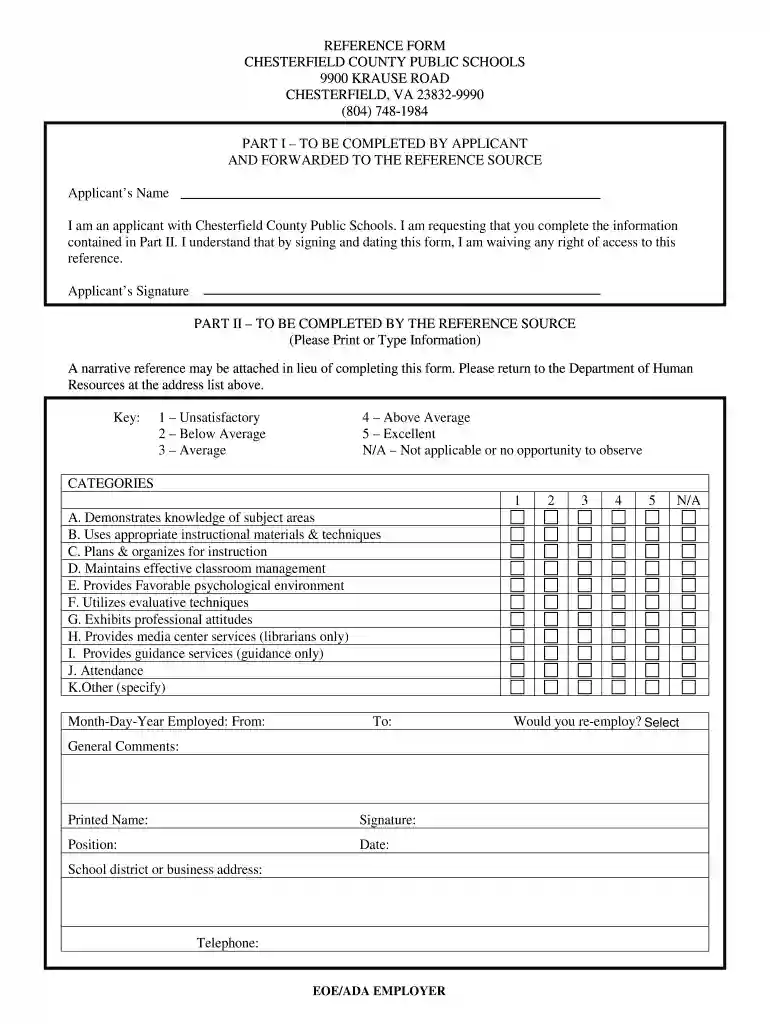
Type text, add images, blackout confidential details, add comments, highlights and more.

Draw your signature, type it, upload its image, or use your mobile device as a signature pad.

Send teacher reference form pdf via email, link, or fax. You can also download it, export it or print it out.

Start using our platform today for free to streamline your document editing and completion process!
At DocHub, your data security is our priority. We follow HIPAA, SOC2, GDPR, and other standards, so you can work on your documents with confidence.
A list of all of the full-time and part-time teachers who teach at this school. Please see the removable reference card on the reverse side for important.Read more
TO THE APPLICANT: Please fill in the information below and give this form to each of the teachers you want to submit a reference on your behalf. The CommitteeRead more
Mar 8, 2026 The Dutch language has two or three grammatical genders depending on the geographical area or each individual speaker: common/neuter or masculine/feminine/Read more


