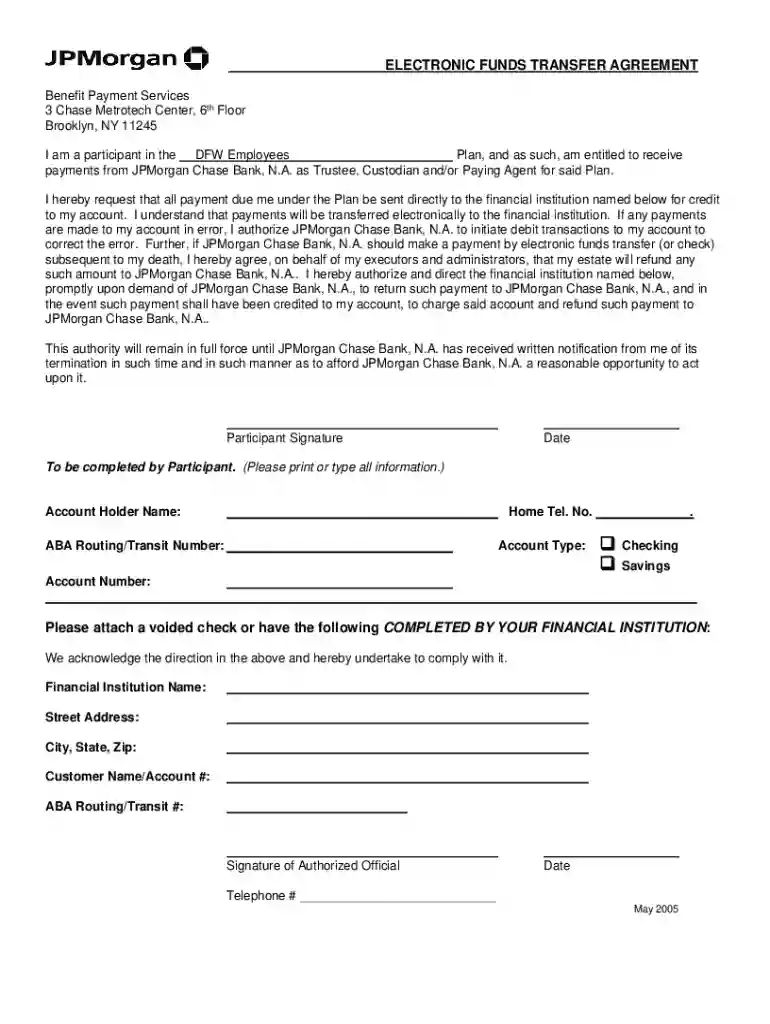
chase bank receiving wire transfer instructions pdf Preview on Page 1

Chase wire transfer form pdf 2026

Here's how it works

  • 01. Edit your chase bank receiving wire transfer instructions pdf online

    Type text, add images, blackout confidential details, add comments, highlights and more.

  • 02. Sign it in a few clicks

    Draw your signature, type it, upload its image, or use your mobile device as a signature pad.

  • 03. Share your form with others

    Send chase wire transfer form pdf via email, link, or fax. You can also download it, export it or print it out.

How to use or fill out chase wire transfer form pdf with our platform

Form edit decoration
9.5
Ease of Setup
DocHub User Ratings on G2
9.0
Ease of Use
DocHub User Ratings on G2
  1. Click ‘Get Form’ to open the chase wire transfer form PDF in our editor.
  2. Begin by entering your personal information in the designated fields, including your name, address, and contact details. Ensure accuracy to avoid any delays in processing.
  3. Next, fill out the recipient's information. This includes their name, bank account number, and the bank's routing number. Double-check these details for correctness.
  4. Specify the amount you wish to transfer in the appropriate field. Be mindful of any currency specifications if applicable.
  5. Review all entered information carefully before proceeding. Use our platform’s editing tools to make any necessary adjustments.
  6. Once satisfied with the form, utilize our signing feature to add your signature electronically. This step is crucial for authorization.
  7. Finally, save your completed form and download it for submission or share it directly via email using our distribution options.

Start using our platform today for free and streamline your document editing experience!

be ready to get more

Complete this form in 5 minutes or less

Security and compliance

At DocHub, your data security is our priority. We follow HIPAA, SOC2, GDPR, and other standards, so you can work on your documents with confidence.

chase bank wire transfer instructions

WIRE TRANSFER INSTRUCTIONS

Login to your banks online platform and use the following information to initiate your wire transfer: Bank Name: JP Morgan Chase. Address: 270 Park AvenueRead more

Learn more
16-Port and 24-Port 10/100 Switches

wire- speed switching. Has a transfer rate of 10 Mbps. Forms the underlying transport vehicle used by several upper-level protocols, including TCP/IP and XNS.

Learn more
If you believe that this page should be taken down, please follow our DMCA take down process here