




01. Edit your form online
Type text, add images, blackout confidential details, add comments, highlights and more.

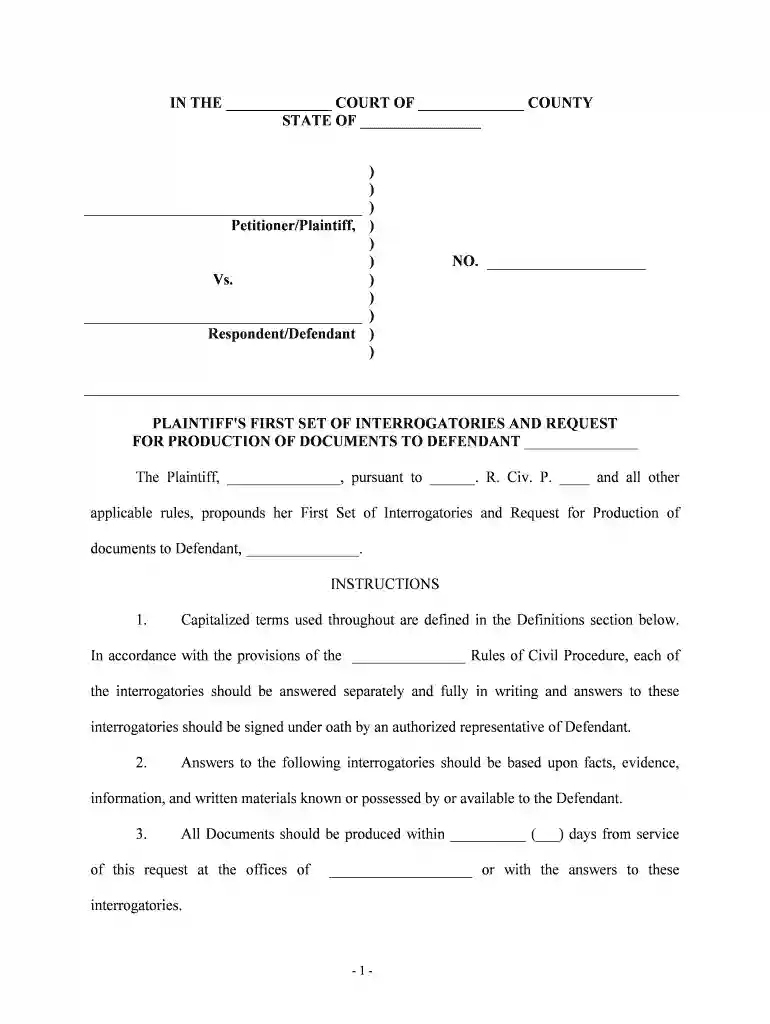
Type text, add images, blackout confidential details, add comments, highlights and more.

Draw your signature, type it, upload its image, or use your mobile device as a signature pad.

Send it via email, link, or fax. You can also download it, export it or print it out.

Start using our platform today to streamline your document editing and form completion process for free!
We've got more versions of the requests defendant form. Select the right requests defendant version from the list and start editing it straight away!
| Versions | Form popularity | Fillable & printable |
|---|---|---|
| 2025 | 4 Satisfied (34 Votes) | |
| 2025 | 4.8 Satisfied (31 Votes) | |
| 2025 | 4.3 Satisfied (34 Votes) | |
| 2025 | 4.2 Satisfied (34 Votes) | |
| 2025 | 4.6 Satisfied (55 Votes) | |
| 2025 | 4.5 Satisfied (44 Votes) | |
| 2025 | 4.2 Satisfied (37 Votes) | |
| 2025 | 4.7 Satisfied (34 Votes) | |
| 2024 | 4.3 Satisfied (21 Votes) | |
| 2024 | 4.6 Satisfied (51 Votes) | |
| 2024 | 4.5 Satisfied (23 Votes) | |
| 2024 | 4.8 Satisfied (29 Votes) | |
| 2024 | 4.1 Satisfied (28 Votes) | |
| 2024 | 4.9 Satisfied (51 Votes) | |
| 2024 | 4.4 Satisfied (31 Votes) |
At DocHub, your data security is our priority. We follow HIPAA, SOC2, GDPR, and other standards, so you can work on your documents with confidence.
Plaintiff [your name] requests defendant [defendants name] to respond within [number] days to the following requests, namely that: Defendant produce andRead more
You or your refers to Defendant(s) herein and to all other persons acting or purporting to act on behalf of Defendant(s), including agents and employees.Read more
Requests for subpoenas for witnesses should be filed at least ten days prior to trial or hearing. WITNESSES (IF MAILING ADDRESS IS RFD, P.O. BOX, ETC., PLEASERead more


