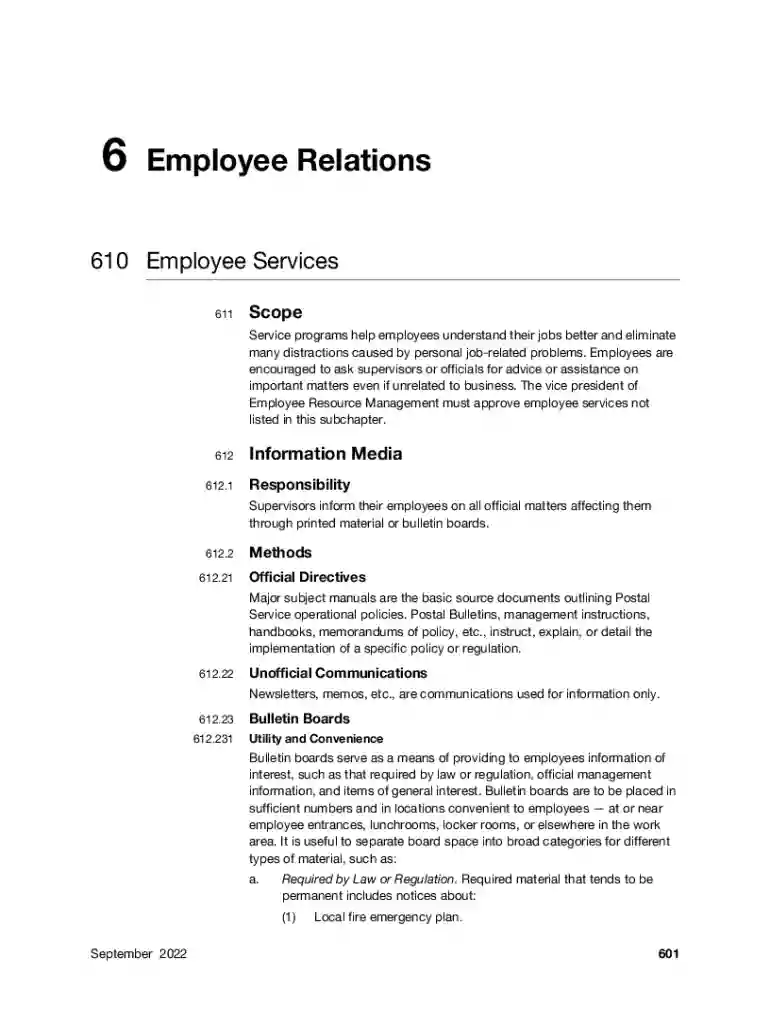
Photography Need Help Now Please Before You Take a Preview on Page 1

Photography Need Help Now Please Before You Take a 2026

Here's how it works

  • 01. Edit your form online

    Type text, add images, blackout confidential details, add comments, highlights and more.

  • 02. Sign it in a few clicks

    Draw your signature, type it, upload its image, or use your mobile device as a signature pad.

  • 03. Share your form with others

    Send it via email, link, or fax. You can also download it, export it or print it out.

How to use or fill out Photography Need Help Now Please Before You Take a with DocHub

Form edit decoration
9.5
Ease of Setup
DocHub User Ratings on G2
9.0
Ease of Use
DocHub User Ratings on G2
  1. Click ‘Get Form’ to open it in the editor.
  2. Begin by entering your name in the designated field at the top of the form. This ensures that your information is clearly associated with your request.
  3. Next, provide your contact information, including email and phone number. This allows for easy communication regarding your photography needs.
  4. In the section detailing your specific photography requirements, be as descriptive as possible. Include details such as event type, location, and any special requests you may have.
  5. Review all entered information for accuracy. Make sure there are no typos or missing fields before submitting the form.
  6. Once satisfied with your entries, click ‘Submit’ to send your completed form directly through our platform for processing.

Start using our editor today to effortlessly fill out your Photography Need Help Now Please Before You Take a form!

See more Photography Need Help Now Please Before You Take a versions

We've got more versions of the Photography Need Help Now Please Before You Take a form. Select the right Photography Need Help Now Please Before You Take a version from the list and start editing it straight away!

VersionsForm popularityFillable & printable
20224.2 Satisfied (52 Votes)
20204.6 Satisfied (42 Votes)
20174 Satisfied (46 Votes)

be ready to get more

Complete this form in 5 minutes or less

Security and compliance

At DocHub, your data security is our priority. We follow HIPAA, SOC2, GDPR, and other standards, so you can work on your documents with confidence.

Related links

Capturing Beauty in Unexpected Places: Photography to the

Maria Estes is a photographer at Southeastern Baptist Theological Seminary, and many of her days involve such tasks.Read more

Learn more
Tax Guide for Photography - CDTFA - CA.gov

We created this guide to provide you easily accessible information to assist you in understanding your sales and use tax obligations.Read more

Learn more
FINEPIX XP70 Series

by O Manual Before taking photographs on important occasions (such as at weddings or before taking the camera on a trip), take a test shot and view the result in the LCDRead more

Learn more
If you believe that this page should be taken down, please follow our DMCA take down process here