
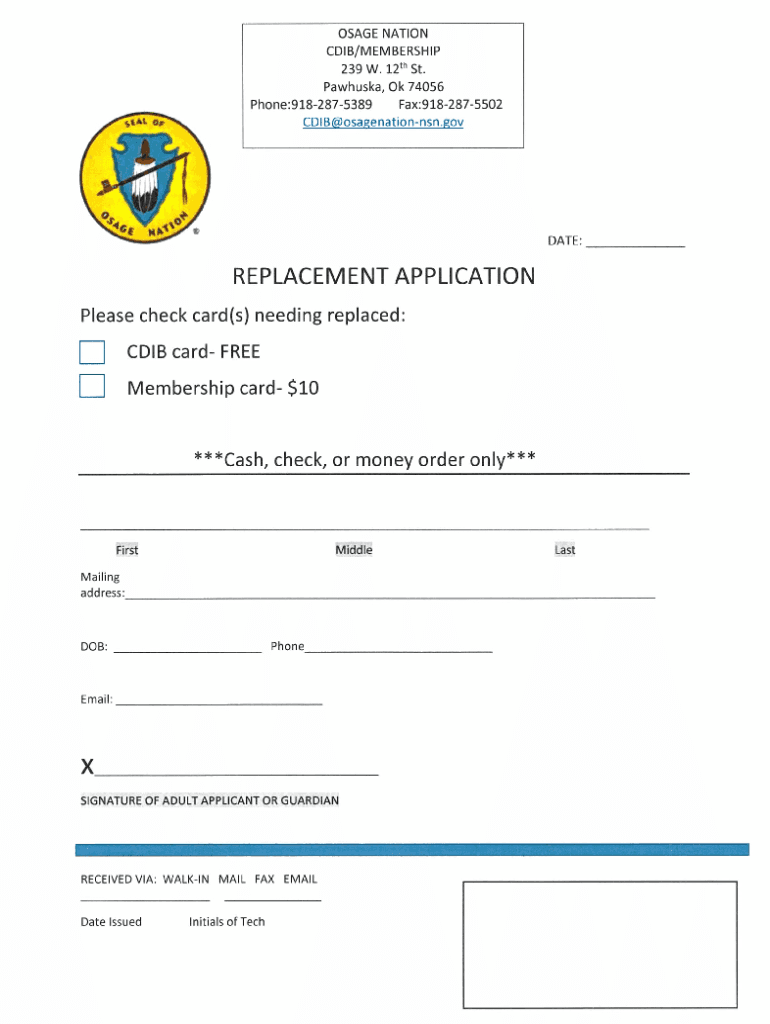







Definition and Meaning of Form Online
An online form is a digital tool designed to collect user information over the internet. Unlike traditional paper forms, these digital applications streamline data collection by allowing users to input information directly into a web-based system. Online forms can encompass various fields such as text boxes, checkboxes, dropdown menus, and signature fields, enabling comprehensive data capture without the need for pen and paper.
Practical Applications
- Surveys and Feedback: Businesses often use online forms to gather customer feedback through surveys, making the data collection process efficient and scalable.
- Registration and Application: Educational institutions and events use online forms to manage registrations and applications, simplifying the administrative workload.
- Order and Payment Processing: E-commerce websites integrate forms for processing orders and payments, contributing to a seamless shopping experience.
Steps to Complete the Form Online
Completing an online form effectively involves a series of systematic steps that ensure accuracy and completeness. The process can vary depending on the platform, but the following steps provide a general guideline.
-
Accessing the Form: Navigate to the relevant webpage where the form is hosted. This may involve clicking a link from an email or performing a search on the website.
-
Reading Instructions: Before filling out the form, carefully read all instructions provided. This will guide you on how to fill out the form correctly.
-
Inputting Information: Begin by entering your information into the respective fields. It's crucial to double-check each entry for accuracy to prevent errors that might delay processing.
-
Review and Edit: After filling out the form, review all entered information. Most online platforms allow you to edit entries before submission.
-
Submit the Form: Once satisfied with the entries, click the submit button. A confirmation page or email typically follows, indicating successful submission.
-
Save Confirmation: Save or print the confirmation for your records. It often includes a reference number or receipt that could be necessary for future inquiries.
Why Should You Form Online
Using forms online offers numerous advantages over traditional paper methods. The digital format provides flexibility and efficiency in various tasks involving data collection.
Benefits Overview
- Convenience and Accessibility: Complete forms from anywhere at any time with an internet connection, accommodating busy schedules.
- Speed and Efficiency: Instant data transfer and processing save time for both submitters and recipients.
- Cost Reduction: Reduced need for paper, printing, and postal expenses provides financial savings to organizations and individuals alike.
- Environmental Impact: Decreases paper consumption, contributing to conservation efforts.
Important Terms Related to Form Online
Understanding key terminologies can enhance the user experience, ensuring effective form use and comprehension.
Key Terms
- Autocomplete: A feature that allows forms to automatically fill fields based on previously entered data.
- Captcha: A security feature that differentiates humans from bots by requiring users to solve a challenge.
- Conditional Logic: Forms that change dynamically based on user responses, showing or hiding specific fields based on prior answers.
- Encryption: The process of encoding data to protect it during transmission, ensuring confidentiality.
Legal Use of the Form Online
Forms used in a digital environment must comply with specific legal standards to ensure their validity and enforceability.
Compliance Aspects
- Electronic Signatures: Governed by the ESIGN Act in the U.S., electronic signatures are legally binding, permitting equivalent authority to handwritten signatures.
- Data Privacy Regulations: Compliance with laws such as GDPR ensures user data protection, requiring explicit consent and transparency in data handling.
State-Specific Rules for Form Online
Certain forms may be subject to state-specific regulations that influence how they are completed or filed.
Example Considerations
- State Tax Forms: Variation in state tax laws necessitates that residents follow distinct rules regarding online form submissions specific to their state.
- Business Registration: Rules for business registration and licensing can vary, impacting how forms are utilized across different states.
Filing Deadlines and Important Dates
Timeliness is crucial in form submission, governed by specific deadlines that users must adhere to in order to avoid penalties or delayed processing.
General Deadlines
- Tax Filings: Key dates such as April 15 for federal tax filings require adherence to avoid penalties.
- University Applications: Deadlines for applications often fall months before the academic term begins, necessitating advance planning.
Key Elements of the Form Online
Online forms typically consist of several essential elements that facilitate user interaction and data collection.
Element Breakdown
- Field Labels: Clearly describe the information required, aiding user understanding.
- Submit Button: Triggers the process of sending data to the server for processing.
- Error Messages: Help users correct mistakes by highlighting issues such as missing or incorrect data before submission.
By understanding these components, users can effectively engage with online forms, ensuring efficient and accurate data collection.




