
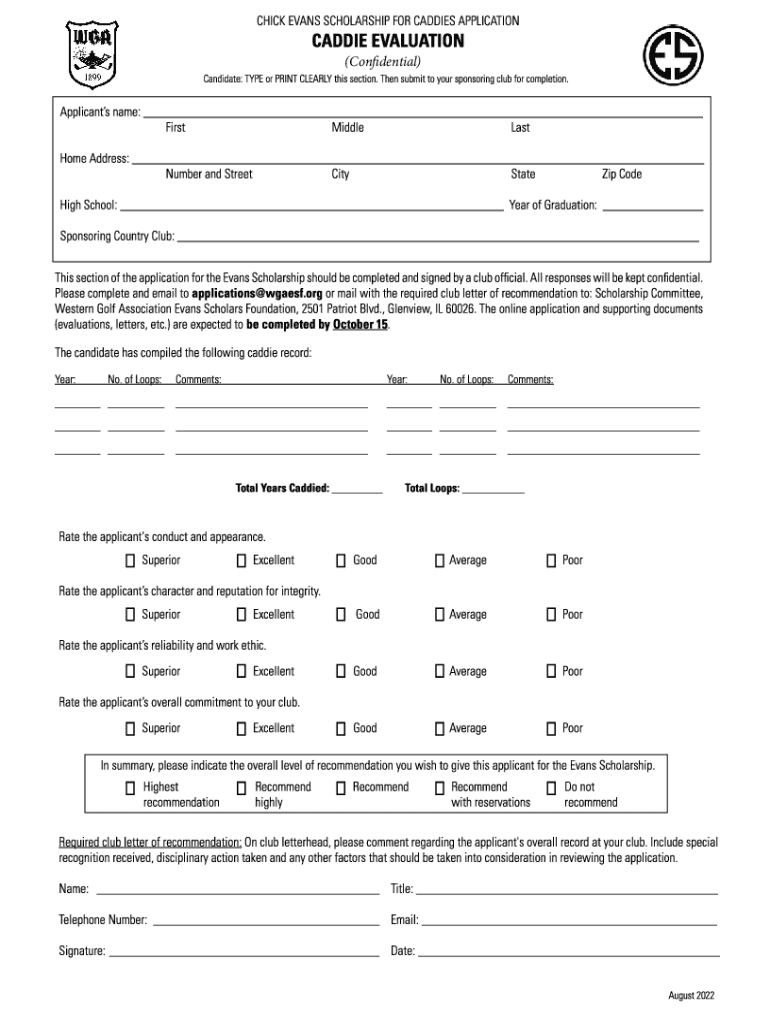







Definition & Meaning
The concept of a "form online" refers to a digital document that can be completed and submitted via the internet. Unlike traditional paper forms, online forms are accessible through web browsers, allowing users convenience and efficiency. They are used in a multitude of scenarios, from job applications to tax filings, enabling swift data collection and processing. Online forms facilitate faster interaction between organizations and individuals, providing an automated way to gather data, which minimizes errors and accelerates response times.
How to Use the Form Online
To effectively use an online form, begin by locating the appropriate form through the designated website. Ensure you have a stable internet connection before starting the process. Once you access the form, carefully read the instructions provided. Fill out the fields accurately with the relevant information. Many online forms offer interactive features, such as dropdown menus and checkboxes, streamlining the completion process. After filling out the form, review your entries for accuracy. Submit the form, often with a confirmation page to ensure successful transmission.
Steps to Complete the Form Online
- Access the Form: Visit the official website where the form is hosted.
- Read Instructions: Carefully go through any guidelines or instructions provided.
- Enter Personal Information: Input your name, address, and other personal details as required.
- Provide Specific Details: Fill out sections that require detailed responses.
- Review Entries: Check all provided information for any errors or omissions.
- Submit the Form: Click the submit button, ensuring successful completion.
- Save Confirmation: Capture any confirmation number or receipt as proof of submission.
Why Should You Form Online
Utilizing online forms presents numerous advantages over traditional paper forms. They reduce the need for physical storage space and minimize costs associated with printing and mailing. Online forms also improve accuracy and speed; automated data entry reduces human errors and allows data to be processed rapidly. Furthermore, digital signatures can authenticate forms, maintaining legal compliance and security. This method aligns with sustainable practices, reducing paper wastage and contributing to environmental conservation.
Who Typically Uses the Form Online
Online forms are employed by a wide range of users, including individuals, businesses, and government agencies. Individuals often fill out online forms for personal applications such as license renewals, job applications, and tax filings. Businesses use them for client intake, order processing, and employee documentation. Government agencies leverage online forms to streamline processes like voter registration and census data collection, enhancing overall efficiency in public service delivery.


Legal Use of the Form Online
The legality of online forms is supported by electronic signature laws such as the ESIGN Act, which ensures that electronic signatures on online forms are legally binding. These forms must be designed to collect and process information while complying with data protection regulations, such as GDPR and CCPA, ensuring the security of personal information. It is crucial that users are informed of these rights and protections, and that organizations implement robust measures to protect user data.
Key Elements of the Form Online
- Data Fields: Sections for entering relevant information, such as name, address, and identification numbers.
- Interactive Components: Dropdowns, checkboxes, and radio buttons to facilitate easy selections.
- Instruction Guide: Embedded instructions for clarifying how to complete each field.
- Validation Features: Checks for errors or incomplete sections to ensure form accuracy.
- Submission Confirmation: Provides users with evidence of successful submission and a copy of the completed form.
Examples of Using the Form Online
Consider scenarios like applying for a job where an individual fills out an employment application form online. In that instance, users can input their education background, work experience, and skills directly via digital fields. Similarly, during tax season, taxpayers often submit necessary forms online. These digital forms allow for swift and accurate filing, reducing the chance of errors that could occur with manual entry. Each instance illustrates the versatility and practicality of online forms in real-world applications.
Software Compatibility (TurboTax, QuickBooks, etc.)
Forms designed to be completed online are often compatible with popular software packages such as TurboTax and QuickBooks, which are used for financial management and tax preparation. This compatibility enables users to import and export data seamlessly between platforms, reducing manual input and minimizing errors. By integrating with such software, users gain efficiency, ensuring data correctness and comprehensiveness when managing financial information and tax documents.
Form Submission Methods (Online / Mail / In-Person)
While online forms offer primary digital submission capabilities, alternative methods such as mail and in-person submissions are often available. Digital submission is the most expedient, providing a quick acknowledgment of receipt. However, for users preferring traditional methods, printing the completed form for mail or direct drop-off is an option. Each method has its nuances, with online submissions preferred for their immediacy and convenience in today’s fast-paced environment.
Penalties for Non-Compliance
Failure to submit required forms online by designated deadlines can result in significant penalties, varying by form type and governing body. For instance, missing a tax filing deadline might incur interest charges and fines. Non-compliance often leads to increased scrutiny or potential legal action by regulatory authorities. Understanding and adhering to submission timelines is crucial in avoiding such penalties, ensuring that all required information is provided accurately and promptly.
State-Specific Rules for Form Online
Different states may have particular regulations regarding the formats or requirements for online form submissions. For instance, state tax forms may differ in complexity or specific fields. Users should familiarize themselves with regulations specific to their jurisdiction to ensure compliance. State governments provide resources and guidance on their websites to aid individuals in understanding obligations tied to online form submissions, ensuring all stipulations are met.
Digital vs. Paper Version
The choice between digital and paper forms depends greatly on user preference and accessibility. Digital forms offer the convenience of electronic submission, with built-in validation to catch errors before submission. They also reduce environmental impact by eliminating paper waste. In contrast, paper forms may be preferred by individuals without reliable internet access or those who are more comfortable with traditional pen-and-paper processes. Each version serves distinct needs, with digital forms gaining popularity for their convenience and efficiency.
Important Terms Related to Form Online
Understanding the terminology associated with online forms is key to navigating them effectively:
- Authentication: Verifying the identity of form submitters, often through passwords or digital signatures.
- Encryption: Protecting data by transforming it into an unreadable format, which secures information during transmission.
- Dropdown Menu: A feature allowing users to select an option from a list, aiding clarity and consistency in responses.
- Digital Signature: An electronic method of signing a form, legally equivalent to a handwritten signature.
- Validation: Processes ensuring all required fields are accurately completed before form submission.
Each of these elements plays a critical role in the function and reliability of online forms, ensuring they meet user needs effectively and securely.




