
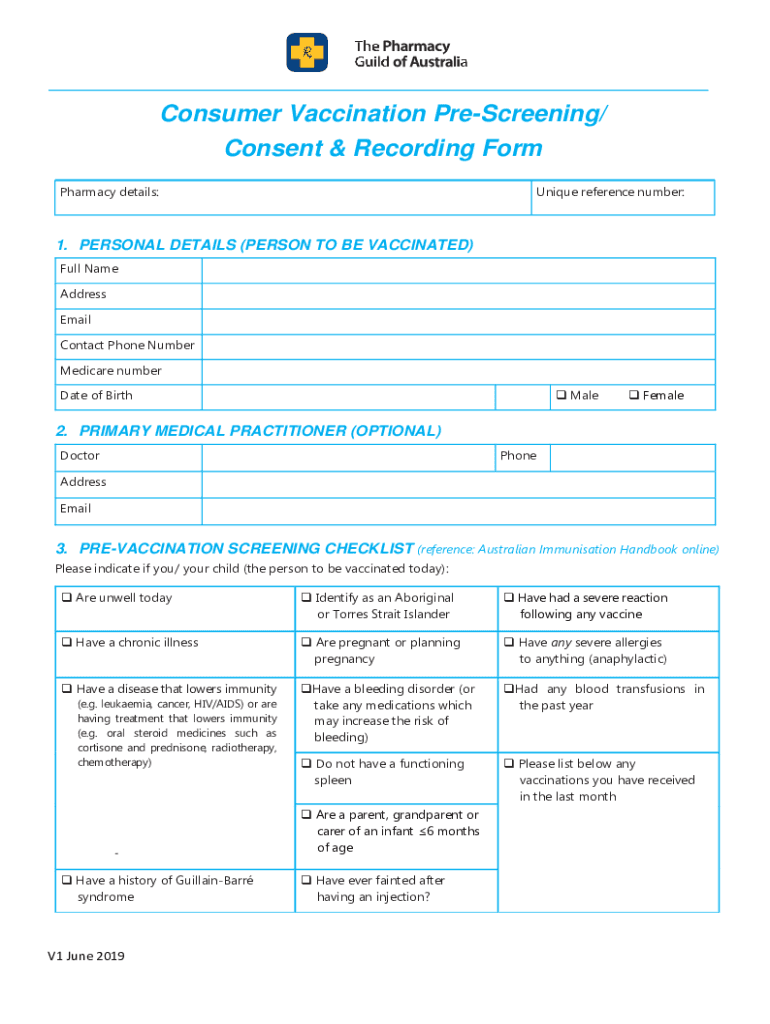







Definition and Meaning of "Form Online"
The term "form online" refers to a digital version of a document intended for data collection, often used in various contexts including business and personal transactions. These forms facilitate the collection of information without the need for physical documentation, enabling users to input and submit data electronically. Unlike traditional paper forms, online forms can be accessed and filled out from any internet-enabled device, making them ideal for modern, flexible workflows. They are commonly utilized to collect various kinds of data, such as contact information, order details, surveys, and consent forms, among others.
Steps to Complete the Form Online
Completing an online form involves several straightforward steps designed to streamline data collection:
-
Access the Form: Navigate to the website or platform hosting the form. This could be a direct link sent via email or accessed through a designated web page.
-
Review Instructions: Before filling out the form, thoroughly read any instructions provided to ensure accurate data entry and compliance with required information fields.
-
Enter Information: Input data into required fields. These may include personal details, selections via checkboxes or radio buttons, and open-ended text areas for additional comments.
-
Check for Accuracy: Verify that all information is correct and complete. Some platforms offer validation features that highlight incomplete or incorrectly formatted entries.
-
Submit the Form: Once reviewed, submit the form by clicking the designated 'Submit' button. Confirmation messages often appear post-submission to indicate successful processing.
-
Confirmation and Follow-Up: Look for confirmation of submission, which may be sent via email or displayed on-screen. Follow up if the form includes steps requiring additional action or response.
Why You Should Use the Form Online
Utilizing online forms offers numerous benefits over traditional paper forms:
-
Convenience: Online forms are accessible 24/7 from any location with an internet connection, allowing users to complete forms at their own convenience without timing constraints.
-
Efficiency: Electronic submission reduces the time and resources spent on printing, mailing, and manually entering data from paper forms into digital systems.
-
Accuracy: Automated validation rules help ensure that the information entered is correct and complete, reducing errors commonly associated with manual data entry.
-
Environmentally Friendly: Paperless processes contribute to sustainability efforts by minimizing paper waste and supporting eco-friendly business practices.
Versions or Alternatives to the Form Online
Users may encounter different versions or alternatives to traditional online forms depending on the platform's features and intended use:
-
Interactive PDFs: These forms allow users to fill, submit, and save information using a PDF viewer, offering a familiar format with added interactivity.
-
Mobile App Forms: Applications designed for specific devices or operating systems enable offline access and form completion without a constant internet connection.
-
Custom HTML Forms: Tailor-made forms created using HTML provide extensive customization options for functionality and appearance, suitable for specific business needs.
-
Third-party Platforms: Platforms like DocHub and Google Forms offer comprehensive tools for creating, managing, and analyzing form submissions with integrated data processing features.
Legal Use of the Form Online
When using forms online, especially those involving legally binding agreements or data collection, certain legal considerations should be addressed:
-
Compliance with Privacy Laws: Ensure adherence to data protection regulations such as the General Data Protection Regulation (GDPR) or the California Consumer Privacy Act (CCPA), focusing on user consent and data security.
-
Electronic Signatures: Online forms may include fields for digital signatures, which are recognized under laws like the ESIGN Act, giving them the same legal standing as handwritten signatures.
-
Record Keeping: Maintain digital records of submitted forms to comply with legal documentation requirements, particularly in situations involving contracts or financial transactions.
Understanding these legal parameters is crucial to ensuring that online form use meets regulatory standards and protects user rights.
Software Compatibility
Online forms are typically compatible with various web browsers and devices. However, integration with software for specific functions may enhance their utility:
-
Document Management Systems (DMS): Integrate with DMS for seamless file storage, retrieval, and collaboration.
-
ERP Software: Link online forms with Enterprise Resource Planning (ERP) systems to enable automatic data entry into enterprise solutions, streamlining business operations.
-
Accounting Software: Tools like QuickBooks can utilize data from online forms for financial reporting and transaction processing, reducing manual bookkeeping tasks.
Compatibility with specific platforms often requires adhering to standard file formats like CSV or XML for data exchange.
Key Elements of the Form Online
Online forms typically consist of several core components designed to facilitate user interaction and data collection:
-
Input Fields: Areas where users enter data, such as text boxes, dropdown menus, checkboxes, and radio buttons.
-
Instructions: Clear guidelines provided to aid users in completing the form accurately.
-
Validation Rules: Software checks to ensure that data entered meets predefined formats and requirements, reducing errors at the point of entry.
-
Security Features: Measures such as encryption and secure access protocols to protect sensitive data from unauthorized access.
-
Submission Controls: Buttons or links for managing form submission, resets, and navigation within multi-page forms.
Each element plays a vital role in ensuring the form's functionality, usability, and security.
State-by-State Differences in Form Requirements
Certain forms may have state-specific requirements or variations, especially those involving legal or governmental information:
-
Legal Regulations: Compliance with state-specific laws, such as tax codes or licensing requirements.
-
Formatting Standards: Differences in the way data must be presented or documented according to state guidelines.
-
Submission Protocols: Variations in how and where forms must be submitted, whether electronically, via mail, or in person, depending on the state's process requirements.
Awareness of these differences is essential for ensuring the correct processing and acceptance of online forms, particularly when dealing with regulatory or official matters.




