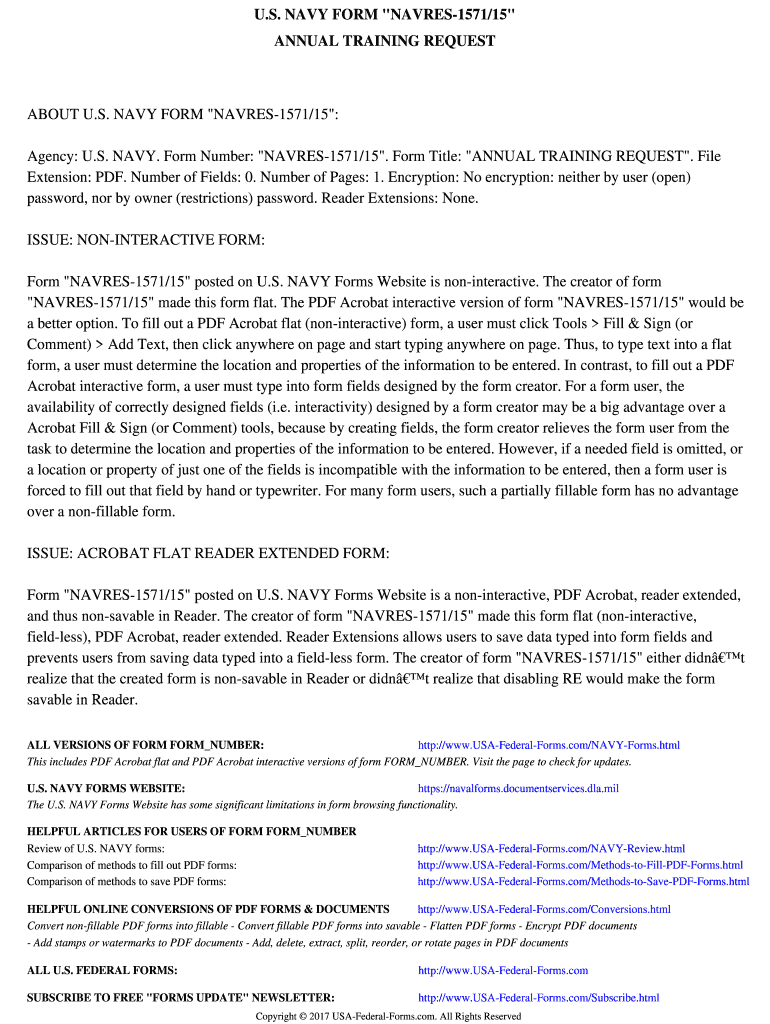
Navres 1571 15 rev 8 14-2026

Get Form
navres 1571 15 Preview on Page 1

Here's how it works

01. Edit your navres 1571 15 online
Type text, add images, blackout confidential details, add comments, highlights and more.
02. Sign it in a few clicks
Draw your signature, type it, upload its image, or use your mobile device as a signature pad.
03. Share your form with others
Send navres 1571 15 rev 8 14 fillable via email, link, or fax. You can also download it, export it or print it out.

How to use or fill out navres 1571 15 rev 8 14 with our platform

Form edit decoration
9.5
Ease of Setup
DocHub User Ratings on G2
9.0
Ease of Use
DocHub User Ratings on G2
  1. Click ‘Get Form’ to open the navres 1571 15 rev 8 14 in the editor.
  2. Since this form is non-interactive, you will need to manually add text. Click on 'Tools' and select 'Fill & Sign' or 'Comment'.
  3. Choose 'Add Text' and click anywhere on the page where you want to enter information. Type your responses directly into the document.
  4. Ensure that you place your text accurately according to the sections of the form, such as personal details, training requests, and any other relevant information.
  5. Once completed, review your entries for accuracy before saving or sharing your filled-out form.

Start using our platform today for free to streamline your document editing and signing process!

be ready to get more

Complete this form in 5 minutes or less

Get form

Got questions?

We have answers to the most popular questions from our customers. If you can't find an answer to your question, please contact us.
Contact us
Reserve Retirement basics Also known as a Good Year, a member accrues a Qualifying Year after they have earned a minimum of 50 retirement points in their own Anniversary Year.
Members in the IRR and ASL may complete correspondence courses to earn a satisfactory anniversary year for retirement. Enlisted members with 20 or more years of satisfactory service (i.e. issued a 20 year letter) and all officers are required to earn 50 retirement points during each anniversary year.
AT that overlaps two fiscal years may be considered as satisfying the requirement for either fiscal year; however, retirement point credit will be applied only to the anniversary year in which it was earned.

Security and compliance

At DocHub, your data security is our priority. We follow HIPAA, SOC2, GDPR, and other standards, so you can work on your documents with confidence.

Learn more
ccpa2
pci-dss
gdpr-compliance
hipaa
soc-compliance