




01. Edit your seized asset claim form online
Type text, add images, blackout confidential details, add comments, highlights and more.

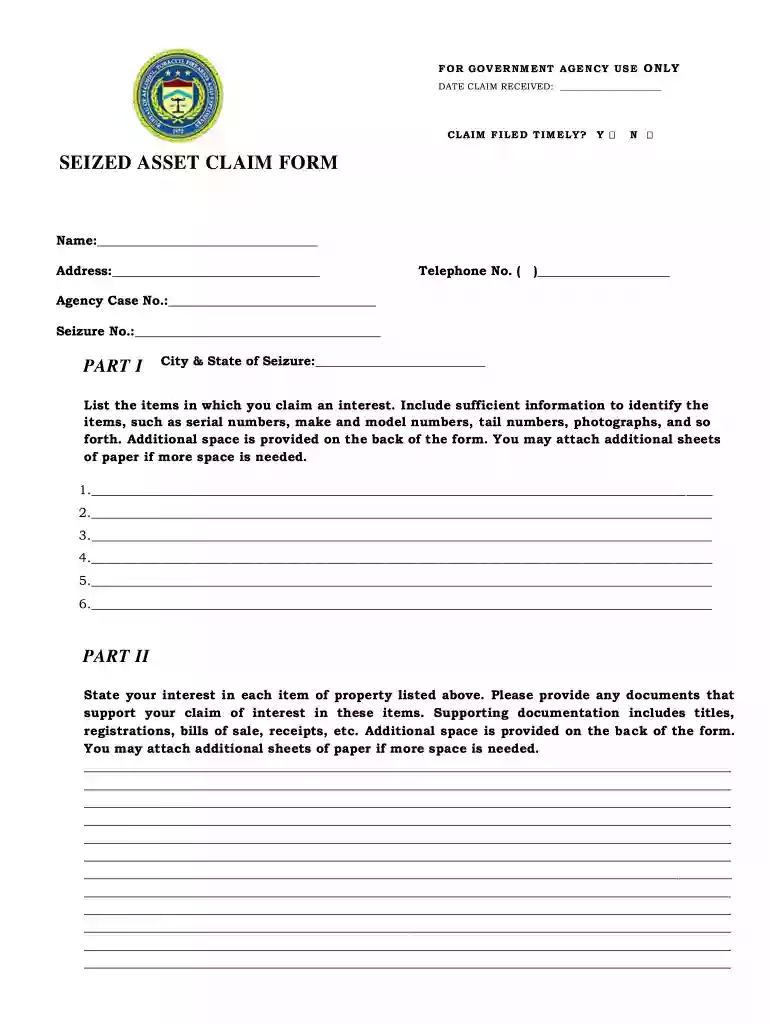
Type text, add images, blackout confidential details, add comments, highlights and more.

Draw your signature, type it, upload its image, or use your mobile device as a signature pad.

Send dea seized property auction via email, link, or fax. You can also download it, export it or print it out.

Start using our platform today to fill out your seized asset claim form easily and for free!
At DocHub, your data security is our priority. We follow HIPAA, SOC2, GDPR, and other standards, so you can work on your documents with confidence.
(c) Form of claim. The claim must be in writing but need not be made in any particular form. Claim forms will be made generally available upon request. (Read more
by DB VERRILLI JR The government maintained that the date of the overpayment was the date on which peti- tioner requested that the remittances be converted into payments of tax.Read more


