




01. Edit your arizona ccw renewal online
Type text, add images, blackout confidential details, add comments, highlights and more.

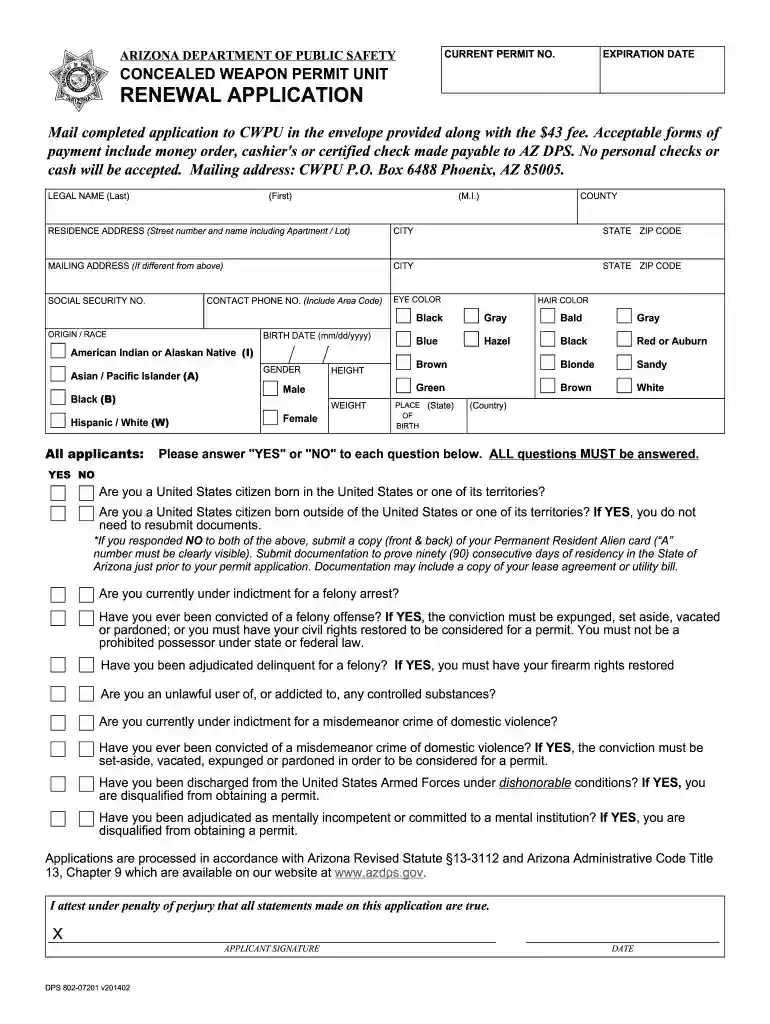
Type text, add images, blackout confidential details, add comments, highlights and more.

Draw your signature, type it, upload its image, or use your mobile device as a signature pad.

Send az ccw renewal via email, link, or fax. You can also download it, export it or print it out.

Start filling out your Arizona CCW Renewal today for free using our platform!
At DocHub, your data security is our priority. We follow HIPAA, SOC2, GDPR, and other standards, so you can work on your documents with confidence.






IMPORTANT: To renew an Arizona concealed weapons permit, the permit holder shall submit a renewal application, no more than 90 days before or 60 days afterRead more
A permit holder whose Concealed Weapons Permit is lost, stolen, or damaged shall notify the Department in writing within 10 days of determining that the permitRead more


