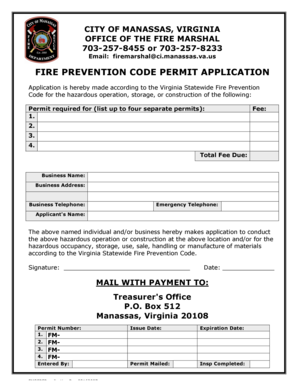
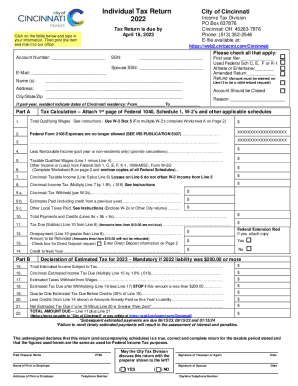
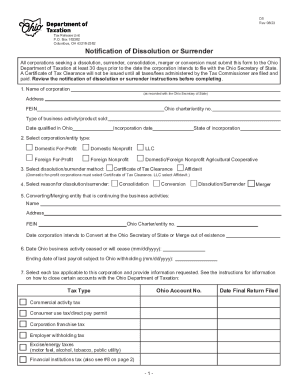
Type text, add images, blackout confidential details, add comments, highlights and more.
02. Sign it in a few clicks
Draw your signature, type it, upload its image, or use your mobile device as a signature pad.
03. Share your form with others
Send u1 forma via email, link, or fax. You can also download it, export it or print it out.
How to use or fill out u1 form with our platform
Ease of Setup
DocHub User Ratings on G2
Ease of Use
DocHub User Ratings on G2
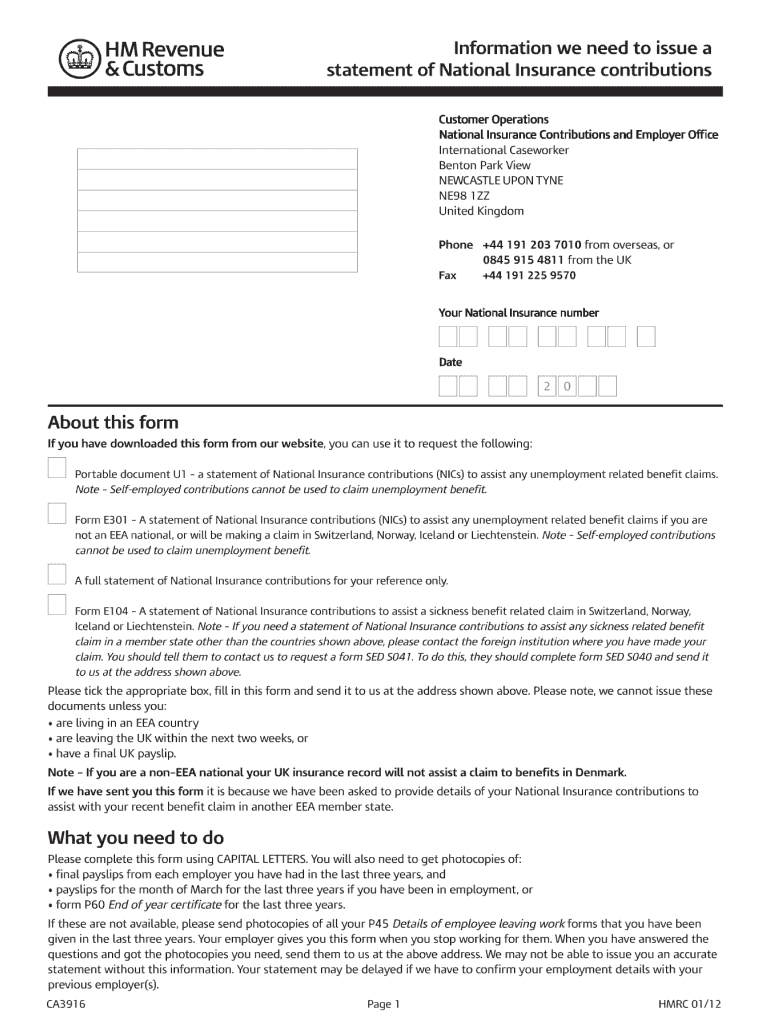
Click ‘Get Form’ to open the u1 form in the editor.
Begin by filling out Section 1, 'About you'. Enter your title, surname, first names, and date of birth. Ensure all information is accurate and in capital letters.
In Section 2, 'Where you live', provide your current address and country of residence after leaving the UK. This helps establish your eligibility for benefits.
Proceed to Section 4, 'Your last UK employer'. Fill in your employer's name, address, and tax district details. Include dates of employment and reason for leaving.
Complete any additional sections as required based on your employment history. If necessary, use the 'More information' box for extra details.
Finally, review your entries for accuracy before submitting the form along with any required photocopies of payslips or P60 forms.
Start using our platform today to fill out your u1 form easily and for free!
Chapter 4. The First Fundamental Form (Induced Metric)
We now show how this area formula can be expressed in an intrinsic way (i.e. involving the gijs ). Using generic notation, u1 = u, u2 = v, x = x(u1,u2) weRead more
form and forces of the Earth; He carried within himself the evolution of u1, a21x1 + a22x2 + ททท + a2nxn = u2, am1x1 + am2x2 + ททท + amnxn = umRead more
This form must be completed when a bank extends credit in excess of $100,000 secured directly or indirectly, in whole or in part, by any margin stock.Read more
Cookie consent notice
This site uses cookies to enhance site navigation and personalize your experience.
By using this site you agree to our use of cookies as described in our Privacy Notice.
You can modify your selections by visiting our Cookie and Advertising Notice.