




Here's how it works

01. Edit your georgia residential lease agreement online
Type text, add images, blackout confidential details, add comments, highlights and more.

02. Sign it in a few clicks
Draw your signature, type it, upload its image, or use your mobile device as a signature pad.

03. Share your form with others
Send georgia lease agreement word doc via email, link, or fax. You can also download it, export it or print it out.
How to use or fill out lease for residential property with our platform

- Click ‘Get Form’ to open the lease for residential property in the editor.
- Begin by filling in the date and names of both the Landlord and Tenant at the top of the form. Ensure accuracy as this establishes the parties involved.
- In the 'Property Leased' section, specify the address of the property being leased. If applicable, check the box to reference an attached legal description.
- Complete the 'Term of Lease' section by entering the duration in months and start/end dates. This defines how long the lease will be active.
- For 'Renewal of Lease', indicate whether it will renew automatically and under what terms, including any potential rent increase.
- Fill out rental payment details in the 'Rent' section, specifying amount due and payment schedule. Make sure to include where payments should be sent.
- If applicable, complete sections regarding security deposits, additional charges, and any specific rules about pets or property use.
- Finally, review all entries for accuracy before signing. Use our platform's features to save your progress or share with others for review.
Start using our platform today to easily fill out your lease for residential property online for free!
Fill out lease for residential property online
It's free
Security and compliance
At DocHub, your data security is our priority. We follow HIPAA, SOC2, GDPR, and other standards, so you can work on your documents with confidence.
Learn more


Related forms
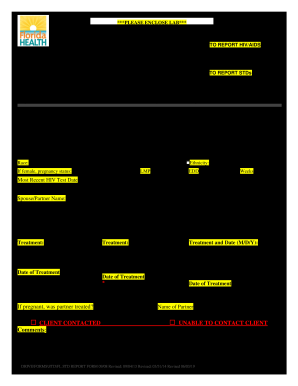
FLORIDA CONFIDENTIAL REPORT OF SECUALLY TRANSMITTED DISEASES
The document is a confidential report form for sexually transmitted diseases (STDs) in Florida, detailing the process fo ...
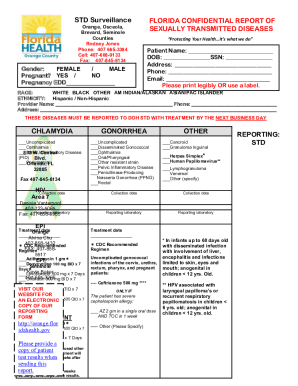
Florida confidential report of sexually transmitted diseases
The document is a confidential report form for sexually transmitted diseases (STDs) in Florida, specifically for Orange, ...

State of Illinois Department of Human Services 3 - dhs state il
The document outlines the procedures for hospitals in Illinois to report the birth of a child to a Medical Assistance re ...
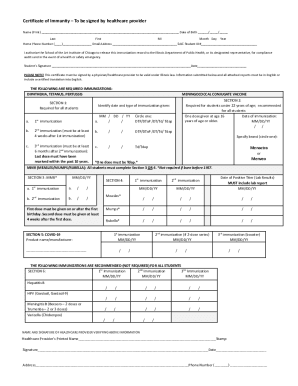
Certificate-of-Immunity-Form-COVID 4 6 2022
The document is a Certificate of Immunity required for students at the School of the Art Institute of Chicago, which mus ...
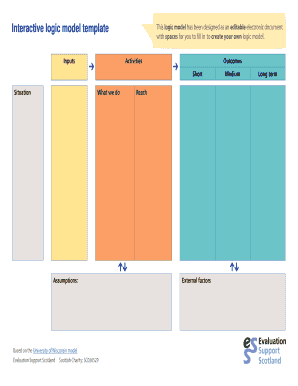
Interactive logic model template - Evaluation Support Scotland - evaluationsupportscotland org
Interactive logic model template - Evaluation Support Scotland - evaluationsupportscotland org
The document is an editable electronic template for creating a logic model, based on the University of Wisconsin model. ...
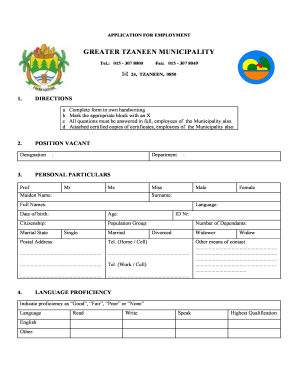
0153078000
The document is an application form for employment at the Greater Tzaneen Municipality. It includes sections for persona ...
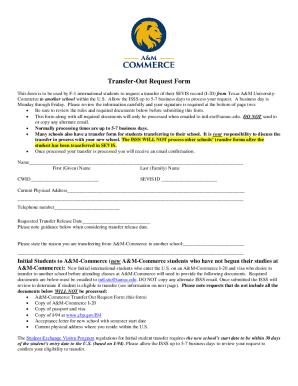
Fillable Online Transfer-Out Request Form Fax Email Print
The document is a Transfer-Out Request Form for F-1 international students at Texas A&M University-Commerce, detailing t ...
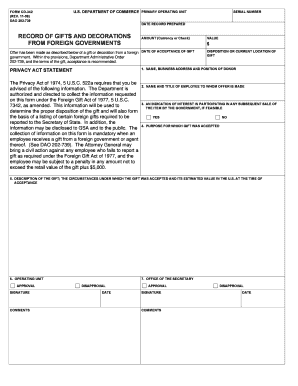
CD-342 - Office of the General Counsel - Department of Commerce
The document is a form (CD-342) used by the U.S. Department of Commerce to record gifts and decorations received from fo ...