




Here's how it works



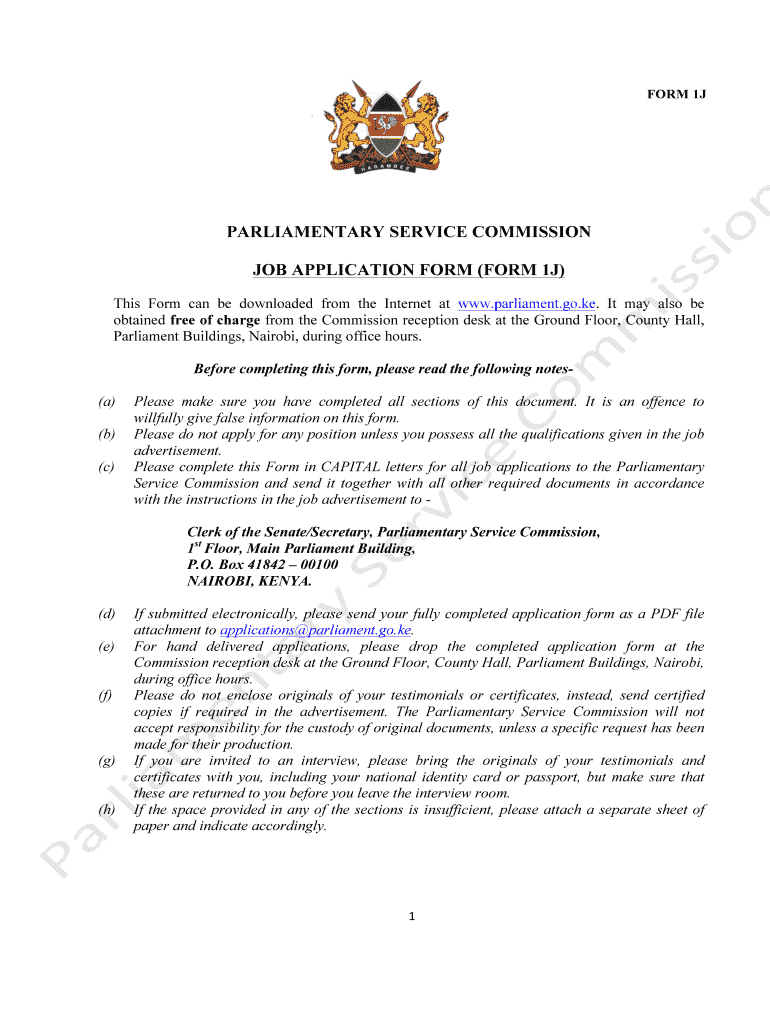
How to use or fill out parliamentary service commission job application form with our platform

- Click ‘Get Form’ to open the parliamentary service commission job application form in the editor.
- Begin with SECTION I - BIO-DATA. Fill in your personal details, including your name, date of birth, gender, and nationality. Ensure all entries are in CAPITAL letters as required.
- Proceed to provide your contact information, including postal address and telephone numbers. This section is crucial for communication regarding your application.
- In SECTION II - ACADEMIC/PROFESSIONAL/TECHNICAL QUALIFICATIONS, list your qualifications starting from the highest. Include details such as the level of qualification and awarding institution.
- For SECTION III - SPECIAL SKILLS/OUTSTANDING ACHIEVEMENTS, indicate if you possess any relevant skills or achievements that may enhance your application.
- Complete SECTION IV - INTEGRITY by answering all questions truthfully. Provide any necessary explanations for affirmative answers.
- Finally, review all sections for completeness and accuracy before submitting your application electronically as a PDF file attachment or delivering it in person.
Start filling out your application today using our platform for free!
It's free
Got questions?
Can I draw my eSignature to sign my parliamentary service commission jobs 2024?
Yes, electronically drawing your signature is acceptable, but only if you utilize a tool that complies with industry laws and regulations. Try DocHub, which ensures eSignature validity under ESIGN and UETA requirements. All you need to approve your parliamentary service commission jobs 2024 electronically is an account with DocHub and an internet connection. Once you open your document in our editor, click Sign and choose the Draw option.
How do you modify parliamentary service commission jobs portal login from Google Drive?
If you store your paperwork in Google Drive, there is no need to download your parliamentary service commission jobs portal login on your computer and upload it back to our editor. A significantly easier way is to set up a browser extension created by DocHub to simplify this flow. The extension allows editing PDFs right in your internet browser. Alternatively, you can integrate your DocHub and Gmail accounts for more efficient editing.
What is the parliamentary service commission?
Where is the Parliamentary Service Commission?
What is the role of parliamentary Affairs?
Security and compliance
At DocHub, your data security is our priority. We follow HIPAA, SOC2, GDPR, and other standards, so you can work on your documents with confidence.
Learn more


