




01. Edit your workers compensation form online
Type text, add images, blackout confidential details, add comments, highlights and more.

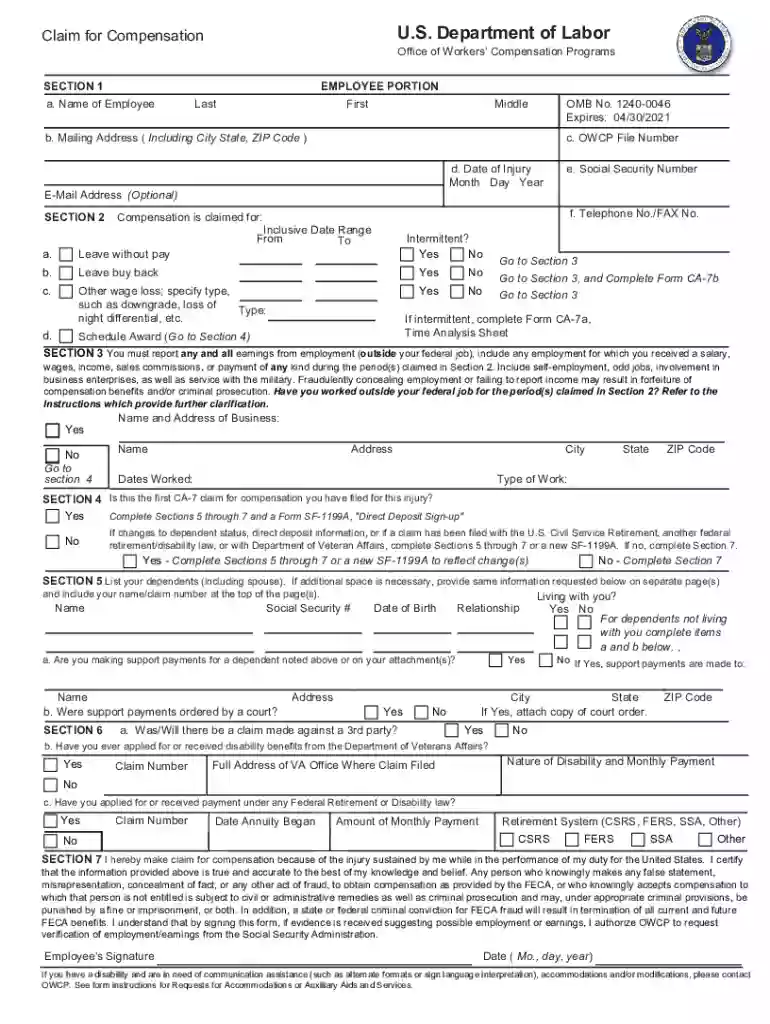
Type text, add images, blackout confidential details, add comments, highlights and more.

Draw your signature, type it, upload its image, or use your mobile device as a signature pad.

Send dol forms owcp via email, link, or fax. You can also download it, export it or print it out.

Start filling out your CA-7 form today using our platform for a seamless experience!
At DocHub, your data security is our priority. We follow HIPAA, SOC2, GDPR, and other standards, so you can work on your documents with confidence.
Additionally evaluated to: EN IEC 62368-1:2020, EN IEC 62368-1:2020/A11:2020. National Difference specified in the CB Test Report.Read more
(a) Form CA-7 is used to claim compensation for periods of disability not covered by COP. (1) An employee who is disabled with loss of pay for more thanRead more
The form should also be submitted when the employee DocHubes maximum improvement and claims a schedule award. If the employee is receiving continuation of payRead more


