




01. Edit your 26 1817 online
Type text, add images, blackout confidential details, add comments, highlights and more.

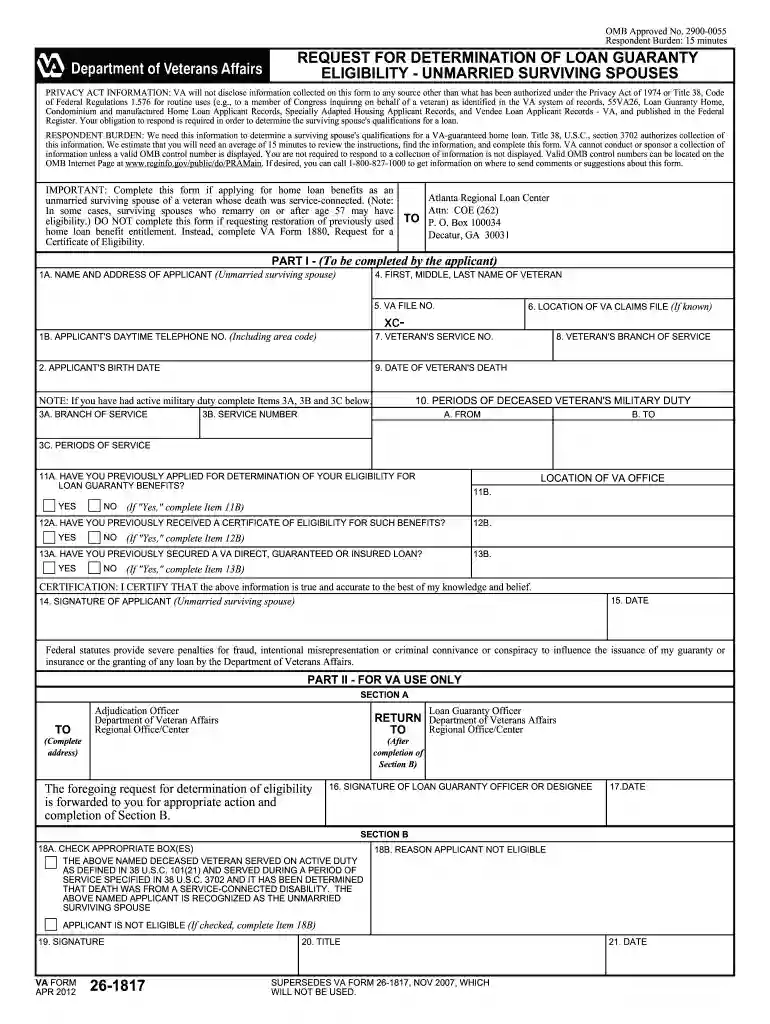
Type text, add images, blackout confidential details, add comments, highlights and more.

Draw your signature, type it, upload its image, or use your mobile device as a signature pad.

Send va 26 1817 via email, link, or fax. You can also download it, export it or print it out.

Start using our platform today to fill out VA Form 26-1817 easily and for free!
At DocHub, your data security is our priority. We follow HIPAA, SOC2, GDPR, and other standards, so you can work on your documents with confidence.
Complete this form if applying for home loan benefits as an unmarried surviving spouse of a veteran whose death was service-connected. (Note: In.Read more
OnGuard can apply engine retarder and foundation brakes up to half the braking power of the vehicle. In both systems, an AEB activation is accompanied by aRead more
May 13, 2024 What is next? (1) VA Form 26-1817 if you already have DIC; if not, you need to apply for DIC first; (2) Certificate of Eligibility (COE); (3)Read more


