Type text, add images, blackout confidential details, add comments, highlights and more.
02. Sign it in a few clicks
Draw your signature, type it, upload its image, or use your mobile device as a signature pad.
03. Share your form with others
Send w9 form 2024 ohio via email, link, or fax. You can also download it, export it or print it out.
How to use or fill out ohio w9 with our platform
Ease of Setup
DocHub User Ratings on G2
Ease of Use
DocHub User Ratings on G2
Click ‘Get Form’ to open the Ohio W-9 in the editor.
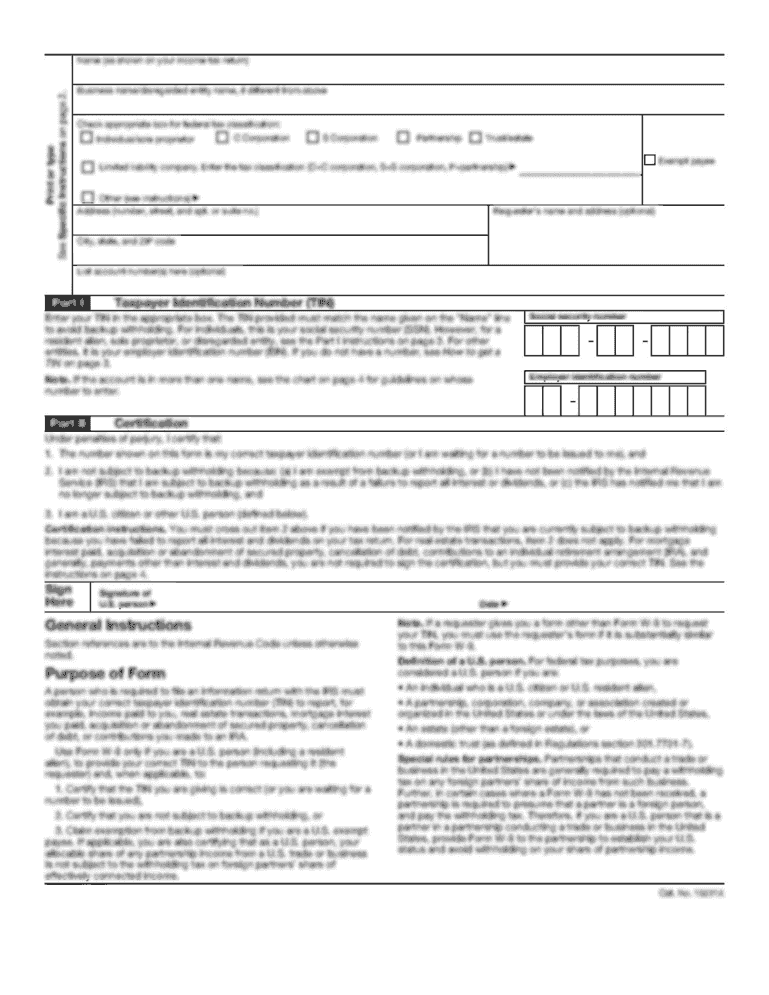
Begin by entering your name as it appears on your income tax return in the designated field. If you have a business name, include that as well.
Select your federal tax classification by checking the appropriate box. Options include Individual/Sole Proprietor, C Corporation, S Corporation, Partnership, Trust/Estate, and Limited Liability Company (LLC). If you select LLC, specify the tax classification.
Fill in your address details including street number, city, state, and ZIP code. Optionally, you can provide the requester’s name and address.
In Part I, enter your Taxpayer Identification Number (TIN). For individuals, this is typically your Social Security Number (SSN), while businesses will use their Employer Identification Number (EIN).
Complete Part II by certifying that the information provided is accurate. Sign and date the form to finalize it.
Start using our platform today for free to easily complete your Ohio W-9!
must obtain your correct taxpayer identification number (TIN), which may be your social security number (SSN), individual taxpayer identification number (ITIN),Read more
T1e FORTRAN II-D level W9 s chosen for these rensons: 1) More compilers are available for this level than for the other two levels. 2) This level isRead more
Cookie consent notice
This site uses cookies to enhance site navigation and personalize your experience.
By using this site you agree to our use of cookies as described in our Privacy Notice.
You can modify your selections by visiting our Cookie and Advertising Notice.