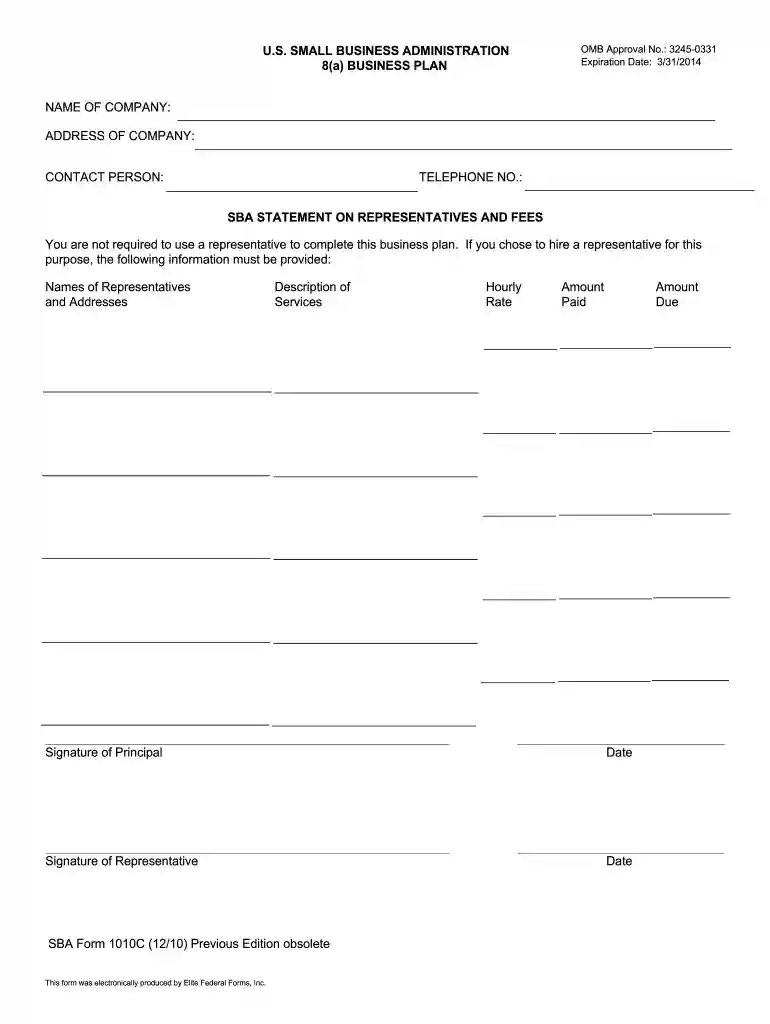
Sba form 1010c 2026

Get Form
sba form 1010c Preview on Page 1

Here's how it works

01. Edit your sba form 1010c online
Type text, add images, blackout confidential details, add comments, highlights and more.

02. Sign it in a few clicks
Draw your signature, type it, upload its image, or use your mobile device as a signature pad.

03. Share your form with others
Send 8a certification application pdf via email, link, or fax. You can also download it, export it or print it out.

How to use or fill out SBA Form 1010C with Our Platform

Form edit decoration
9.5
Ease of Setup
DocHub User Ratings on G2
9.0
Ease of Use
DocHub User Ratings on G2
  1. Click ‘Get Form’ to open SBA Form 1010C in the editor.
  2. Begin with Section I, the Executive Summary. Provide a brief overview of your business, including its history and future goals.
  3. Move to Section II, Business History, Background, and Objectives. Detail when and how your company was formed, along with short-term and long-term objectives.
  4. In Section III, describe the Business Environment. Discuss external factors that may impact your business operations.
  5. Proceed to Section IV for Products and/or Services. List current offerings and any planned changes within the next year.
  6. Continue to Section V, Present Market. Describe your customer demographics and market growth potential.
  7. Complete Sections VI through XI by detailing competition, marketing plans, management structure, financial data, and contract support targets as required.

Start using our platform today for free to streamline your SBA Form 1010C completion!

be ready to get more

Complete this form in 5 minutes or less

Get form

Got questions?

We have answers to the most popular questions from our customers. If you can't find an answer to your question, please contact us.
Contact us

Signing documents on a mobile device is fast, simple, and doesn’t require software installation when you have an account with DocHub. Log in from any browser, complete your blank fields with your information, and click on Sign → Create your signature. You can draw your electronic signature the same way you usually do on paper, add its image to your sba 1010c, or type in your name and stylize its look. No matter what option you choose, your document will be valid.

You can find the latest and most relevant version of the sba cafs in our DocHub forms collection. Search it by categories or utilize the search field to get the exact template that fits your case. You can open this form for editing after you find it.

Security and compliance

At DocHub, your data security is our priority. We follow HIPAA, SOC2, GDPR, and other standards, so you can work on your documents with confidence.

Learn more
ccpa2
pci-dss
gdpr-compliance
hipaa
soc-compliance
be ready to get more

Complete this form in 5 minutes or less

Get form