Type text, add images, blackout confidential details, add comments, highlights and more.
02. Sign it in a few clicks
Draw your signature, type it, upload its image, or use your mobile device as a signature pad.
03. Share your form with others
Send pre writing template via email, link, or fax. You can also download it, export it or print it out.
How to use or fill out prewriting template with our platform
Ease of Setup
DocHub User Ratings on G2
Ease of Use
DocHub User Ratings on G2
Click ‘Get Form’ to open the prewriting template in the editor.
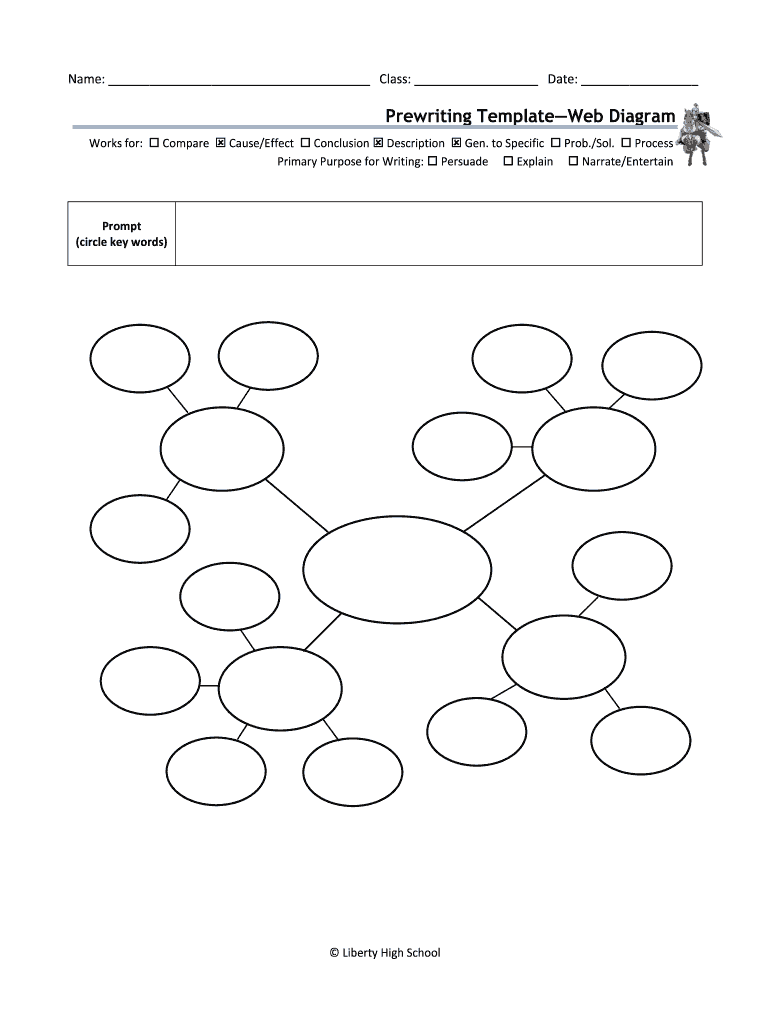
Begin by entering your name, class, and date in the designated fields at the top of the form. This personalizes your document and helps keep track of your work.
In the 'Web Diagram' section, select the appropriate options that apply to your writing purpose. For instance, check boxes for 'Cause/Effect' or 'Description' based on your focus.
Identify and circle key words in the prompt provided. This will help you clarify your main ideas and guide your writing process effectively.
Finally, review all entries for accuracy before saving or exporting your completed template. Our platform allows you to easily modify any section as needed.
Start using our platform today to streamline your prewriting process for free!
they are designed to help you organize your ideas in order to make your position strong and logical. Each paragraph should relate to the main idea and buildRead more
How to Hire Tech-Savvy Teachers - downloads.smarttech.com
template. Within 45 minutes, the linear template was turned into an interactive, hyper-linked story. I posted those stories online for a worldwide audienceRead more
A Collaborative Activity for Generating Ideas in the Writing
by E BRITTAIN Cited by 6 Prewriting techniques (e.g., brainstorming, clustering, and freewriting) help students develop their ability to think and their confidence in generating ideas.Read more
Cookie consent notice
This site uses cookies to enhance site navigation and personalize your experience.
By using this site you agree to our use of cookies as described in our Privacy Notice.
You can modify your selections by visiting our Cookie and Advertising Notice.