




01. Edit your sample emt online
Type text, add images, blackout confidential details, add comments, highlights and more.

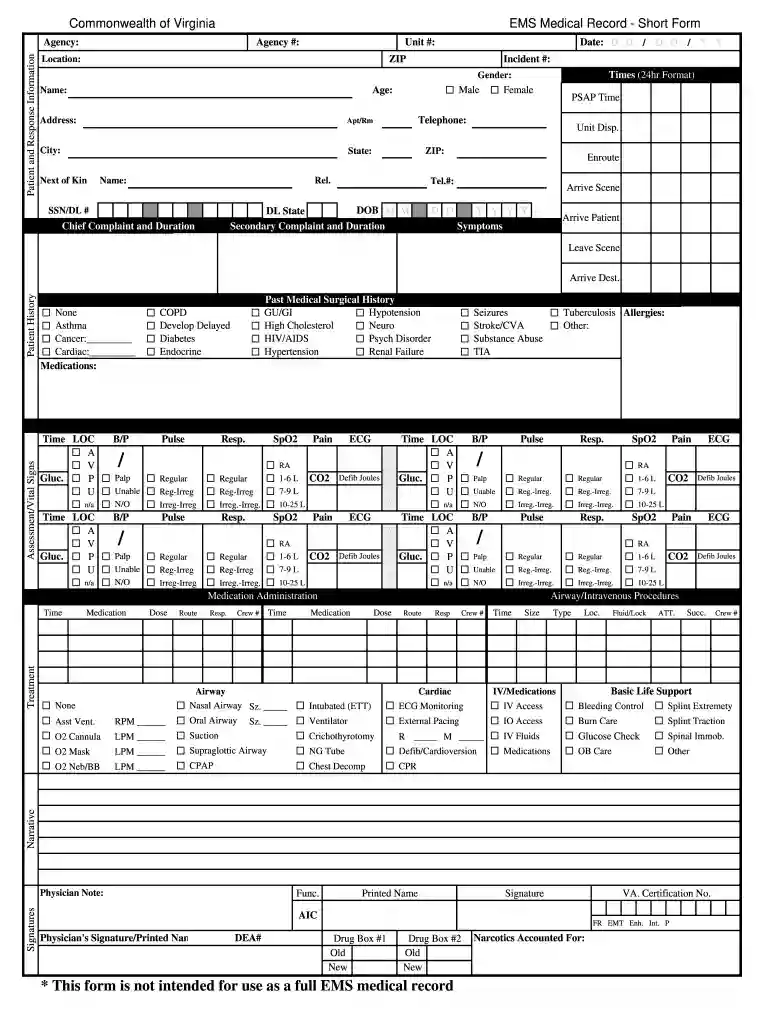
Type text, add images, blackout confidential details, add comments, highlights and more.

Draw your signature, type it, upload its image, or use your mobile device as a signature pad.

Send sample ems via email, link, or fax. You can also download it, export it or print it out.

Start using our platform today to streamline your epcr form completion for free!
At DocHub, your data security is our priority. We follow HIPAA, SOC2, GDPR, and other standards, so you can work on your documents with confidence.
May 5, 2014 This policy establishes guidelines and reporting requirements for External Professional Commitments, external to the University, for which Covered EmployeesRead more
Record can be emailed or shared with any ePCR system through an easy to implement software development kit. Record can be passed from device to device toRead more


