
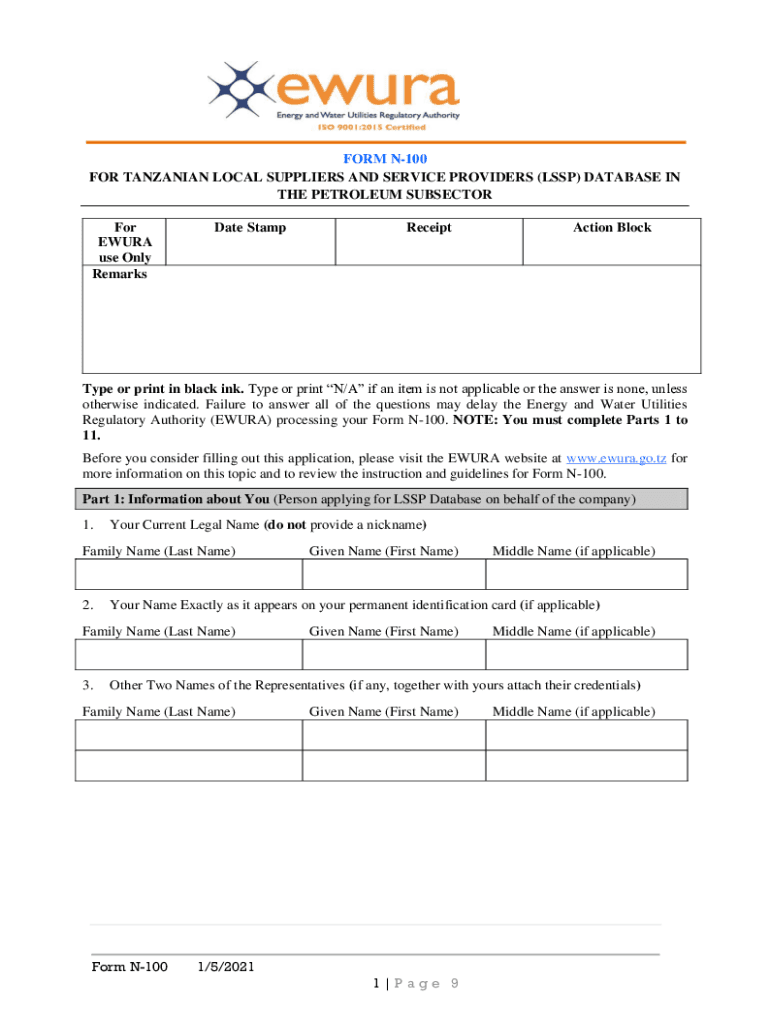







Understanding Form Online: Definition & Meaning
A "form online" refers to any document or set of fields available on the internet that allows users to input, submit, or modify information electronically. These forms can vary widely in purpose, from tax filings and job applications to surveys and service requests. They are an essential tool for streamlining data collection and enhancing user accessibility, reducing the need for physical paperwork. By offering an online option, organizations can facilitate quicker processing, foster easy updates, and enable wider reach across different demographics.
How to Use the Form Online
Using a form online generally involves several straightforward steps. Users must first access the form through a designated website or portal. Most platforms provide clear instructions on filling out and submitting these forms to minimize confusion.
- Access the Platform: Navigate to the official website hosting the form. Ensure the website is secure, especially if sensitive information is involved.
- Fill Out the Form: Carefully read each section and provide the necessary information. Many online forms include interactive elements like dropdown menus and checkboxes to guide users.
- Review Entries: It's crucial to review all inputs before submission to catch any errors or incomplete sections.
- Submit the Form: Click on the submission button. Some forms may provide an immediate confirmation or a verification email.
- Save or Print a Copy: For records, users may need to print or save an electronic copy of the completed form.
How to Obtain the Form Online
To obtain a form online, users typically follow these steps:
- Identify the Form Source: Determine the official or authorized website where the form is available. This might be a governmental site, a business service platform, or an educational institution's portal.
- Search for the Form: Many sites have a search function or a dedicated forms section for easy access.
- Download or Access the Form: Depending on the service, you may either download a PDF version for offline completion or fill it out directly on the site.
- Register for Access: Some forms may require users to create an account or log in to ensure secure data handling.
Steps to Complete the Form Online
Completing an online form efficiently involves understanding its requirements and navigating the digital interface effectively:
- Read the Instructions: Start by thoroughly understanding any guidelines or field-specific instructions.
- Gather Required Information: Before starting, organize all necessary documents or details that the form asks for, such as identification numbers, addresses, or supporting documentation.
- Complete Mandatory Fields First: Prioritize filling out required sections to avoid system errors during submission.
- Utilize Help Features: Many online forms come with help pop-ups or tips; use these to resolve doubts in real-time.
- Monitor Progress: Look for any progress indicators within multi-page forms to track completion status effectively.
Examples of Using the Form Online
Several practical scenarios showcase the utility of online forms:
- Tax Filings: Users can fill out and submit tax returns, ensuring compliance with IRS regulations.
- Job Applications: Candidates can apply to multiple roles by inputting their details digitally and uploading necessary CVs and certifications.
- Surveys and Feedback Forms: Organizations can gather customer feedback or opinions rapidly, enabling dynamic adjustments in service or product offerings.
Key Elements of the Form Online
A detailed understanding of form components is vital for accurate completion:
- Basic Information Fields: Require name, address, date of birth, or contact information.
- Detailed Queries: Specific questions related to the form's purpose, such as income details for tax forms.
- Supportive Documentation Uploads: Provisions to attach necessary files or documents.
- Interactive Features: Functions like drag-and-drop, radio buttons, or digital signatures enhance user interaction.
Important Terms Related to Form Online
To enhance comprehension and navigation of forms online, users should be familiar with the following important terms:
- Validation: Ensures entered information meets set criteria, such as character count or format.
- Authentication: Verifies user identity, crucial for sensitive information.
- Encryption: Protects data during transmission for security purposes.
- Submission Verification: Confirms successful form completion and data receipt.
Legal Use of the Form Online
Legal use of online forms is governed by various electronic regulations:
- E-SIGN Act Compliance: Ensures digital signatures are legally binding.
- Data Protection Laws: Adhere to standards like GDPR or the California Privacy Act regarding user data handling.
- Record Management Systems: Legal forms often integrate with such systems for accurate data tracking and archival.
State-Specific Rules for the Form Online
While many forms have universal applicability, certain forms online must adhere to state-specific guidelines or rules:
- Tax Forms: Vary significantly by state in terms of deductions, credits, and submission requirements.
- Business registration forms: States may differ in required documentation or processing times.
- Professional Licensing: Each state mandates unique criteria or continuance procedures.
In conclusion, forms online are an integral part of modern administrative tasks, allowing for efficient, safe, and expansive data collection and submissions across various sectors. Understanding their multifaceted nature and the processes accompanied by their use enhances capability and ensures compliance, ultimately aiding in effective digital transitions.




