
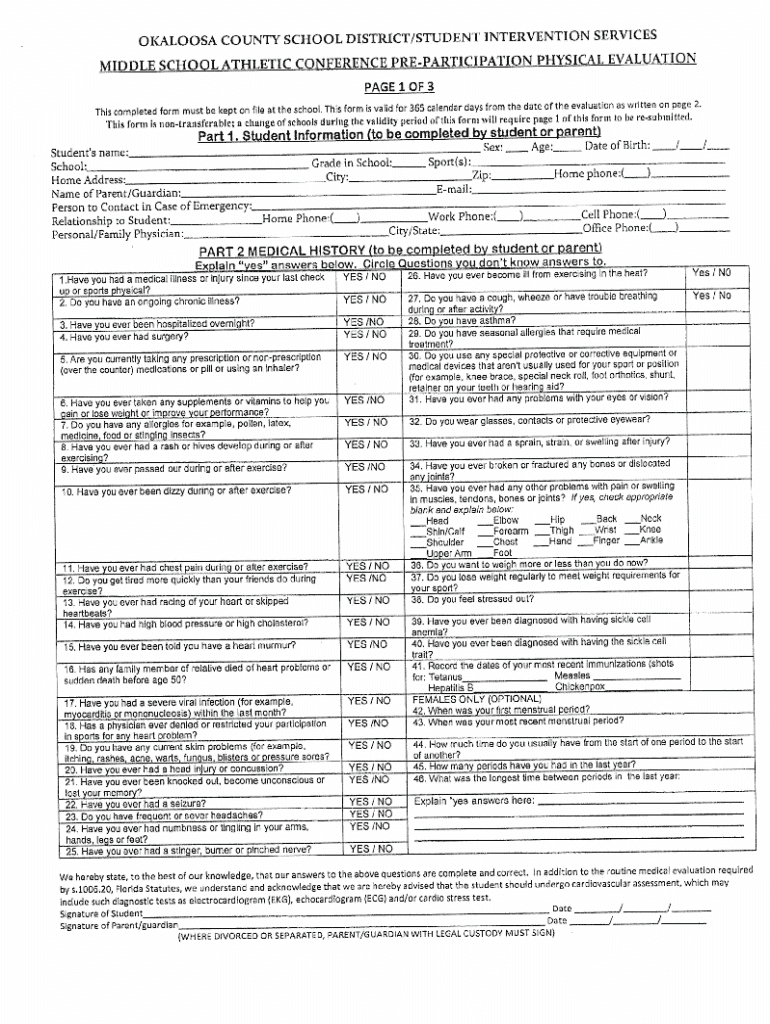







Understanding "Form Online"
Form online refers to the digital version of forms traditionally filled out on paper. These forms are designed to streamline the process of data collection, submission, and storage through an online platform, offering flexibility and efficiency for users. By converting forms into an online format, users can complete necessary documentation without the need for physical paperwork. This digital transformation is aided by platforms like DocHub, which provide features that enhance the user experience.
How to Use Forms Online
Using forms online involves several straightforward steps:
- Access the Platform: Navigate to a service like DocHub where the form is hosted.
- Upload or Select the Form: Users can either upload a form from their device or choose pre-existing templates.
- Fill Out the Form: Forms typically include fillable fields such as text boxes, checkboxes, or signature lines. Users can directly enter information into these fields.
- Save and Review: Once completed, review the form for accuracy.
- Submit the Form: Forms can be submitted directly through the platform, sent via email, or downloaded for storage.
Platforms often support integration with cloud storage solutions, enhancing accessibility.
Steps to Complete a Form Online
To ensure correct completion of online forms, follow these steps:
- Read All Instructions: Carefully review the form's requirements and instructions.
- Prepare Required Information: Gather all necessary documentation and data in advance.
- Accurately Fill in Fields: Enter data carefully, ensuring all mandatory fields are completed.
- Verify Details: Double-check for errors or omissions.
- Electronically Sign If Required: Utilize e-signature capabilities where appropriate.
- Submit and Confirm Receipt: After submission, confirm that the form was received successfully, usually via a confirmation email.
Online forms enhance simplicity in documentation processes by guiding users through each step clearly.
Important Terminology Related to Online Forms
- Fillable Fields: Sections of a form that can be electronically filled out by the user.
- Electronic Signature: A digital version of a traditional signature, legally binding and used to sign forms electronically.
- Cloud Storage: A digital storage solution allowing users to save and access documents from a remote database.
- Data Encryption: A method of securing data by converting it into a code, safeguarding sensitive information during form submission.
Understanding these terms aids users in efficiently navigating and completing online forms.
Key Elements of an Online Form
Online forms generally feature several key components:
- Interactive Fields: These include text inputs, checkboxes, and drop-down menus.
- Instructional Guidelines: Detailed instructions provided for proper form completion.
- Submission Buttons: Options to submit, save, or reset the form information.
- Accessibility Features: Tools to accommodate various user needs, such as font adjustments or screen-readers.
These elements facilitate user-friendly experiences and efficient information processing.
Software Compatibility for Online Forms
Forms may be compatible with various software platforms:
- Document Editors: Platforms like Google Docs or Microsoft Word can be used for editing forms before they are uploaded.
- Financial Software: Systems like TurboTax may import form data for tax-related purposes.
- Cloud Services: Programs like Google Drive or Dropbox facilitate document storage and access across devices.
Compatibility with these tools allows users to streamline their document workflows.
Legal Use of Forms Online
The legal standing of online forms is grounded in several factors:
- Compliance with Regulations: Online forms must adhere to standards like the ESIGN Act, ensuring electronic documents and signatures are legally recognized.
- Protection of Data: Secure data management practices, such as SSL encryption, protect user information.
- Audit Trails: Documentation of the form's lifecycle ensures accountability and traceability.
Legal compliance is crucial for entities using online forms to ensure validity and security.
State-Specific Rules for Online Forms
While many online forms adhere to federal guidelines, state-specific regulations can also impact:
- Compliance Requirements: Certain states may have unique mandates for digital forms.
- Filing Procedures: Variations may exist in how forms are submitted or processed within each state.
- Legal Considerations: State-specific legislation can influence the legality and acceptance of online submissions.
Understanding these differences ensures users meet all necessary legal obligations.
Benefits of Using Online Forms
Online forms offer several advantages:
- Efficiency: Reduces time spent on form completion and submission.
- Environmentally Friendly: Eliminates the need for paper, supporting sustainability.
- Accuracy and Legibility: Prevents errors that arise from manual data entry.
- Flexibility: Accessible from any location with internet connectivity.
These benefits make online forms appealing for both individual and business users seeking modernized document solutions.




