Type text, add images, blackout confidential details, add comments, highlights and more.
02. Sign it in a few clicks
Draw your signature, type it, upload its image, or use your mobile device as a signature pad.
03. Share your form with others
Send review date via email, link, or fax. You can also download it, export it or print it out.
How to use or fill out pain fellowship form search with our platform
Ease of Setup
DocHub User Ratings on G2
Ease of Use
DocHub User Ratings on G2
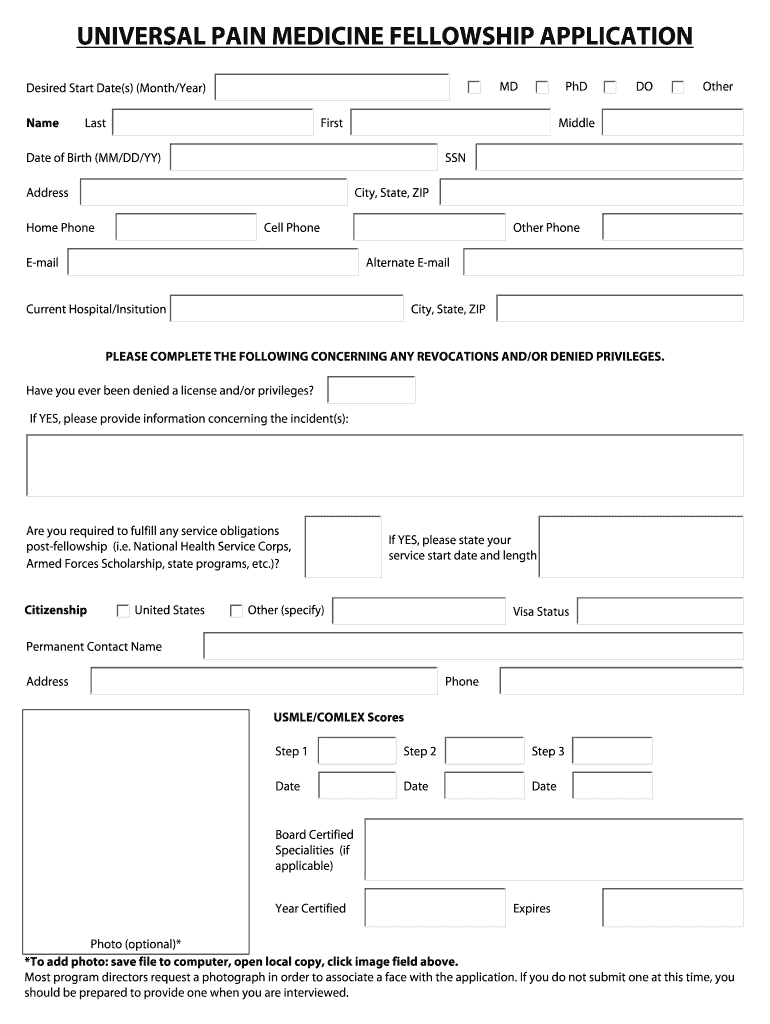
Click ‘Get Form’ to open the pain fellowship application in the editor.
Begin by entering your personal information, including your name, date of birth, and contact details. Ensure accuracy as this information is crucial for communication.
Fill out the section regarding any revocations or denied privileges. If applicable, provide detailed explanations to maintain transparency.
Complete the medical training and education section by listing your residency, internship, and research experiences. Include dates and any honors received.
In the interview scheduling section, indicate your availability for interviews. This helps streamline the scheduling process.
Lastly, review all entries for completeness and accuracy before submitting. Use our platform’s features to save your progress and make edits as needed.
Start filling out your pain fellowship application today using our platform for free!
Fill out pain fellowship form search online It's free
Pain Medicine Fellowship | Anesthesiology Department
Program Overview. The Pain Medicine Fellowship at University of Utah Health provides advanced training in interdisciplinary and interventional pain management.Read more
Cookie consent notice
This site uses cookies to enhance site navigation and personalize your experience.
By using this site you agree to our use of cookies as described in our Privacy Notice.
You can modify your selections by visiting our Cookie and Advertising Notice.