




Here's how it works



How to use or fill out Rental Application Form - Lemle Wolff with our platform

- Click ‘Get Form’ to open the Rental Application Form - Lemle Wolff in the editor.
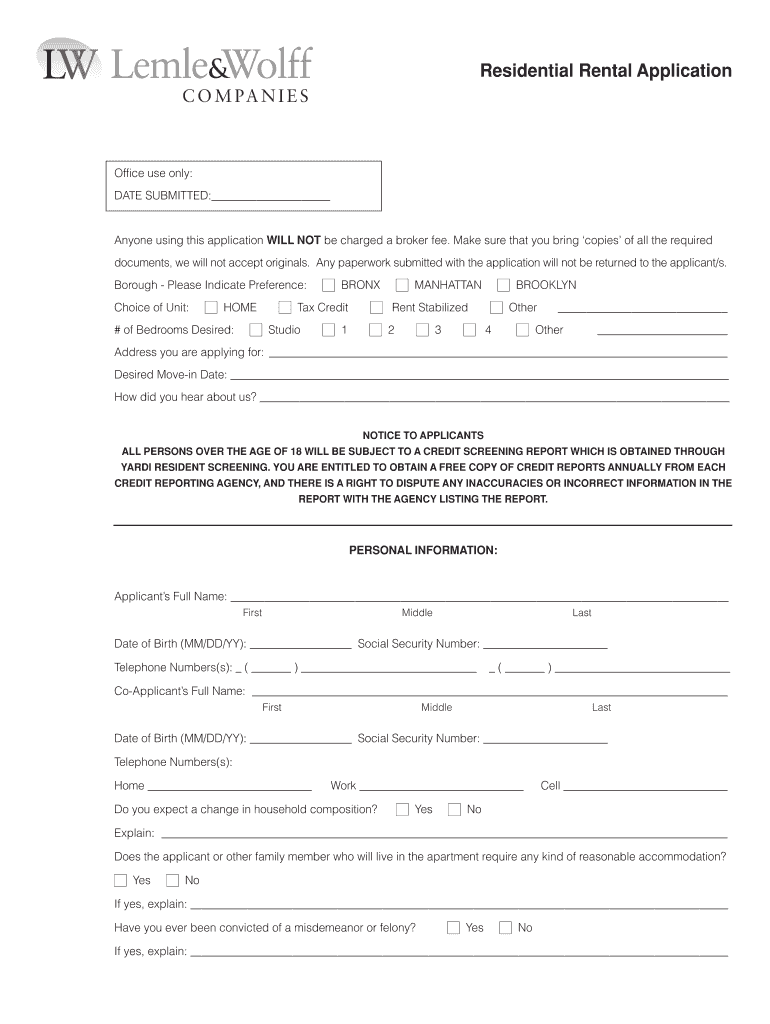
- Begin by filling in your personal information, including your full name, date of birth, and social security number. Ensure accuracy as this information is crucial for processing.
- Indicate your preferred borough and choice of unit. Specify the number of bedrooms desired and provide the address you are applying for along with your desired move-in date.
- Complete the family composition section by listing all individuals who will reside in the unit, including their relationship to you and their dates of birth.
- Fill out the residence history for both yourself and any co-applicants. Include current and previous addresses, landlord contact information, and reasons for moving.
- Provide employment details for yourself and any co-applicants. Include income sources, employer information, and supervisor contacts.
- Review all sections carefully before submitting. Ensure that all required documents are attached as specified in the submission requirements section.
Start filling out your Rental Application Form - Lemle Wolff today using our platform for a seamless experience!
It's free
See more Rental Application Form - Lemle Wolff versions
Got questions?
Can I use DocHub to generate legal electronic signatures on my can i apply online?
Yes, you can use DocHub for signing any business and private paperwork, including your can i apply online. All electronic signatures you create with our tool are legally binding and court-admissible, as DocHub complies with criteria required by ESIGN and UETA. Save your completed document with a detailed Audit Trail if necessary.
How to fill out and sign lemle wolff online?
You can quickly complete, modify, and even eSign your lemle wolff utilizing DocHub. Create a new account and begin your free trial. After that, you can add the file with the form and simply make all the required edits. No need to print on paper or use a third-party application to sign it, as you can put your electronic signature on your document quicker through DocHub.
Security and compliance
At DocHub, your data security is our priority. We follow HIPAA, SOC2, GDPR, and other standards, so you can work on your documents with confidence.
Learn more


