




Here's how it works

01. Edit your rev 183 online
Type text, add images, blackout confidential details, add comments, highlights and more.

02. Sign it in a few clicks
Draw your signature, type it, upload its image, or use your mobile device as a signature pad.

03. Share your form with others
Send pa rev 183 via email, link, or fax. You can also download it, export it or print it out.
How to use or fill out rev 183 with our platform

- Click ‘Get Form’ to open the REV-183 in the editor.
- Begin with SECTION I. Enter your telephone number, mailing address, and the date recorded. Fill in the names and addresses of all grantees/lessees.
- Proceed to SECTION II. Provide the real estate location details including street address, city, county, and tax parcel number.
- In SECTION III, indicate if the transaction is part of an assignment or relocation by selecting YES or NO. Complete the valuation data fields: Actual Cash Consideration, Other Consideration, Total Consideration, County Assessed Value, Common Level Ratio Factor, and Computed Value.
- Move to SECTION IV if claiming an exemption. Fill in the exemption details as required and attach any necessary documentation.
- Finally, complete SECTION V with your name, telephone number, and mailing address. Ensure you sign after printing.
Start filling out your REV-183 form online for free today!
Fill out rev 183 online
It's free
It's free
See more rev 183 versions
We've got more versions of the rev 183 form. Select the right rev 183 version from the list and start editing it straight away!
Security and compliance
At DocHub, your data security is our priority. We follow HIPAA, SOC2, GDPR, and other standards, so you can work on your documents with confidence.
Learn more


Related forms

Mad-fcs-004
The document is a court order from the Superior Court of California, County of Madera, appointing a Superior Court Inves ...
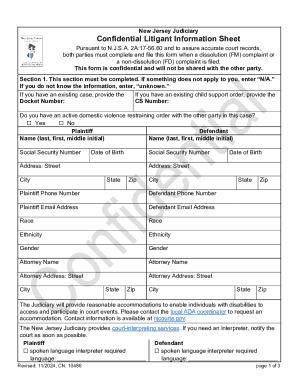
New Jersey Confidential Litigant Information Sheet
The document is a Confidential Litigant Information Sheet required by the New Jersey Judiciary for parties involved in d ...
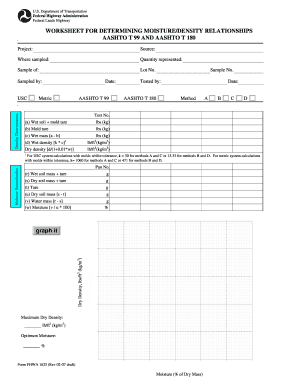
Moisture density relationship sheet
The document is a worksheet designed for determining moisture and density relationships in soil, following AASHTO T 99 a ...

3 part scrap tire shippingreceiving form
The document is a 3-Part Scrap Tire Shipping/Receiving Form that outlines the necessary information and certifications r ...

SAN FRANCISCO AIRPORT COMMISSION - City and County of San - mission sfgov
The document is a Request for Qualifications (RFQ) issued by the Airport Commission of the City and County of San Franci ...

REQUEST FOR PROPOSALS FOR THE MANAGEMENT, OPERATION, AND PROGRAMMING OF RECREATIONAL SERVICES FOR TH
REQUEST FOR PROPOSALS FOR THE MANAGEMENT, OPERATION, AND PROGRAMMING OF RECREATIONAL SERVICES FOR TH
The document is a Request for Proposals (RFP) issued by the Treasure Island Development Authority for the management, op ...

QUALCOMM Stadium - City of San Diego - sandiego
QUALCOMM Stadium, a multi-purpose sports facility in San Diego, was completed in 1967 and has undergone several changes, ...
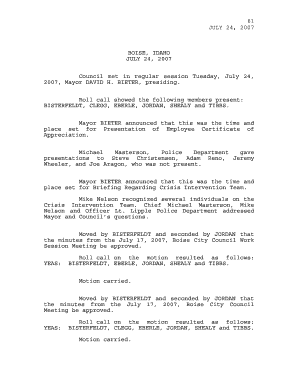
61 JULY 24, 2007 BOISE, IDAHO JULY 24, 2007 Council met in
The document is a record of the Boise City Council meeting held on July 24, 2007. It includes attendance, presentations ...