
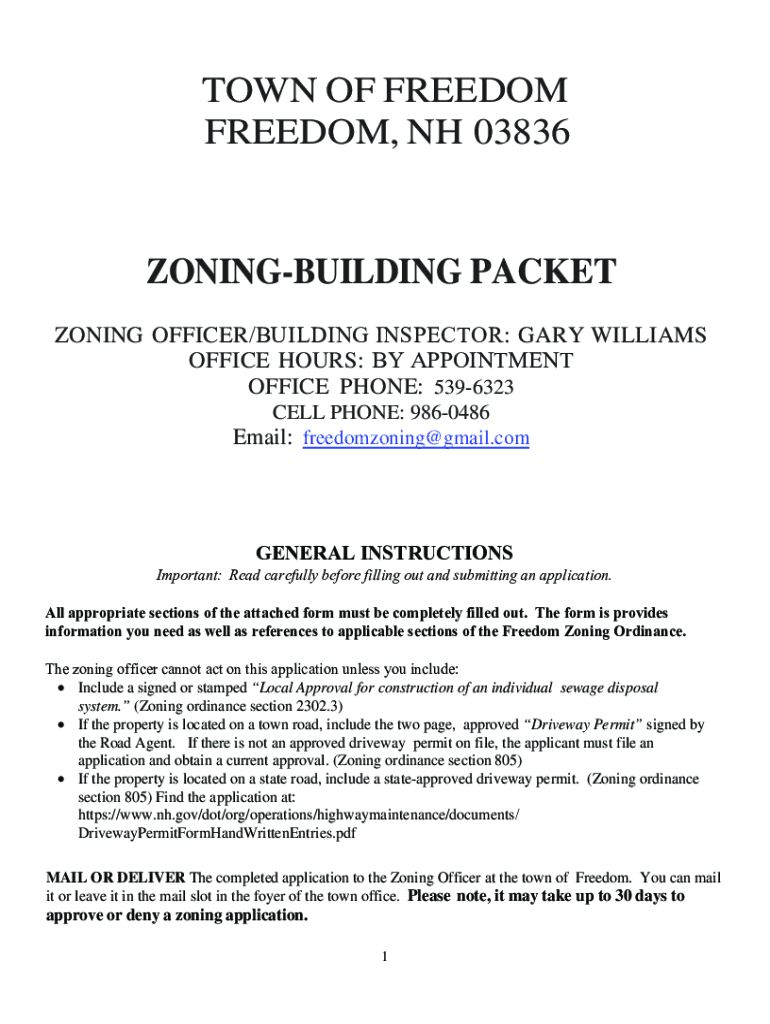







Definition and Meaning of Form Online
The concept of using a "form online" involves leveraging digital platforms to create, fill, submit, and manage various forms. These forms can range from simple survey questionnaires to complex legal or tax documents. The primary advantage of online forms is that they eliminate the need for physical paperwork, allowing for quicker data input, real-time sharing, and enhanced accessibility. Users can access these forms via web browsers on both desktop and mobile devices.
Key Benefits:
- Convenience: Access forms from any location at any time.
- Efficiency: Faster processing and reduced turnaround times.
- Accessibility: Compatible with multiple devices, ensuring broad user access.
Steps to Complete the Form Online
Completing a form online involves a straightforward digital process, often guided by interactive capabilities designed to streamline data entry.
-
Access the Form: Navigate to the website providing the form or use a direct link to access the specific document you need.
-
Log In or Register: If required, enter your credentials to log in or create an account. This ensures your data remains secure and that you can return to edit or view submissions as needed.
-
Fill Out Information: Use the interactive fields—such as text boxes, dropdown menus, or checkboxes—to enter your details. The form may guide you through required sections with prompts or alerts.
-
Review Input: Always double-check your entries for accuracy. Many online forms provide an option to preview the document before final submission to ensure all information is correct.
-
Submit the Form: Click the submit button to send the form. Confirmation or an acknowledgment screen typically follows, verifying receipt of your submission.
Considerations:
- Required Fields: Ensure all mandatory sections are completed to avoid submission errors.
- Save Options: Some platforms allow you to save your progress and return later to complete the form.
Why You Should Use Forms Online
Utilizing online forms offers a multitude of advantages over traditional paper forms. These advantages are particularly evident in scenarios necessitating the collection of significant amounts of information quickly and accurately.
- Environmental Impact: Reduces the need for paper, supporting environmental sustainability.
- Cost Efficiency: Eliminates printing and postage costs associated with traditional forms.
- Data Management: Facilitates easier organization and retrieval of collected data, often integrated with analysis tools.
Who Typically Uses the Form Online
Various groups and individuals benefit from online forms, utilizing them based on specific needs and contexts.


Common Users:
- Businesses: For operational needs like customer feedback, HR applications, and vendor agreements.
- Educational Institutions: To handle admissions, student assessments, and feedback.
- Government Agencies: For accessible processing of permits, registrations, and applications.
- Healthcare Providers: For patient intake forms and feedback surveys.

Legal Use of the Form Online
Online forms often hold the same legal weight as their paper counterparts, provided they comply with relevant regulatory standards.
Compliance Aspects:
- Forms must adhere to the ESIGN Act to ensure electronic signatures are recognized as legally binding.
- Data privacy laws such as HIPAA for healthcare or GDPR for general data protection must be respected, ensuring user information is secured during collection and storage.
Important Terms Related to Form Online
Understanding specific terminology associated with online forms can facilitate more effective use.
- ESIGN Act: Legislation that grants electronic signatures the same legal status as handwritten ones.
- OAuth 2.0: A security protocol that allows secure authorization, commonly used in online form access.
- SSL Encryption: A security measure that protects data during transmission.
Key Elements of the Form Online
Online forms are built with specific elements designed for ease of use and functionality.
- Interactive Fields: Enables users to input information directly into designated text boxes, checkboxes, and dropdown menus.
- Validation Logic: Ensures that data entered meets predefined criteria, such as format and completeness.
- Submission Confirmation: Provides feedback, confirming successful form submission.
Examples of Using the Form Online
Various scenarios illustrate the effective use of online forms to enhance productivity and user experience.
- Job Applications: Streamlines the application process for both applicants and employers, allowing for efficient candidate assessments.
- Tax Documents: Facilitates the submission of tax returns, with pre-populated fields and guidance to minimize errors.
- Feedback Forms: Allows organizations to gather customer and client feedback efficiently, aiding in quality improvement.
By taking advantage of these features, users can effectively engage with online forms across different contexts, improving workflow, compliance, and user satisfaction.




