
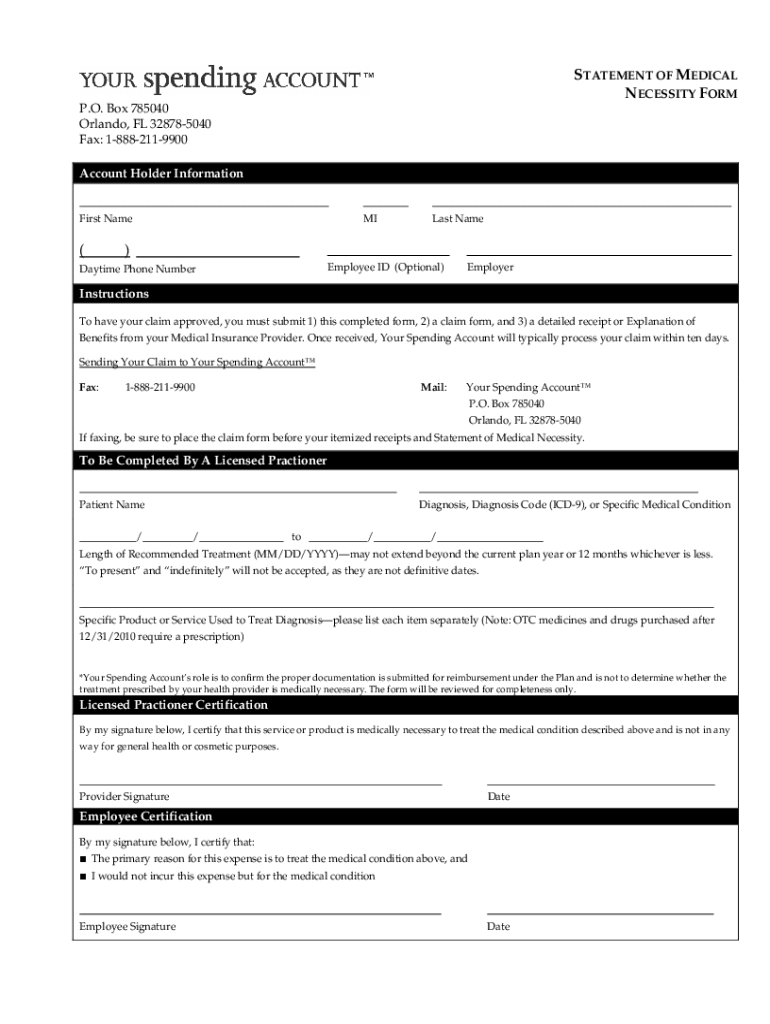




Here's how it works

01. Edit your dochub com fillable form online
Type text, add images, blackout confidential details, add comments, highlights and more.

02. Sign it in a few clicks
Draw your signature, type it, upload its image, or use your mobile device as a signature pad.

03. Share your form with others
Send statement of medical necessity via email, link, or fax. You can also download it, export it or print it out.
How to use or fill out statement of medical necessity with DocHub

- Click ‘Get Form’ to open the Statement of Medical Necessity in our editor.
- Begin by entering the Account Holder Information, including the first name, middle initial, last name, employee ID (optional), daytime phone number, and employer.
- In the section for the licensed practitioner, input the patient's name and specific diagnosis along with the diagnosis code (ICD-9). Ensure you provide a definitive length of treatment with start and end dates.
- List each specific product or service prescribed to treat the diagnosis. Remember that over-the-counter medicines purchased after December 31, 2010, require a prescription.
- Have your medical provider sign and date the form, certifying that the service is medically necessary and not for general health or cosmetic purposes.
- Finally, review all entries for accuracy before submitting your completed form along with any required receipts to Your Spending Account via fax or mail.
Start using our platform today to easily fill out your Statement of Medical Necessity for free!
Fill out statement of medical necessity online
It's free
Security and compliance
At DocHub, your data security is our priority. We follow HIPAA, SOC2, GDPR, and other standards, so you can work on your documents with confidence.
Learn more


Related forms
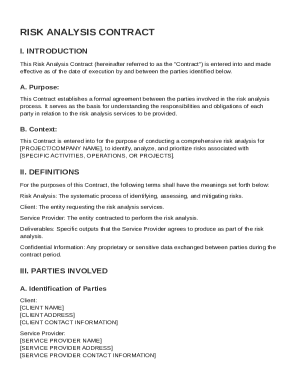
Risk Analysis Contract Template
The Risk Analysis Contract outlines a formal agreement between a Client and a Service Provider for conducting a comprehe ...
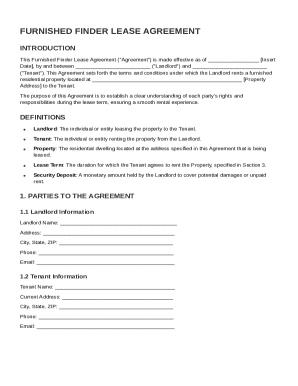
Furnished Finder Lease Agreement Template
The Furnished Finder Lease Agreement outlines the terms and conditions for renting a furnished residential property betw ...
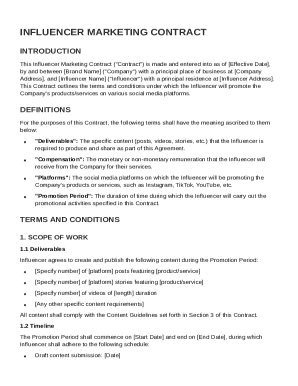
Influencer Market Contract Template
The Influencer Marketing Contract outlines the agreement between a company and an influencer for promoting the company's ...
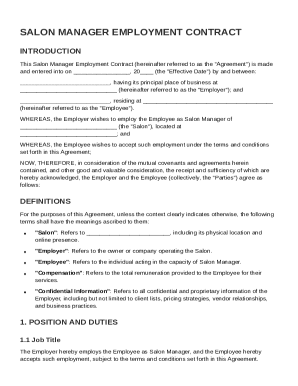
Salon Manager Contract Template
The document is a Salon Manager Employment Contract outlining the terms of employment between an Employer and an Employe ...
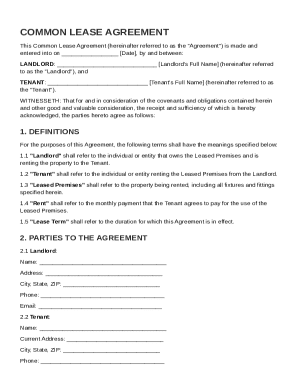
Common Lease Agreement Template
The Common Lease Agreement outlines the terms and conditions between a Landlord and Tenant for renting a residential pro ...
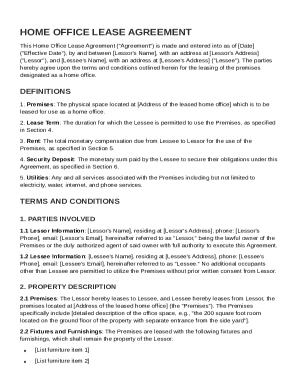
Home Office Lease Agreement Template
The Home Office Lease Agreement outlines the terms and conditions for leasing a designated home office space between the ...
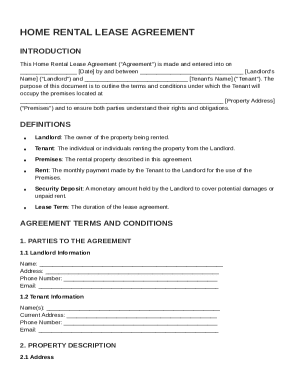
Home Rental Lease Agreement Template
The Home Rental Lease Agreement outlines the terms and conditions for renting a property between a landlord and tenant. ...
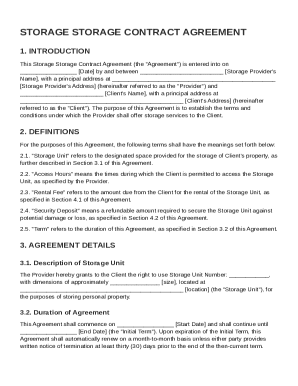
Storage Storage Contract Template
The Storage Contract Agreement outlines the terms and conditions for storage services between a Provider and a Client. I ...