




Here's how it works

01. Edit your fire safety schedule template online
Type text, add images, blackout confidential details, add comments, highlights and more.

02. Sign it in a few clicks
Draw your signature, type it, upload its image, or use your mobile device as a signature pad.

03. Share your form with others
Send fire safety schedule template nsw via email, link, or fax. You can also download it, export it or print it out.
How to use or fill out annual fire safety statement nsw with our platform

- Click ‘Get Form’ to open the Annual Fire Safety Statement in the editor.
- Begin with Part 1: Identification of Building. Fill in all required fields, including address, building name, and essential services license number.
- In Part 2, provide a clear explanation of why the Annual Fire Safety Statement cannot be submitted on time. Attach any supporting reports as necessary.
- Move to Part 3: Essential Fire Safety Measures. List any measures requiring repair work and specify the estimated completion period for each.
- For Part 4, outline your Interim Fire Safety Strategy while repairs are being made.
- Complete Part 5 with your personal details, ensuring accuracy in contact information.
- In Part 6, confirm that you have attached all required documents such as the fire safety schedule and interim statements.
- Finally, review and sign the Owner/Agent Declaration in Part 7 before submitting your form via mail or in person as detailed in Part 9.
Start using our platform today to streamline your document editing and submission process for free!
Fill out annual fire safety statement nsw online
It's free
It's free
See more annual fire safety statement nsw versions
We've got more versions of the annual fire safety statement nsw form. Select the right annual fire safety statement nsw version from the list and start editing it straight away!
Security and compliance
At DocHub, your data security is our priority. We follow HIPAA, SOC2, GDPR, and other standards, so you can work on your documents with confidence.
Learn more


Related forms
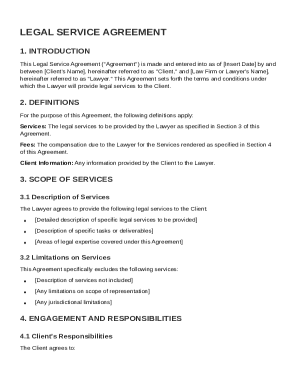
Legal Service Agreement Template
The Legal Service Agreement outlines the terms and conditions under which a lawyer will provide legal services to a clie ...
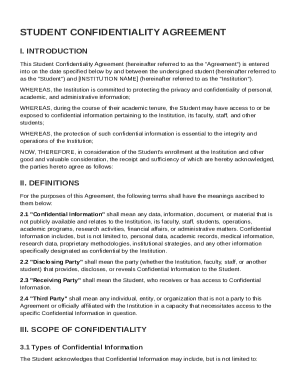
Student Confidentiality Agreement Template
The Student Confidentiality Agreement outlines the responsibilities of students and the institution regarding the protec ...
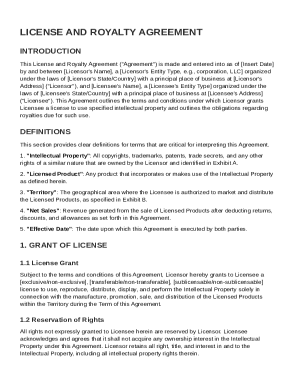
License and Royalty Agreement Template
The License and Royalty Agreement outlines the terms under which a Licensor grants a Licensee the right to use specified ...
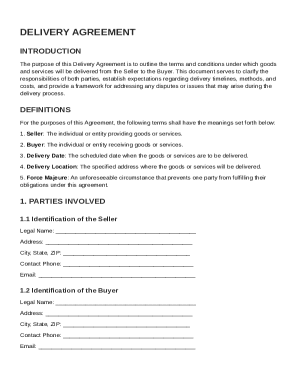
Delivery Agreement Template
The Delivery Agreement outlines the terms and conditions for the delivery of goods and services from the Seller to the B ...
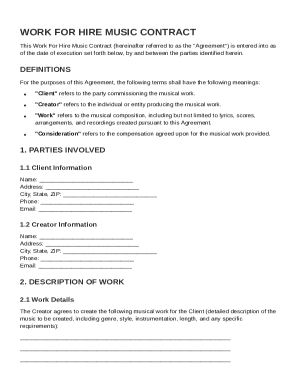
Work For Hire Music Contract Template
The Work For Hire Music Contract outlines the agreement between a Client commissioning a musical work and a Creator prod ...

Temporary Extension of Stay Agreement Template
The Temporary Extension of Stay Agreement outlines the terms under which a Guest can extend their stay at a Host's premi ...
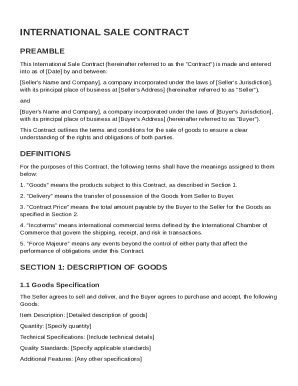
International Sale Contract Template
The document is an International Sale Contract between a Seller and a Buyer, outlining the terms and conditions for the ...
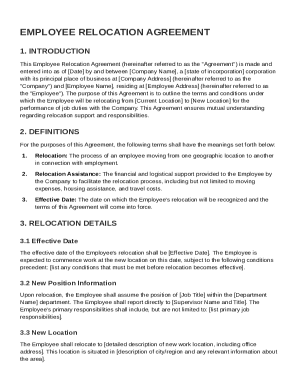
Employee Relocation Agreement Template
The Employee Relocation Agreement outlines the terms and conditions for an employee's relocation from one location to an ...