Michigan knowledge 2026

Get Form
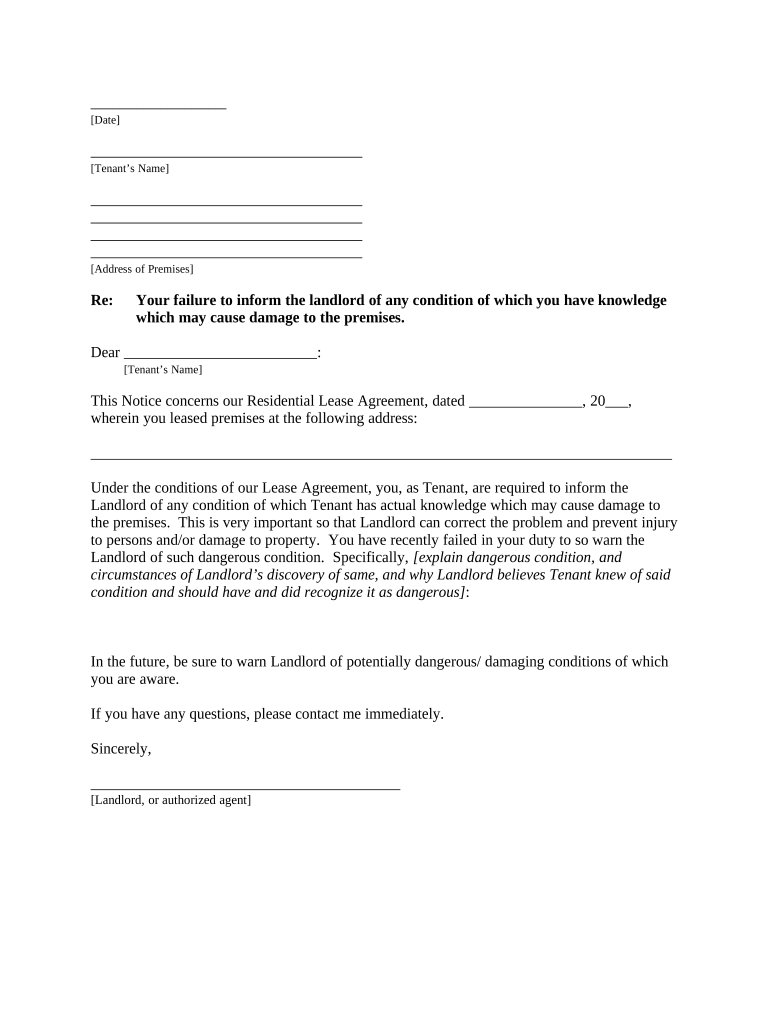
michigan knowledge Preview on Page 1

Here's how it works

01. Edit your form online
Type text, add images, blackout confidential details, add comments, highlights and more.
02. Sign it in a few clicks
Draw your signature, type it, upload its image, or use your mobile device as a signature pad.
03. Share your form with others
Send it via email, link, or fax. You can also download it, export it or print it out.

How to use or fill out michigan knowledge with our platform

Form edit decoration
9.5
Ease of Setup
DocHub User Ratings on G2
9.0
Ease of Use
DocHub User Ratings on G2
  1. Click ‘Get Form’ to open the michigan knowledge document in the editor.
  2. Begin by entering the date at the top of the form. This is essential for record-keeping and establishing timelines.
  3. Fill in the Tenant’s Name and Address of Premises accurately. Ensure that this information matches your lease agreement to avoid any discrepancies.
  4. In the body of the notice, clearly explain any dangerous conditions known to you as a tenant. Be specific about how you became aware of these issues.
  5. Complete the section regarding proof of delivery by selecting one of the options provided, such as personal delivery or certified mail, and sign where indicated.

Start using our platform today to fill out your michigan knowledge form easily and for free!

be ready to get more

Complete this form in 5 minutes or less

Get form

Got questions?

We have answers to the most popular questions from our customers. If you can't find an answer to your question, please contact us.
Contact us

Most eSignature solutions require users to have a paid subscription. With DocHub, there are two ways for you to add an electronic signature to your michigan knowledge without being charged:

  • You can do it during a 7-day trial period;
  • You can sign up for a free plan.

The second option, though, has limitations on the number of signatures, sign requests, emails, and documents for editing available per month. You can check for full information here.

With a swift editing platform like DocHub, you do not require anything but a browser and connection to the internet to modify your michigan knowledge on the internet swiftly. Add your file or find the appropriate form in DocHub’s catalog, open our editor with one click, and complete it digitally. To revise your forms anytime, sign up a free account with DocHub.

Driving Points A failing score for performance during the driving phase of the automobile skills test is twenty-six (26) points or more.
Solid white lines Often called fog lines, these lines help you stay on the road at night or in bad weather. It is illegal to cross solid white lines when passing. Solid white lines also are used to separate lanes of traffic moving in the same direction. Do not cross a solid white line.
Passing the Michigan DOS permit test can feel like a lot. Theres a lot to study, and the official handbook isnt the easiest to get through.

Security and compliance

At DocHub, your data security is our priority. We follow HIPAA, SOC2, GDPR, and other standards, so you can work on your documents with confidence.

Learn more
ccpa2
pci-dss
gdpr-compliance
hipaa
soc-compliance