




01. Edit your form online
Type text, add images, blackout confidential details, add comments, highlights and more.

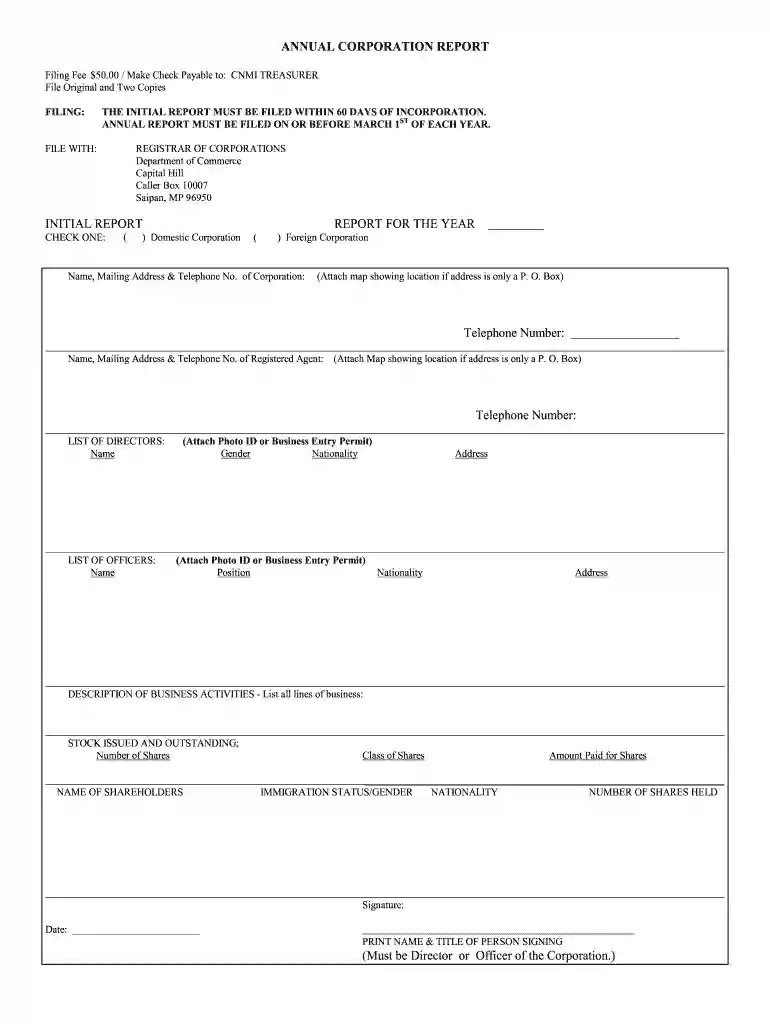
Type text, add images, blackout confidential details, add comments, highlights and more.

Draw your signature, type it, upload its image, or use your mobile device as a signature pad.

Send it via email, link, or fax. You can also download it, export it or print it out.

Start using our platform today to easily complete your annual corporation forms online for free!
At DocHub, your data security is our priority. We follow HIPAA, SOC2, GDPR, and other standards, so you can work on your documents with confidence.
Mar 3, 2026 Annual reports. Documents published by public companies discussing their products and financial position for the previous fiscal year.Read more
All entities conducting business in the Commonwealth of Kentucky are required to file annual reports with this office by June 30 of each year.Read more
2. Check this box if the organization discontinued its operations or disposed of more than 25% of its net assets. 3. Number of voting members of theRead more


