Type text, add images, blackout confidential details, add comments, highlights and more.
02. Sign it in a few clicks
Draw your signature, type it, upload its image, or use your mobile device as a signature pad.
03. Share your form with others
Send it via email, link, or fax. You can also download it, export it or print it out.
How to use or fill out Mississippi Loss with our platform
Ease of Setup
DocHub User Ratings on G2
Ease of Use
DocHub User Ratings on G2
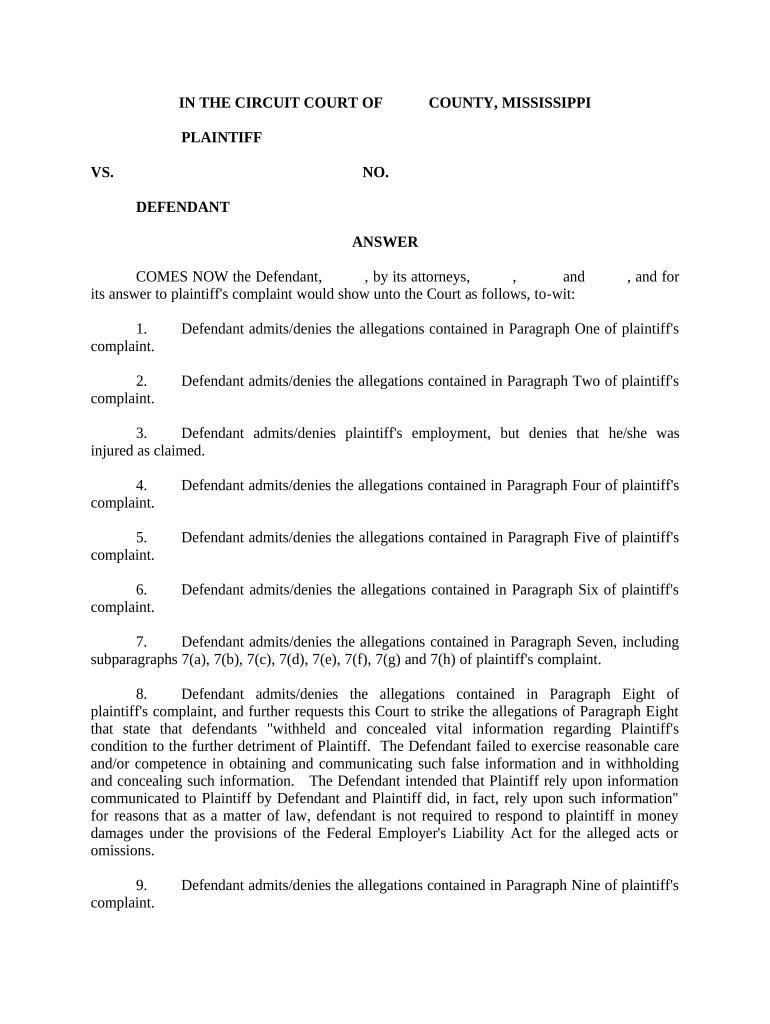
Click ‘Get Form’ to open the Mississippi Loss document in the editor.
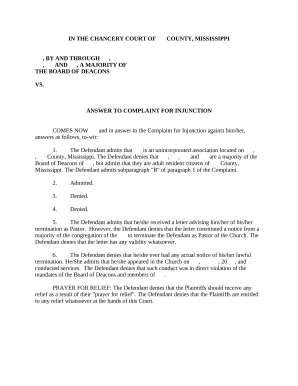
Begin by entering the names of the Plaintiff and Defendant at the top of the form. Ensure that you accurately represent both parties involved in the case.
In Paragraph One, indicate whether the Defendant admits or denies the allegations made by the Plaintiff. Use clear language to express your position.
Continue through each subsequent paragraph (Two through Eleven), providing admissions or denials as applicable. Be specific about which parts of each allegation you are addressing.
For any affirmative defenses, such as statute of limitations claims, clearly state your arguments in a separate section if necessary.
Finally, ensure that all fields are completed and review your responses for accuracy before submitting.
Start using our platform today to fill out your Mississippi Loss form easily and for free!
Mississippi loss footballMississippi loss todayBritain mississippiMississippi state collapseMississippi state bulldog football newsMississippi state meltdownMississippi state jeff lebby fan reactionMississippi state fans
Security and compliance
At DocHub, your data security is our priority. We follow HIPAA, SOC2, GDPR, and other standards, so you can work on your documents with confidence.
New research finds Mississippi River losing most of its
May 20, 2025 Preliminary results from the first year-and-a-half of the five-year initiative reveal substantial water losses above head of passes throughRead more
Cookie consent notice
This site uses cookies to enhance site navigation and personalize your experience.
By using this site you agree to our use of cookies as described in our Privacy Notice.
You can modify your selections by visiting our Cookie and Advertising Notice.