Paving Contractor Package - Missouri 2026

Get Form
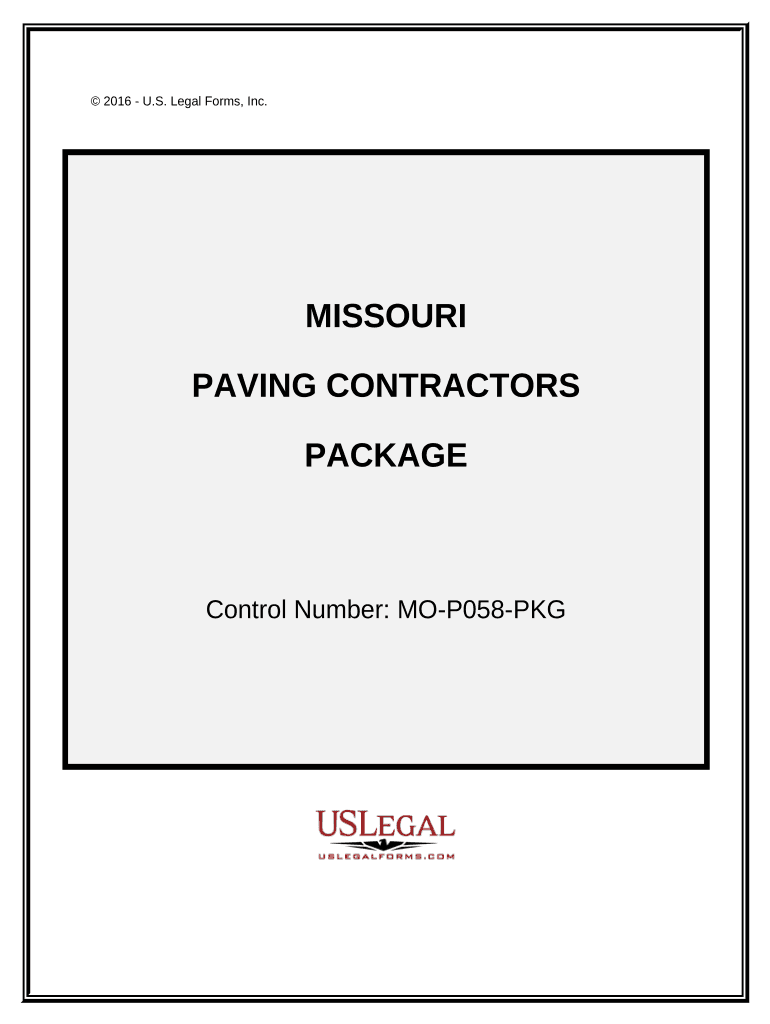
Paving Contractor Package - Missouri Preview on Page 1

Here's how it works

01. Edit your form online
Type text, add images, blackout confidential details, add comments, highlights and more.
02. Sign it in a few clicks
Draw your signature, type it, upload its image, or use your mobile device as a signature pad.
03. Share your form with others
Send it via email, link, or fax. You can also download it, export it or print it out.

How to use or fill out Paving Contractor Package - Missouri with our platform

Form edit decoration
9.5
Ease of Setup
DocHub User Ratings on G2
9.0
Ease of Use
DocHub User Ratings on G2
  1. Click ‘Get Form’ to open the Paving Contractor Package in the editor.
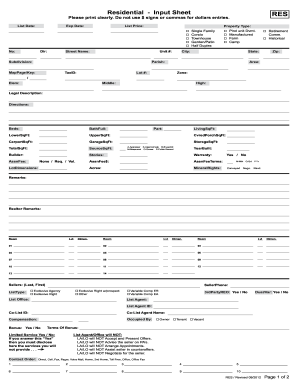
  2. Begin with the 'Paving Contract - Cost Plus or Fixed Fee' form. Fill in the contractor's details, project scope, and insurance information as required.
  3. Next, navigate to the 'Change Order Sheet' to document any amendments. Ensure you specify the changes clearly for both parties.
  4. Complete the 'Certificate of Completion' once the project is finished. This certifies that all work has been satisfactorily completed.
  5. Use the 'Weekly Equipment Summary' to log equipment usage. Record details such as make, model, and maintenance performed.
  6. Fill out the 'Accident Report Form' immediately after any incidents on-site to ensure accurate documentation.
  7. Keep track of bids using the 'Bid Log'. Document due dates and statuses for effective follow-up.
  8. Utilize the 'Bid Follow Up Letter' template to communicate with clients post-bid submission.
  9. Finally, summarize your project estimates using the 'Summary of Estimate' form to assist in contract pricing.

Start editing your Paving Contractor Package today for free and streamline your workflow!

be ready to get more

Complete this form in 5 minutes or less

Get form

Got questions?

We have answers to the most popular questions from our customers. If you can't find an answer to your question, please contact us.
Contact us

Most eSignature services require users to have a paid subscription. With DocHub, there are two options for you to add an electronic signature to your Paving Contractor Package - Missouri without being charged:

  • You can do it during a 7-day trial period;
  • You can subscribe to a free plan.

The second option, however, has limitations on the number of signatures, sign requests, emails, and forms for adjusting available per month. You can check for full information here.

When you edit your Paving Contractor Package - Missouri with DocHub, you simply will not need to look for other applications or services to sign it. An electronic signature is a component of DocHub’s extensive editing toolset, which allows you to apply changes in your form without jumping between platforms. Simply complete your form, double-check the correctness of the data and put your electronic signature at the end to make it submission-ready quickly.

Security and compliance

At DocHub, your data security is our priority. We follow HIPAA, SOC2, GDPR, and other standards, so you can work on your documents with confidence.

Learn more
ccpa2
pci-dss
gdpr-compliance
hipaa
soc-compliance
be ready to get more

Complete this form in 5 minutes or less

Get form