



Here's how it works



How to use or fill out New Mexico A Corporation with our platform

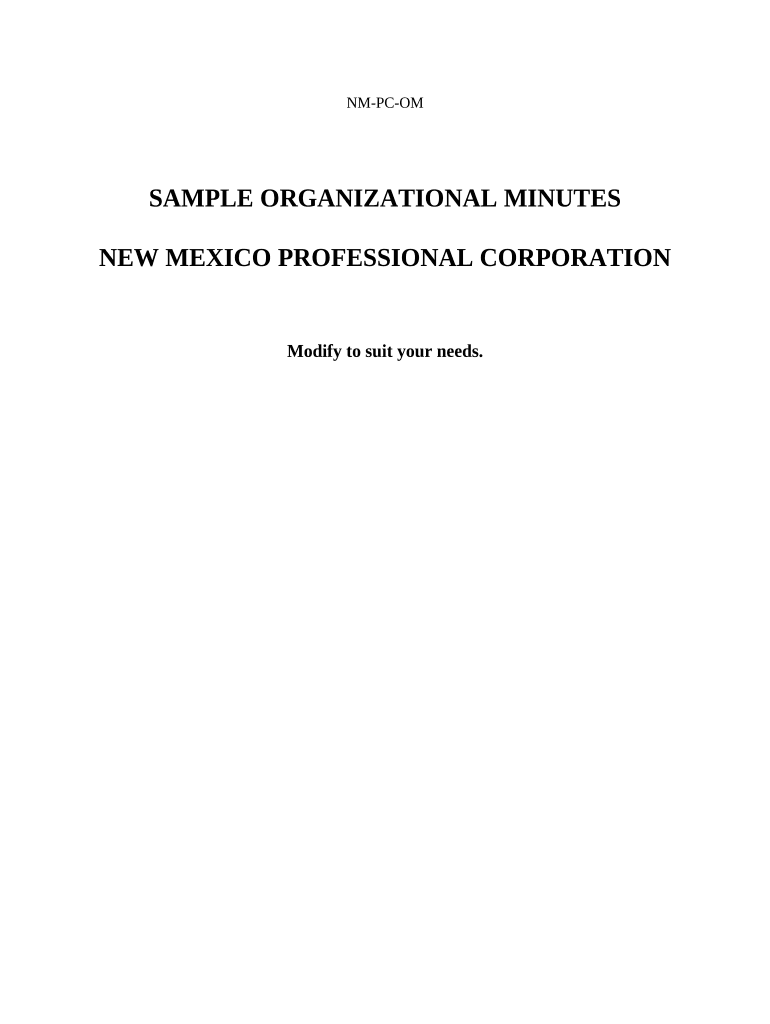
- Click ‘Get Form’ to open the New Mexico A Corporation document in the editor.
- Begin by entering the 'Name of Corporation' at the top of the form. Ensure that it complies with New Mexico naming regulations.
- In the 'Minutes for Organizational Meeting' section, provide details about the actions taken by incorporators and directors. This includes listing names and addresses of elected directors.
- Fill out resolutions regarding approval of Articles of Incorporation, By-Laws, and election of officers. Make sure to include all necessary signatures where indicated.
- Complete sections on financial matters such as payment of incorporation expenses and bank account authorization. Specify who will sign checks for corporate transactions.
- Review all entries for accuracy before saving or exporting your completed document. Utilize our platform's features to ensure everything is correctly filled out.
Start using our platform today to streamline your New Mexico A Corporation documentation process for free!
It's free
Got questions?
How can I eSign my new mexico a corporation in Word?
Microsoft Word doesn’t have signing tools to generate valid electronic signatures and enforceable paperwork. Luckily, DocHub is an online eSignature-compliant editor that works with different file formats, including .doc files. Sign in to your account and upload the Word edition of your new mexico a corporation from your device and cloud, or URL - our editor will automatically transform it into an editable PDF. Make all required alterations in your document and click Sign to generate your own legally-binding eSignature. You will find four signing options from which to choose.
How do you complete new mexico a corporation on iOS?
You need only a web connection and a browser to complete your new mexico a corporation on an iOS phone. Open the DocHub website and authenticate. Then, add your file or select it from the list in your dashboard. Then use our editing tools to complete your form and preserve all your adjustments. You can also send it to a dedicated recipient immediately.
Security and compliance
At DocHub, your data security is our priority. We follow HIPAA, SOC2, GDPR, and other standards, so you can work on your documents with confidence.
Learn more