Type text, add images, blackout confidential details, add comments, highlights and more.
02. Sign it in a few clicks
Draw your signature, type it, upload its image, or use your mobile device as a signature pad.
03. Share your form with others
Send it via email, link, or fax. You can also download it, export it or print it out.
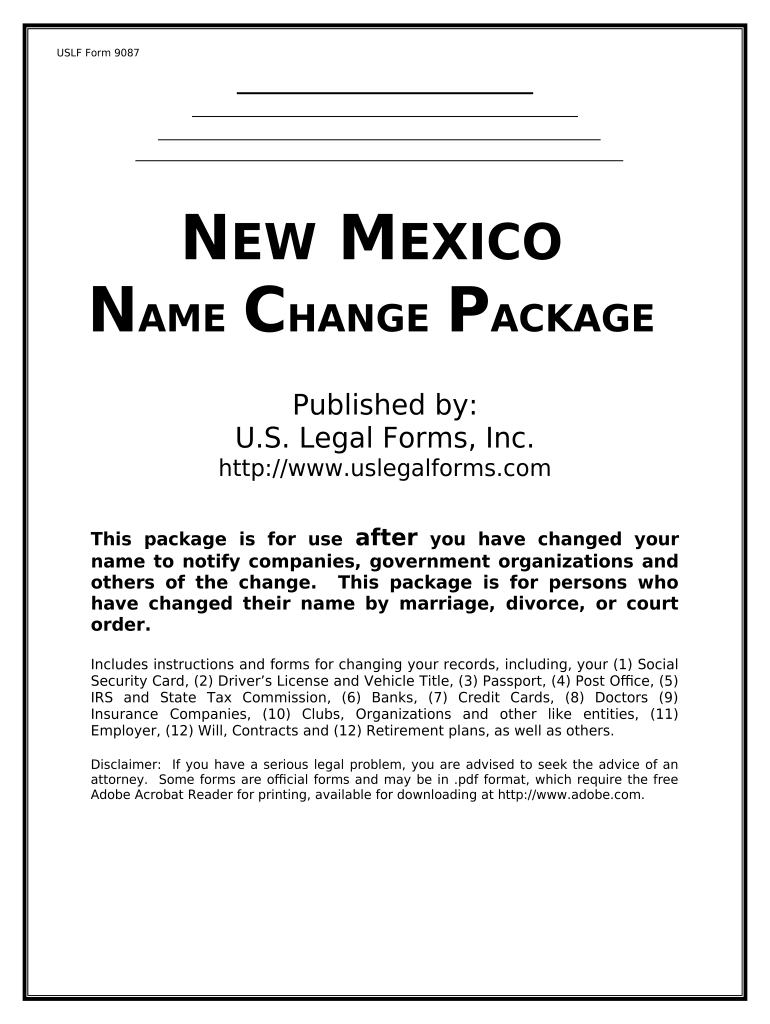
How to use or fill out the New Mexico Name Change Package
Ease of Setup
DocHub User Ratings on G2
Ease of Use
DocHub User Ratings on G2
Click ‘Get Form’ to open it in the editor.
Begin by reviewing the table of contents to identify which specific forms you need based on your situation, such as changing your name on a Social Security card or driver's license.
Select the relevant form from the list and fill in your personal information, including your former name and new name. Ensure all details are accurate.
For each form, follow the instructions provided for any required documentation. For example, if changing your name on a Social Security card, you will need to submit proof of identity.
Once completed, review all entries for accuracy before saving or printing the document. If needed, utilize our platform's editing tools to make adjustments.
Submit the forms as instructed—either online or via mail—ensuring that you include any necessary supporting documents.
Start using our platform today to streamline your name change process for free!
When the Congress of the United States granted territorial status on 9 September 1850, the name Nuevo Mxico, or New Mexico, had been used to describe thisRead more
Cookie consent notice
This site uses cookies to enhance site navigation and personalize your experience.
By using this site you agree to our use of cookies as described in our Privacy Notice.
You can modify your selections by visiting our Cookie and Advertising Notice.