Type text, add images, blackout confidential details, add comments, highlights and more.
02. Sign it in a few clicks
Draw your signature, type it, upload its image, or use your mobile device as a signature pad.
03. Share your form with others
Send it via email, link, or fax. You can also download it, export it or print it out.
How to use or fill out nd sale contract with our platform
Ease of Setup
DocHub User Ratings on G2
Ease of Use
DocHub User Ratings on G2
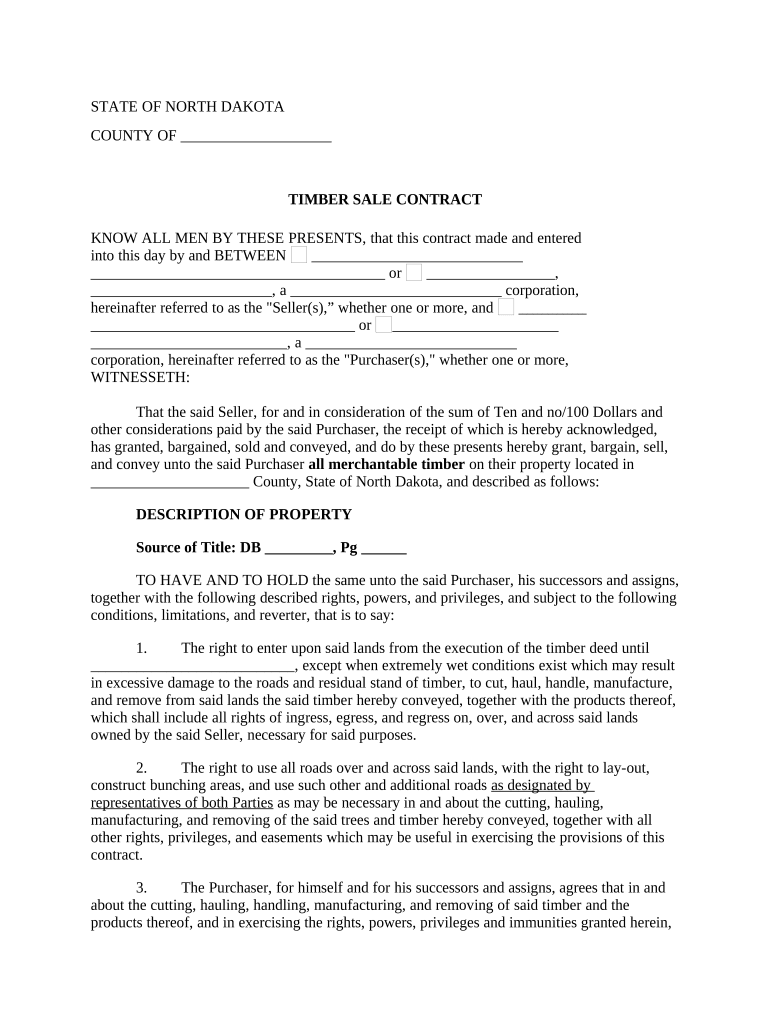
Click ‘Get Form’ to open the nd sale contract in the editor.
Begin by filling in the Seller and Purchaser details at the top of the form. Ensure you include full names and any applicable corporate designations.
In the 'Description of Property' section, accurately describe the property location and source of title. This is crucial for legal clarity.
Proceed to fill out the rights and obligations sections, ensuring you understand each right granted to the Purchaser regarding timber removal and road usage.
Complete financial details, including any deposits or payments related to timber sales. Be precise with amounts to avoid disputes later.
Review all entries for accuracy before signing. Utilize our platform’s features to highlight any areas that may need further attention or clarification.
Start using our platform today for free to streamline your nd sale contract process!
PURCHASE AND SALE OF THE IMPROVEMENTS/LEASE OF LAND. Seller agrees to sell Sellers interest in and to the Improvements to Purchaser and Purchaser agrees to buyRead more
This Agreement supersedes, replaces, and cancels any previous agreements between Buyer and Seller with respect to the sale and purchase of the Property. ThisRead more
A default under a contract for the sale and purchase of real estate in Florida must be material to be legally justified. If a material default occurs,Read more
Cookie consent notice
This site uses cookies to enhance site navigation and personalize your experience.
By using this site you agree to our use of cookies as described in our Privacy Notice.
You can modify your selections by visiting our Cookie and Advertising Notice.