Nd marital separation 2026

Get Form
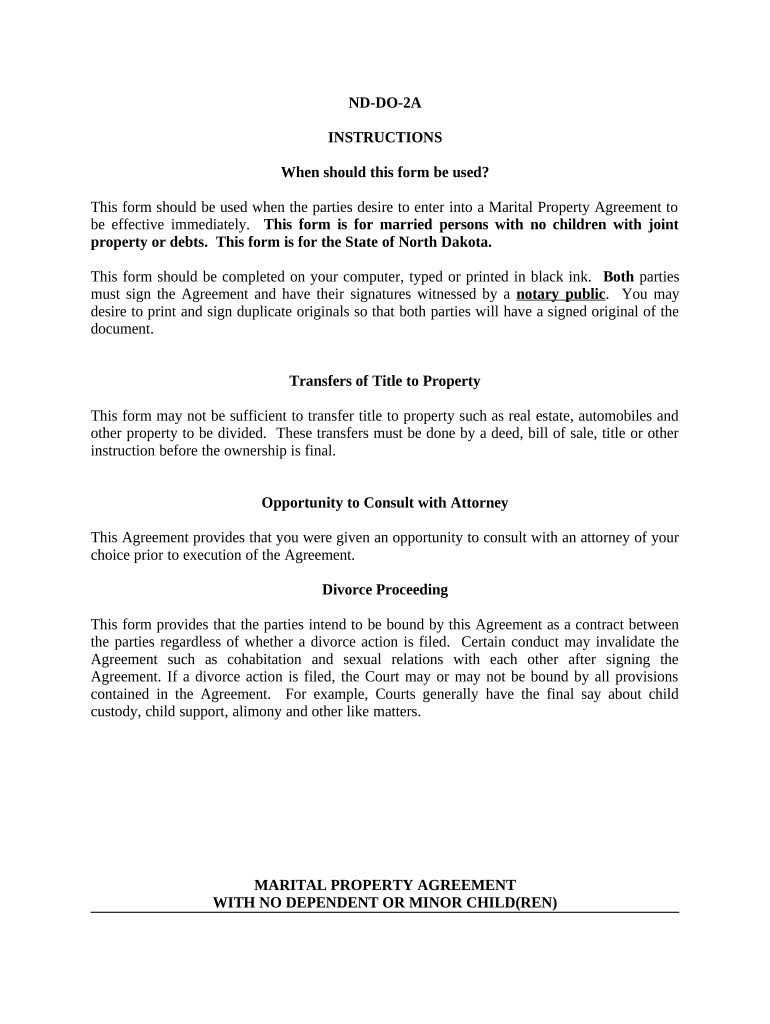
nd marital separation Preview on Page 1

Here's how it works

01. Edit your form online
Type text, add images, blackout confidential details, add comments, highlights and more.
02. Sign it in a few clicks
Draw your signature, type it, upload its image, or use your mobile device as a signature pad.
03. Share your form with others
Send it via email, link, or fax. You can also download it, export it or print it out.

How to use or fill out nd marital separation with our platform

Form edit decoration
9.5
Ease of Setup
DocHub User Ratings on G2
9.0
Ease of Use
DocHub User Ratings on G2
  1. Click ‘Get Form’ to open the nd marital separation document in the editor.
  2. Begin by entering the full legal names of both parties in the designated fields at the top of the form. Ensure accuracy as this information is crucial for legal purposes.
  3. In Section 1, outline your separation details, including the date and county of separation. This establishes the context for your agreement.
  4. Proceed to Section 2 to disclose financial information. Each party should list their assets and liabilities honestly, ensuring transparency in your financial status.
  5. In Section 3, detail how you wish to divide your assets. Clearly describe each item and its current fair market value to avoid future disputes.
  6. Complete Section 4 by specifying which debts each party will assume responsibility for. This section is vital for clarifying financial obligations post-separation.
  7. Finally, review all sections carefully before signing. Both parties must sign in front of a notary public to validate the agreement legally.

Start using our platform today to streamline your nd marital separation process effortlessly!

be ready to get more

Complete this form in 5 minutes or less

Get form

Got questions?

We have answers to the most popular questions from our customers. If you can't find an answer to your question, please contact us.
Contact us

You need to use only trustworthy software solutions with strong security compliance to approve your paperwork electronically. DocHub is just the type of software you need! It stores data on Amazon Web Servers and complies with all essential security standards and eSignature regulations, so it’s a trusted way to electronically sign your nd marital separation or other forms using this tool.

You can find and edit your nd marital separation online with the help of DocHub. Its simple but feature-rich design enables you to start productive work right after you register your account. Create your profile and add your file, and then our interface will guide you via our stress-free form completion experience.

In your affidavit, you need to prove that there has been a change in the marriage, gradual or sudden, showing you and your spouse have separated. You will need to explain any: change in sleeping arrangements. reduction in shared activities or family outings.
A letter from you or parents (if dependent) explaining whether the separation is permanent, and if there are plans to file for a divorce.
Trial, Permanent, Legal: All about the Different Types of Separation. Most people know what a separation is: a married couple living apart but remaining legally married.
be ready to get more

Complete this form in 5 minutes or less

Get form

People also ask

What do I need to prove? change in sleeping arrangements. reduction in shared activities or family outings. decline in performing household duties for each other. division of finances; for example, separate bank accounts, and.
Theres no one thing that proves you were separated. When the courts deciding about this it looks at whether you: file your taxes together and your finances are integrated (joined) sleep in the same bed.
Your truthful testimony to the court, under oath, can prove your separation. You can also present other witnesses or documents. A separation agreement between you and your spouse can be helpful to show the court.

Related links