



Here's how it works
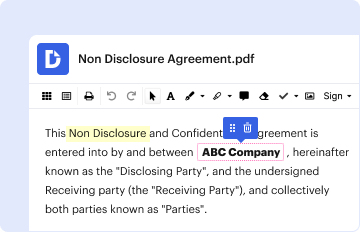
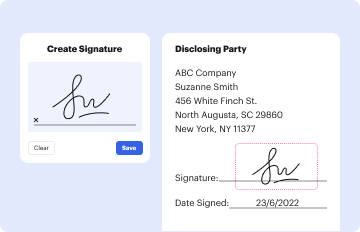
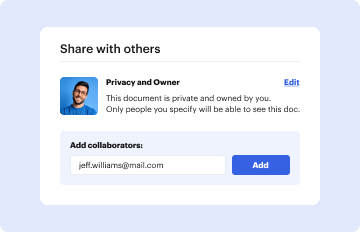
How to use or fill out multi board residential real estate contract fillable with our platform

- Click ‘Get Form’ to open the multi board residential real estate contract fillable in the editor.
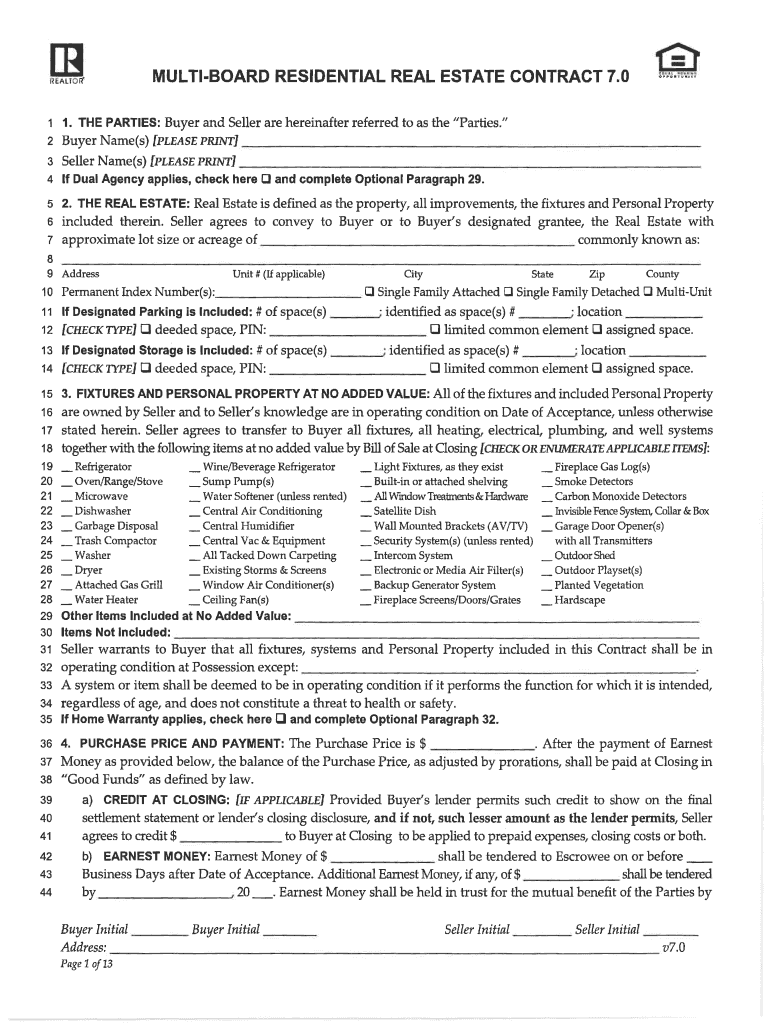
- Begin by entering the names of the Buyer and Seller in the designated fields. Ensure that all names are printed clearly.
- Specify if Dual Agency applies by checking the appropriate box and completing Optional Paragraph 29 if necessary.
- Fill in the details of the Real Estate, including address, lot size, and any applicable index numbers. Be thorough to avoid future discrepancies.
- In Section 3, check off any fixtures and personal property included in the sale. This ensures clarity on what is being transferred to the Buyer.
- Complete Section 4 regarding Purchase Price and Payment terms. Make sure to include Earnest Money details and any credits at Closing.
- Review all sections for accuracy before saving your progress. Utilize our platform's features to modify or add information as needed.
Start filling out your multi board residential real estate contract today for free using our platform!
It's free
Got questions?
How can I send my real estate contract 7 0 from Google Drive for approval?
If you often work with documents kept in your Google Drive, DocHub is a perfect option for you to easily and quickly fill out, adjust, and approve them. This editor integrates properly with Google services, so you can export your real estate contract 7 0 from your Google Drive to the editor without the need of downloading and re-uploading it. Right-click on your document, select Open With → DocHub PDF Sign and Edit. In our editor, add and assign Signature Fields for all people involved, then click on the Menu option above → Send → select how you want to share your form.
How do you edit multiboard 7 0 on Android?
Document editing with DocHub is equally convenient on desktop and mobile devices. You only need an internet browser to edit your multiboard 7 0 on Android. Open our website and sign in to access the tools you need. Add your document and introduce your intended modifications. Next, you can keep your form in your document storage or send it out immediately.
What is the 3 3 3 rule in real estate?
What are the 4 essential elements of a real estate contract?
What are the 4 types of real estate contracts?
Security and compliance
At DocHub, your data security is our priority. We follow HIPAA, SOC2, GDPR, and other standards, so you can work on your documents with confidence.
Learn more