Type text, add images, blackout confidential details, add comments, highlights and more.
02. Sign it in a few clicks
Draw your signature, type it, upload its image, or use your mobile device as a signature pad.
03. Share your form with others
Send it via email, link, or fax. You can also download it, export it or print it out.
How to use or fill out Minnesota Mediation with Our Platform
Ease of Setup
DocHub User Ratings on G2
Ease of Use
DocHub User Ratings on G2
Click ‘Get Form’ to open the Minnesota Mediation document in the editor.
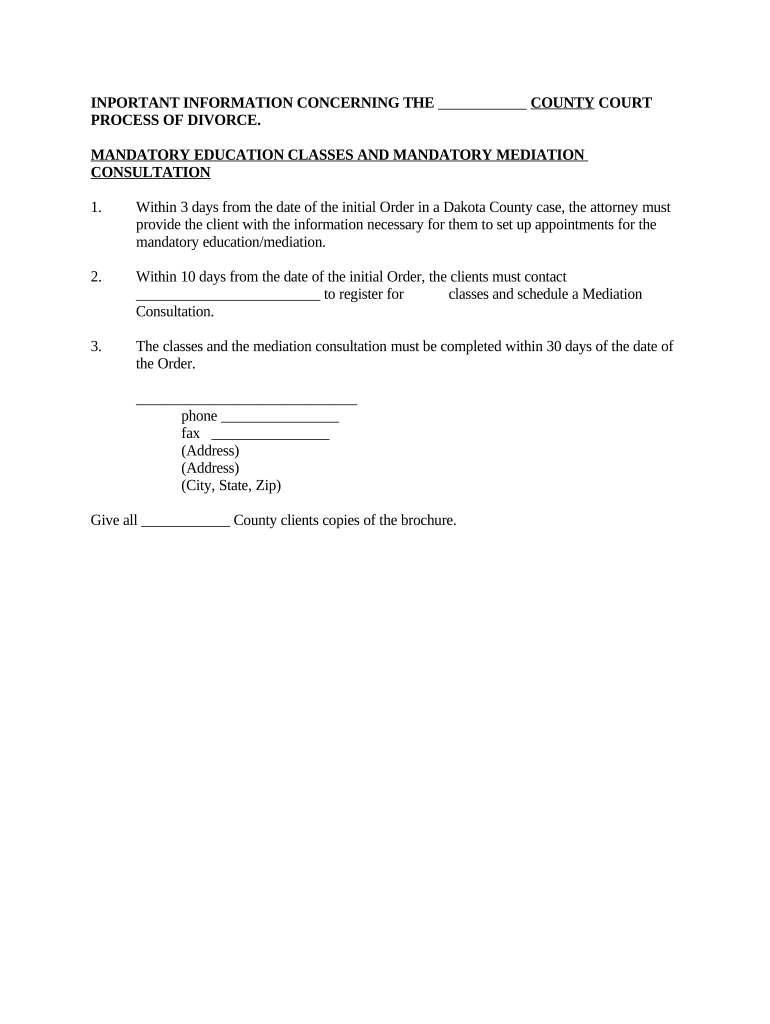
Begin by filling in your name and contact information at the top of the form. This ensures that all communication regarding your mediation is directed to you.
Next, locate the section for scheduling your mandatory education classes. Enter the required details, including the date you received your initial Order and any relevant registration information.
In the mediation consultation section, provide the necessary contact details for scheduling. Make sure to include phone numbers and addresses as indicated on the form.
Review all entered information for accuracy before saving or exporting your completed form. This step is crucial to ensure compliance with court requirements.
Start using our platform today to streamline your Minnesota mediation process for free!
This course focuses on the theoretical and practical applications of mediation. Students will learn about conflict and communication, mediation theory, theRead more
The field site is near Bemidji, Minnesota, in the Bagley outwash plain in north central. Minnesota. Location maps are given in Bekins and others (1999). InRead more
Cookie consent notice
This site uses cookies to enhance site navigation and personalize your experience.
By using this site you agree to our use of cookies as described in our Privacy Notice.
You can modify your selections by visiting our Cookie and Advertising Notice.