Type text, add images, blackout confidential details, add comments, highlights and more.
02. Sign it in a few clicks
Draw your signature, type it, upload its image, or use your mobile device as a signature pad.
03. Share your form with others
Send it via email, link, or fax. You can also download it, export it or print it out.
How to use or fill out Minnesota Partial with our platform
Ease of Setup
DocHub User Ratings on G2
Ease of Use
DocHub User Ratings on G2
Click ‘Get Form’ to open the Minnesota Partial document in the editor.
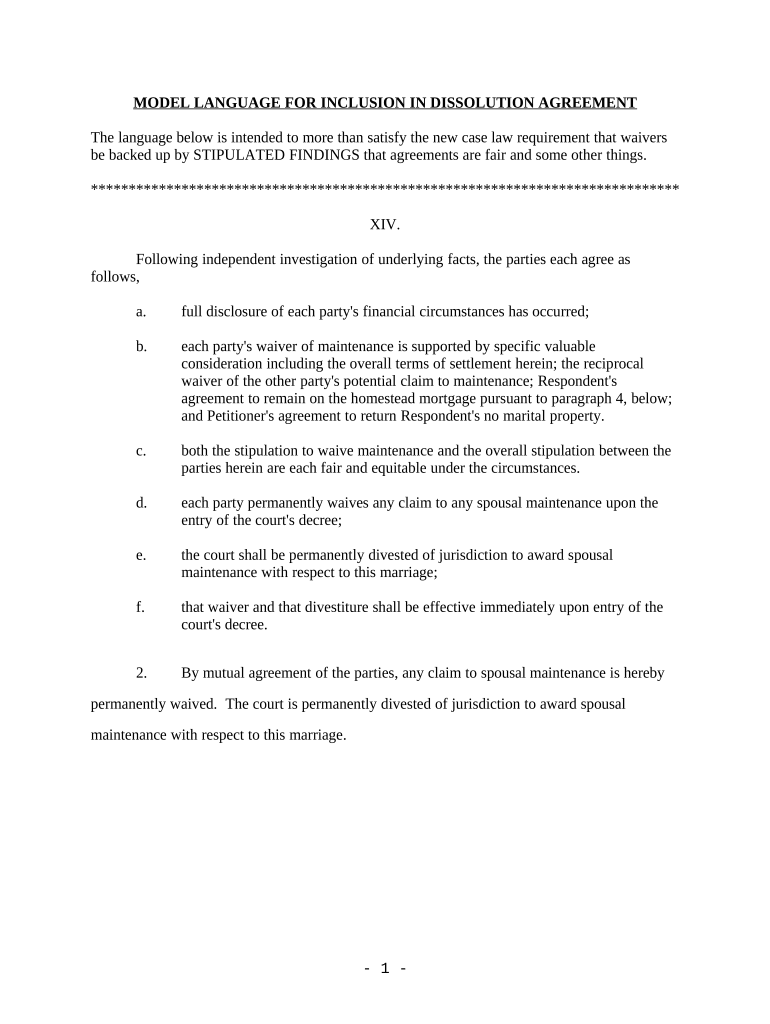
Begin by reviewing the introductory section, which outlines the agreement between parties regarding spousal maintenance. Ensure you understand each party's financial disclosures and waivers.
Fill in the required fields detailing each party's financial circumstances. This includes confirming full disclosure and noting any valuable considerations that support waivers.
In the stipulation sections, clearly indicate whether both parties agree that the terms are fair and equitable. Use checkboxes or text fields as provided.
Complete any additional sections regarding joint debts and obligations, ensuring clarity on payment responsibilities and potential consequences of defaults.
Review all entries for accuracy before finalizing. Utilize our platform’s tools to sign electronically if required.
Start using our platform today to easily fill out your Minnesota Partial form for free!
PARTIAL RELEASE OF MORTGAGE by Individual(s) - MN.gov
County, Minnesota, legally described as follows: Check here if all or part of the described real property is Registered (Torrens) 口 is hereby released fromRead more
Cookie consent notice
This site uses cookies to enhance site navigation and personalize your experience.
By using this site you agree to our use of cookies as described in our Privacy Notice.
You can modify your selections by visiting our Cookie and Advertising Notice.