Legal Last Will and Testament Form for Married person with Minor Children - North Carolina 2026

Get Form
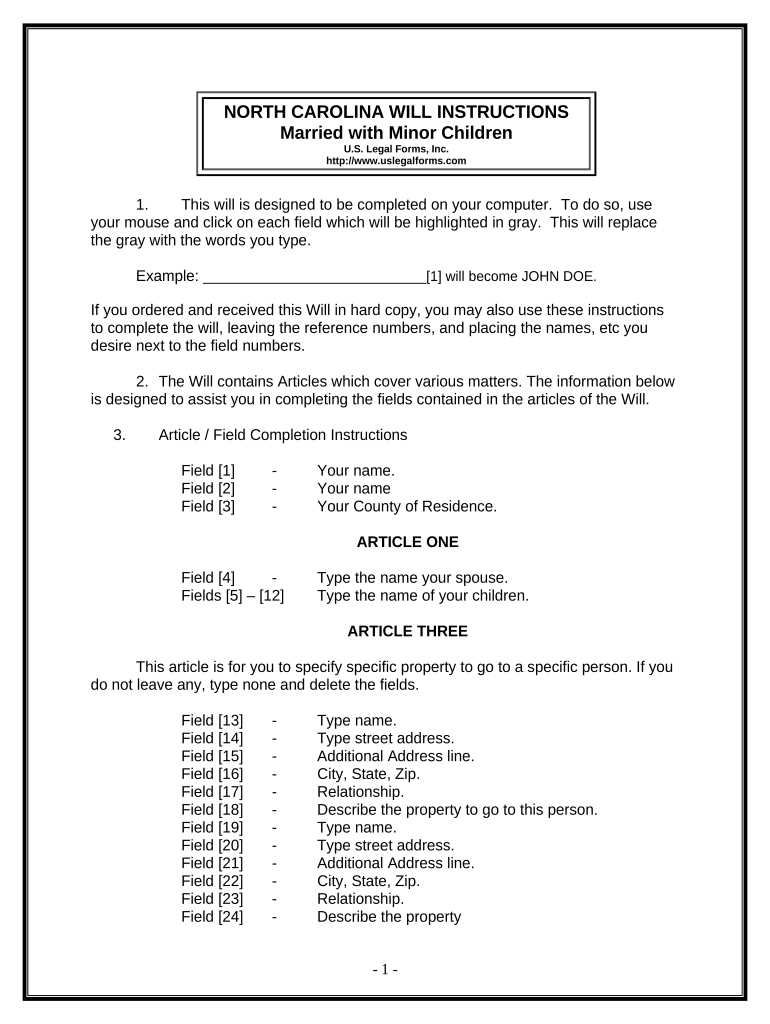
Legal Last Will and Testament Form for Married person with Minor Children - North Carolina Preview on Page 1

Here's how it works

01. Edit your form online
Type text, add images, blackout confidential details, add comments, highlights and more.
02. Sign it in a few clicks
Draw your signature, type it, upload its image, or use your mobile device as a signature pad.
03. Share your form with others
Send it via email, link, or fax. You can also download it, export it or print it out.

How to use or fill out Legal Last Will and Testament Form for Married person with Minor Children - North Carolina

Form edit decoration
9.5
Ease of Setup
DocHub User Ratings on G2
9.0
Ease of Use
DocHub User Ratings on G2
  1. Click ‘Get Form’ to open it in the editor.
  2. Begin by entering your name and county of residence in the designated fields. This establishes your identity and jurisdiction.
  3. In Article One, input your spouse's name and the names of your children along with their dates of birth. This section is crucial for identifying your immediate family.
  4. Proceed to Article Three to specify any particular property you wish to bequeath. If there are no specific items, simply type 'none' in the provided field.
  5. Continue filling out Articles Four through Eleven, detailing your homestead, remaining property, trustee appointments, and guardian designations for minor children.
  6. Review all entries carefully for accuracy before printing. Ensure that you sign the document in front of two witnesses who are not related to you.

Start using our platform today to complete your Legal Last Will and Testament form easily and for free!

be ready to get more

Complete this form in 5 minutes or less

Get form

Got questions?

We have answers to the most popular questions from our customers. If you can't find an answer to your question, please contact us.
Contact us
Does the buyer have to be present to docHub a title in NC? North Carolina regulations mandate that only the seller is required to have their signature docHubd during the process. So, buyers dont necessarily have to be present, though it might make it easier if they are.
Steps to Create a Will in North Carolina Decide what property to include in your will. Decide who will inherit your property. Choose an executor to handle your estate. Choose a guardian for your children. Choose someone to manage childrens property. Make your will. Sign your will in front of witnesses.
In the Will, you will name who will have your Power of Attorney, appoint the Guardian and Executor for your minor children, and state your wishes for your assets. There may be state-specific tax and inheritance laws youll want to consider when creating a will.
Most wills have two witnesses who are present when the will is being drafted. The will must be signed in front of the witnesses by the testator with both witnesses signing the document. The document doesnt need to be docHubd to be legal, but North Carolina has a provision for self-proving wills.
The testator must be at least 18 years old and of sound mind. the testator must intend that the writing outline how they want to distribute their property after they die. The testator must follow legal formalities, which vary depending on the type of Will: Holographic Wills are handwritten wills.

Security and compliance

At DocHub, your data security is our priority. We follow HIPAA, SOC2, GDPR, and other standards, so you can work on your documents with confidence.

Learn more
ccpa2
pci-dss
gdpr-compliance
hipaa
soc-compliance