




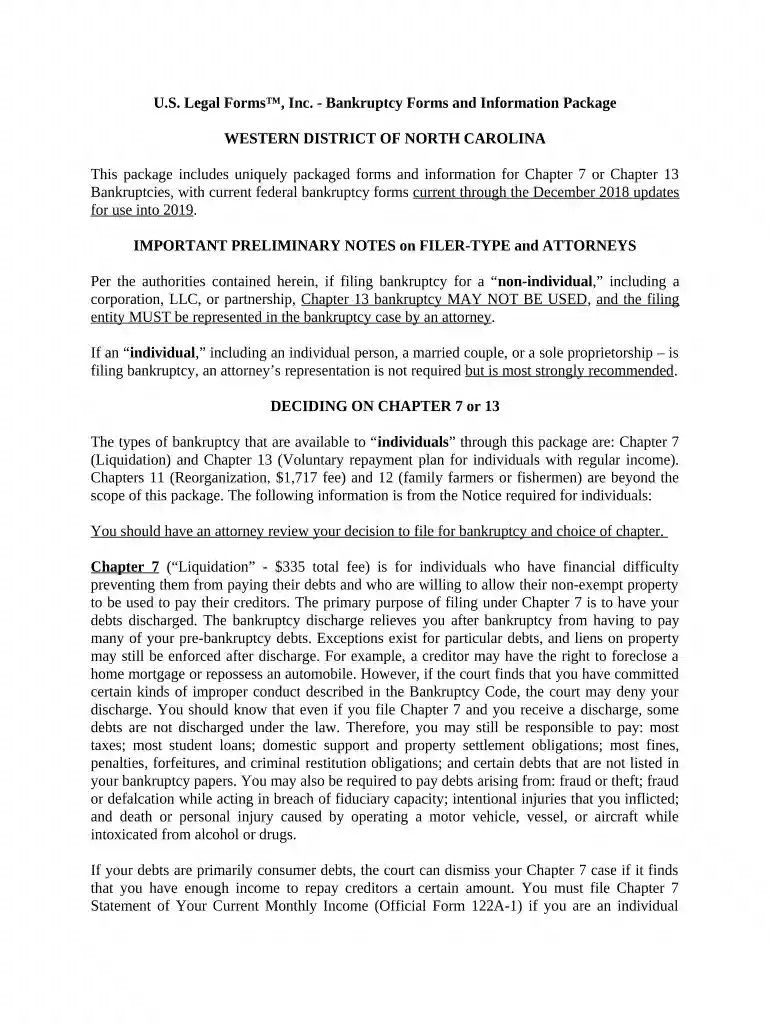
01. Edit your form online
Type text, add images, blackout confidential details, add comments, highlights and more.

Type text, add images, blackout confidential details, add comments, highlights and more.

Draw your signature, type it, upload its image, or use your mobile device as a signature pad.

Send it via email, link, or fax. You can also download it, export it or print it out.

Start using our platform today for free to streamline your nc chapter 7 filing process!
At DocHub, your data security is our priority. We follow HIPAA, SOC2, GDPR, and other standards, so you can work on your documents with confidence.





Dec 13, 2005 Individuals usually file chapter 7 bankruptcy cases when they have few nonexempt resources, incomes that do not exceed their necessary livingRead more
eSR is an online tool to help individuals complete a Chapter 7 or Chapter 13 bankruptcy petition. pay the bankruptcy filing fee of $338.00 for Chapter 7 up to
When I went there, she was a pious, warm, and tender-hearted woman. There was no sorrow or suffering for which she had not a tear. She had bread for the hungry,


